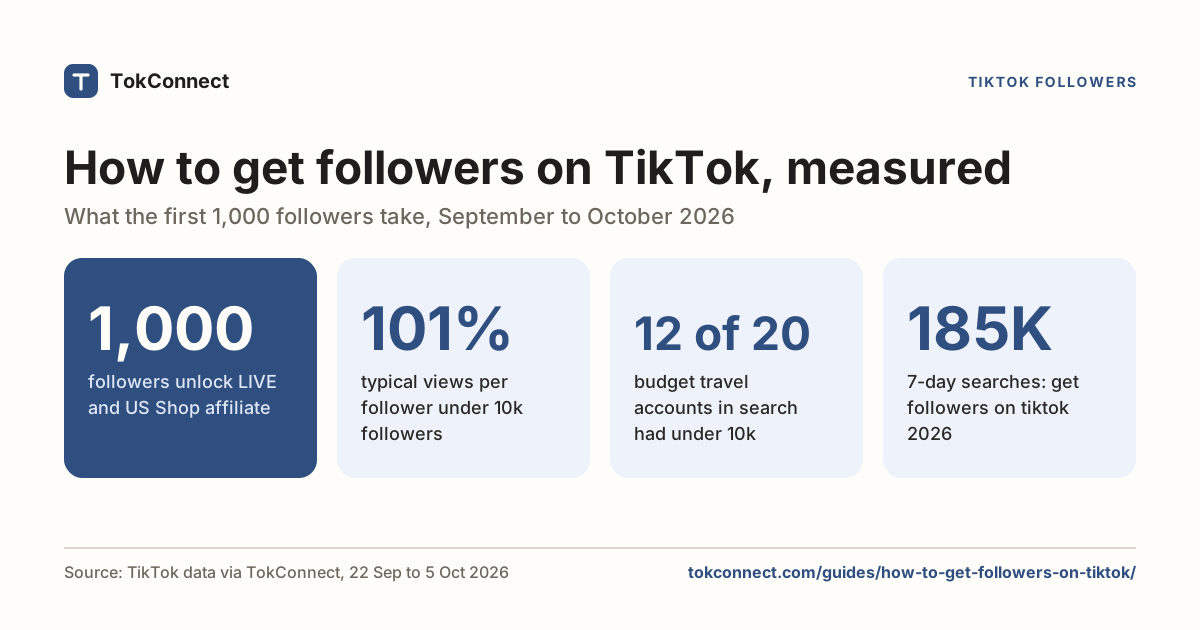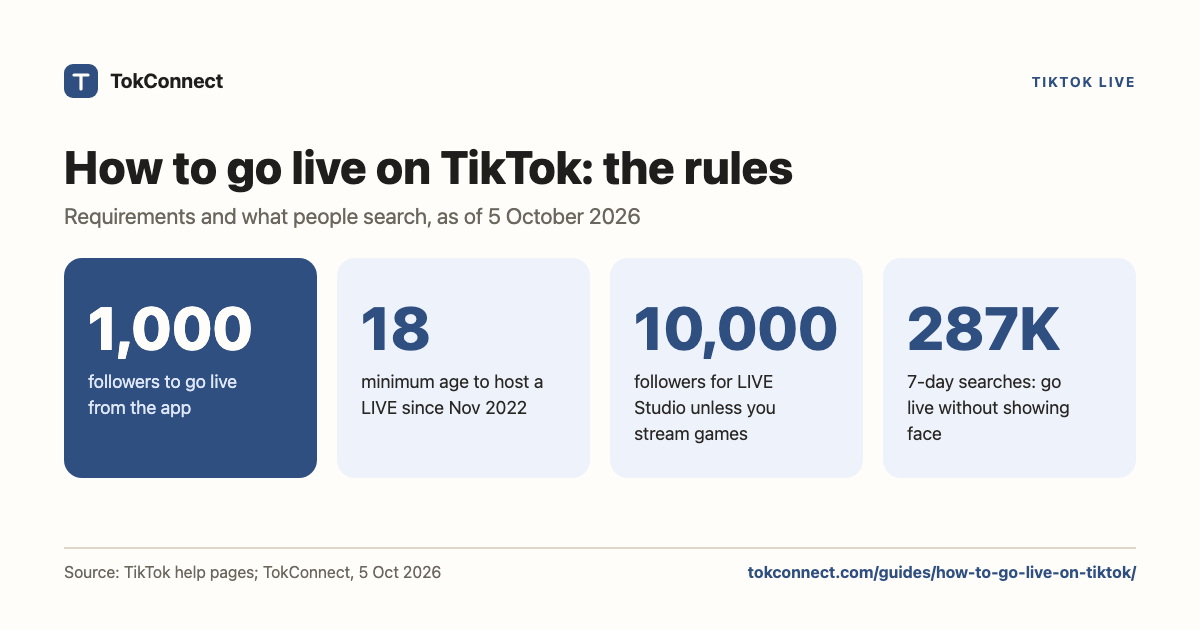

- TikTok's published rule is 1,000 followers and age 18 or over to host a LIVE. The follower number can differ by region; the age rule does not.
- To start: tap the plus button, swipe to LIVE, add a title and a topic, tap Go LIVE. On a computer, use LIVE Studio on Windows or a stream key in OBS.
- Gifts need both sides to be 18 or over. Guests, LIVE goals, moderators and keyword filters are free and worth setting up before your first stream.
- If the LIVE button is missing, check followers, birthday, region and the Restrictions page in settings, in that order.
- TikTok has not published how long a LIVE restriction lasts. The notice on your account is the only place the date appears.
To go live on TikTok you need 1,000 followers and an account that says you are 18 or older, the two rules TikTok's help pages still set. Once you have both, the LIVE option appears when you tap the plus button, and you can start a stream in about a minute. That is the short answer to how to go live on TikTok.
The rest covers what trips people up: the follower rule, streaming from a computer, the LIVE features to switch on first, and why the button is sometimes missing when you qualify. Rules were read from TikTok's LIVE pages and re-confirmed against 2026 guides on 5 October 2026; TikTok's help centre blocks automated reading, so some wording comes through those guides.
How many followers to go live on TikTok
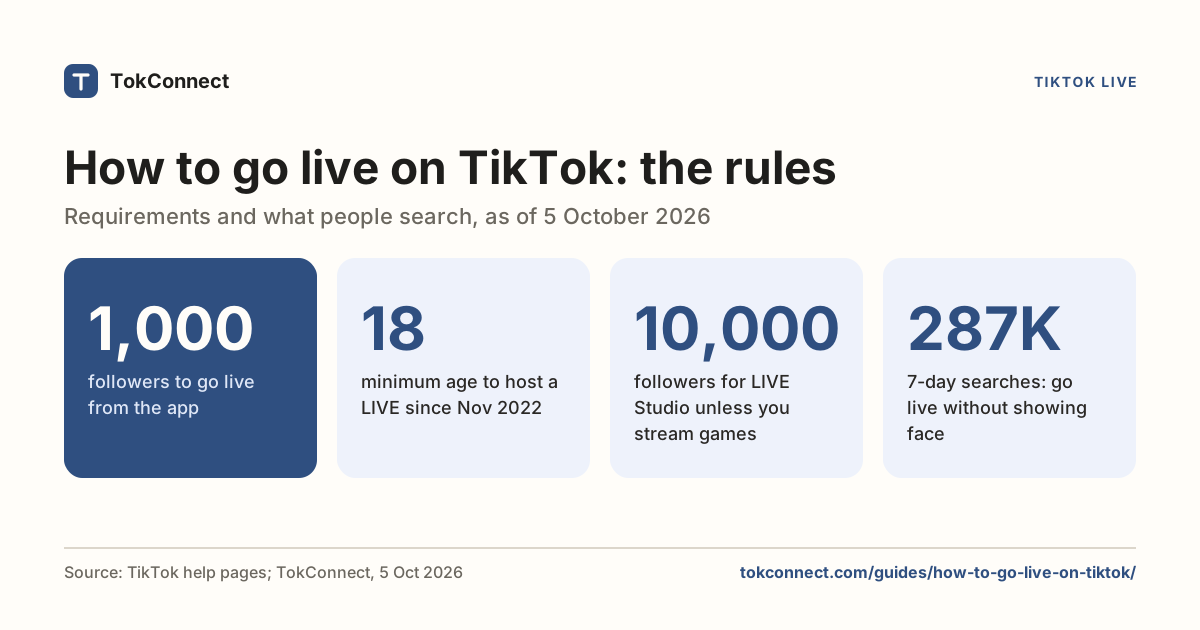
1,000. TikTok's LIVE help page says you need 1,000 followers to go LIVE, and adds that the number may vary across regions (read 22 September 2026; 2026 guides still give the same rule on 5 October 2026). It does not say which regions or by how much. Guides from March 2026 confirm the number and note that 999 does not count.
TikTok reads your follower count when you open the LIVE screen, not once and forever. Cross 1,000, lose a few, drop under, and the button can vanish until you are back over. Creators also report a gap of up to a day or two between reaching 1,000 and seeing the option. TikTok has not published that delay, so treat it as a common experience, not a rule.
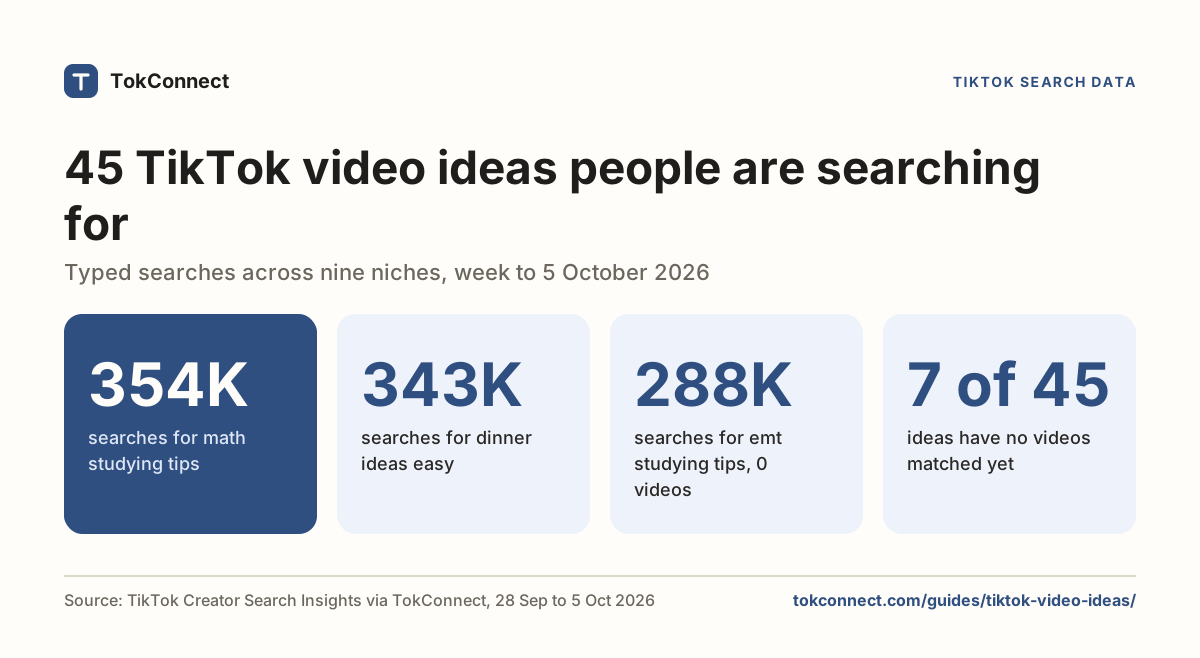
There is no form to request early access and no setting that unlocks it. If you are under 1,000, the only route is more followers. The followers guide shows what works, starting with videos people search for, which the video ideas page lists by topic.
TikTok LIVE requirements at a glance
| Rule | What TikTok publishes | Where it says so |
|---|---|---|
| Followers | 1,000, may vary by region | TikTok LIVE help page |
| Age to host a LIVE | 18 or older, since 23 November 2022 (it was 16) | TikTok Safety Center; TikTok Newsroom, October 2022 |
| Age to send or receive gifts | 18 or older (19 in South Korea) | TikTok LIVE help page |
| Account standing | No active Community Guidelines violations; LIVE access can be removed after violations | TikTok Community Guidelines, Accounts and Features |
| Account age | Not published. Guides quote 7, 16 and 30 days; none of them cite TikTok | None |
| Device | Phone with the TikTok app, a computer with LIVE Studio, or any computer with a stream key | LIVE Studio Help Center |
Sources: Age requirements for TikTok LIVE, TikTok Newsroom as reported by Gulf News, and the DemandSage 2026 guide. TikTok's pages were last read on 22 September 2026; on 5 October 2026 TikTok's help center blocked automated reading, so we re-confirmed each rule in 2026 guides and news reports.
Older articles still say 16, because that was the rule until TikTok raised it on 23 November 2022. If your birthday on TikTok makes you 17, you cannot host, and editing the date is not a fix; TikTok may ask for ID when a birthday changes.
How to go live on TikTok from the app
- Open TikTok and tap the plus button at the bottom of the screen.
- Swipe the options under the record button until LIVE is selected. If it is not there, jump to why the button is missing.
- Write a title. A few words that say what you will do, such as "sourdough Q&A" or "ranked games, come chat".
- Pick a topic. TikTok uses it to place your stream in the LIVE feed, so pick the one that matches, not the one that looks popular.
- Tap the settings icon to add a cover, turn comments on or off, add moderators, set keyword filters and add a LIVE goal.
- Tap Go LIVE. There is a short countdown and you are on.
To end the stream, tap the power icon in the corner and confirm. TikTok then shows viewers, new followers and gifts for the session.
Going live from a computer
TikTok LIVE Studio (Windows, and Mac in some countries)
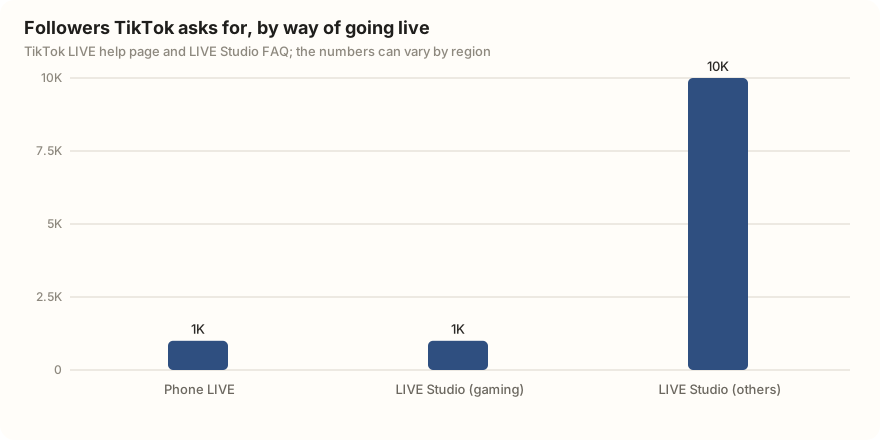
LIVE Studio is TikTok's own streaming app for 64-bit Windows 10 and 11. TikTok's install page listed a Mac version for the US, UK and selected countries when we read it in September 2026, and TikFinity's August 2026 guide describes Apple silicon and Intel builds. Guides from May and June 2026 still say there is no Mac version, so check the download page while signed in. You sign in with the account you stream from. LIVE Studio has its own, higher bar: TikTok's LIVE Studio FAQ asks 1,000 followers of gaming creators and 10,000 of everyone else, plus age 18. The LIVE Studio guide covers requirements and fixes.
| Part | Minimum for a basic 720p stream | Comfortable for 1080p |
|---|---|---|
| Windows | 10 or 11, 64-bit | 11, 64-bit |
| Processor | Intel Core i3 9th gen or AMD Ryzen 5 3000 (TikTok's minimum) | 6 to 8 cores (Core i5/i7, Ryzen 5/7) |
| Memory | 8 GB | 16 GB or more |
| Graphics | Built-in graphics for camera-only streams | A separate graphics card |
| Free storage | 4 to 10 GB | 10 GB or more on an SSD |
| Upload speed | 5 to 6 Mbps | 15 to 20 Mbps |
Specs from SociallyIn (updated May 2026) and SMMNut (June 2026). TikTok's download page lists the processor minimum and 8 GB of memory, figures TikFinity repeated in August 2026; the LIVE Studio FAQ covers access.
A stream key in OBS or Streamlabs (Mac or Windows)
Log in to TikTok in a browser and click Go LIVE in the left menu to reach LIVE Center. Start a LIVE session with a title and topic, and the dashboard shows a server URL and a stream key. Paste both into OBS under Settings, Stream, Custom. Restream's guide notes two catches: not every account is offered a stream key, and the key changes when you log out, so copy it each time.
Streamlabs has its own TikTok connection with a stricter rule: since 7 July 2025, at least half of your streams through it must be gaming, or access is removed and you reapply after 14 days. That is a Streamlabs rule, not a rule for going live from the app.
LIVE features worth setting up
| Feature | What it does | Limit TikTok publishes |
|---|---|---|
| Multi-guest | Invite viewers or other creators into your stream in a grid or panel layout | Up to 9 guests |
| Gifts | Viewers send virtual gifts that convert to Diamonds you can cash out | Sender and receiver both 18 or older |
| LIVE goal | A progress bar for a gift target, shown on screen | Up to 3 gifts per goal, set before or during the stream |
| Moderators | Trusted viewers who can mute and block on your behalf | 20 per session according to TikTok's help page; one 2026 guide says 200 |
| Keyword filters | Hide comments containing words you list, including close spellings | Up to 500 keywords, 30 characters each |
| Adult-only audience | Restrict who can watch to viewers 18 and over | Available since late 2022 |
Sources: TikTok's Multi-guest introduction, LIVE goal help and Comments on TikTok LIVE, with the moderator and keyword limits taken from NapoleonCat. Limits as TikTok's pages stated them on 22 September 2026; TikTok's help center could not be reached to re-check them on 5 October 2026.
Set moderators and keyword filters before you go live, not after the first rude comment. Moderators handle comments but cannot accept guest requests or end your stream. For the LIVE goal, TikTok's own advice is a cheap gift in a large quantity, such as 100 roses, so more viewers can take part.
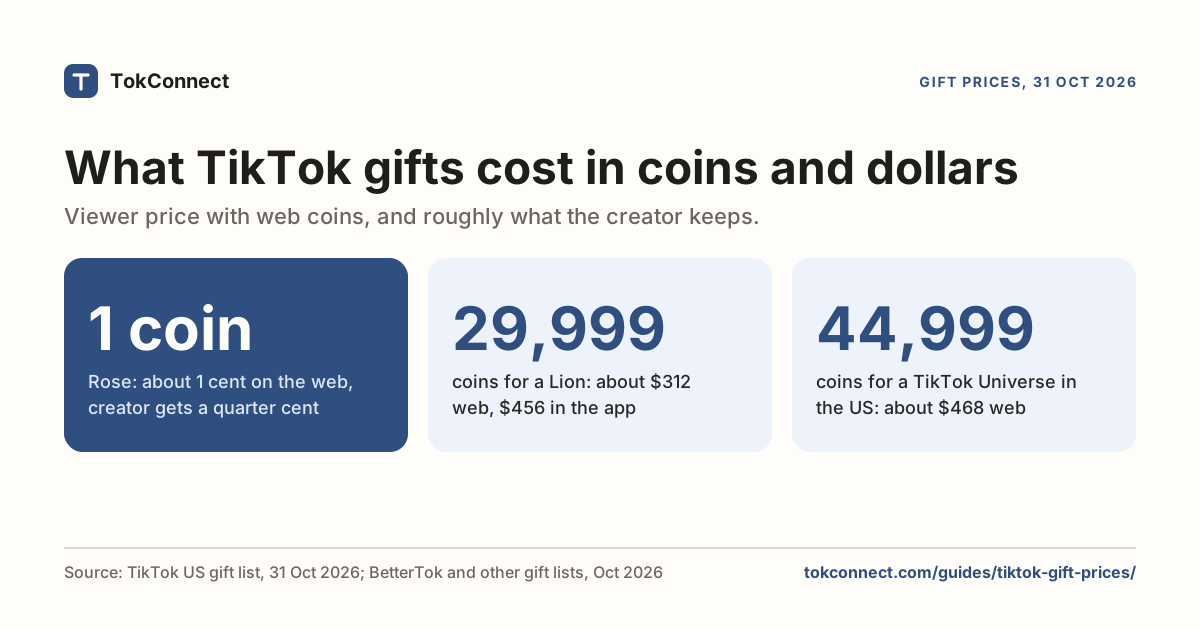
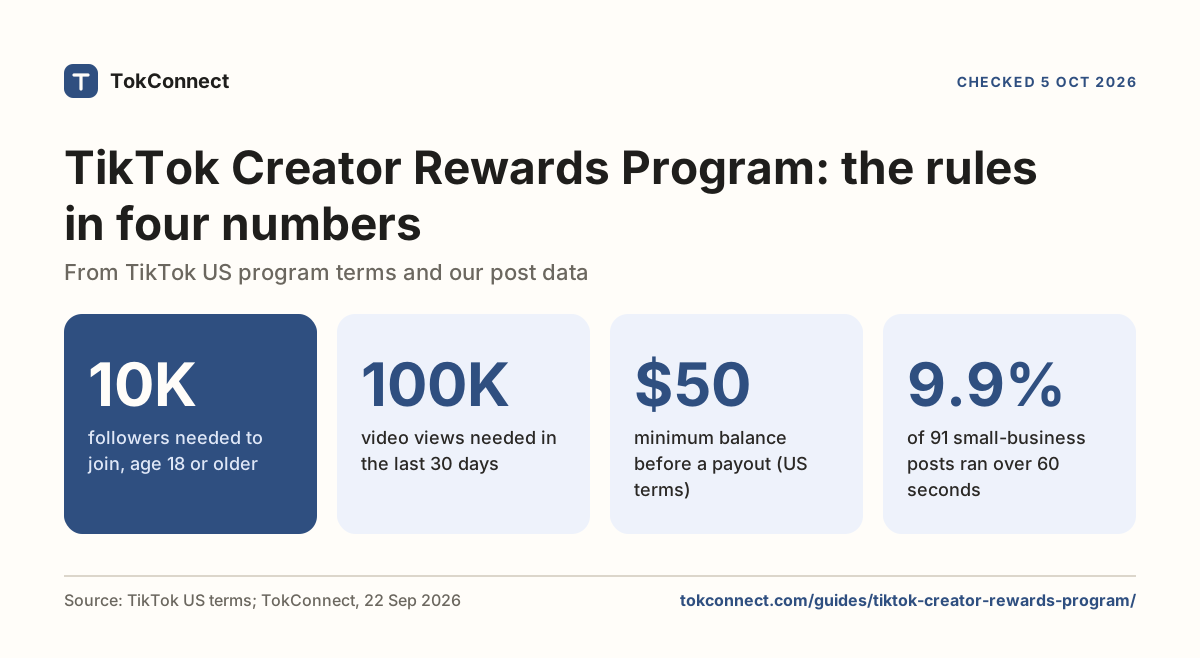
Gifts are one way a LIVE earns: see what each gift pays in dollars with the TikTok gift calculator. Diamonds from gifts are separate from the Creator Rewards Program, which pays for videos, so you can earn from both. Your analytics show LIVE viewers, gifts and new followers per stream.
Leave the camera pointed at a wall, a sleeping pet or a looped video while you do something else. TikTok's LIVE rules call this a static or unattended stream, and it is easy for the system to spot. The other fast routes are showing anyone under 18 as a host or guest, putting a link or QR code on screen that sends people off TikTok, and streaming a topic that does not match the one you picked. One violation can take the button away for days; repeats can take it away for good.
Why can't I go live on TikTok?
Work down this list. The first match is usually the answer.
- Under 1,000 followers. Check your profile, not your memory. The button appears at 1,000 and can disappear at 999.
- Birthday under 18. Open Settings and privacy, then Account, and check the date of birth TikTok has for you. If it is wrong, TikTok's LIVE issues page explains how to submit a correction; you may be asked for ID.
- Region. The follower threshold varies by country, and LIVE is not offered everywhere. A VPN does not help and can count against your account.
- A violation. Go to Settings and privacy, then Account, then Restrictions. If TikTok has limited LIVE, a notice sits there with a reason and, when the limit is temporary, an end date. In the app this reads "LIVE access restricted".
- Old app. Update TikTok. A stale app sometimes hides the LIVE option.
- You just crossed 1,000. Wait a day or two and check again.
A private account does not block LIVE. Neither does being new, as far as TikTok has published; the account-age numbers in some guides are guesses.
How long does "LIVE access restricted" last?
TikTok has not published a fixed length for a LIVE restriction. Its enforcement system, announced in February 2023, works on strikes: a violation adds a strike, strikes expire after 90 days, and enough strikes in one feature such as LIVE lead to a permanent ban from that feature. Temporary restrictions sit between those two, and the end date appears only on the notice in your Restrictions page. A 2025 guide to TikTok's notices confirms the 90-day window and adds that TikTok allows one appeal per restriction.
Creators say the process feels arbitrary. A January 2026 thread on r/SmallStreamers, "TikTok live access restricted from false reporting", describes a streamer losing LIVE after a wave of reports with no violation they could identify. A February 2026 thread on r/TikTokLounge, "Can we actually do something about TikTok's support system", collects cases where the appeal came back with a generic answer. These are creator reports, not TikTok policy. What they suggest: appeal once, from the notice itself, keep it short and factual, and keep posting videos while you wait.
What people ask TikTok about LIVE
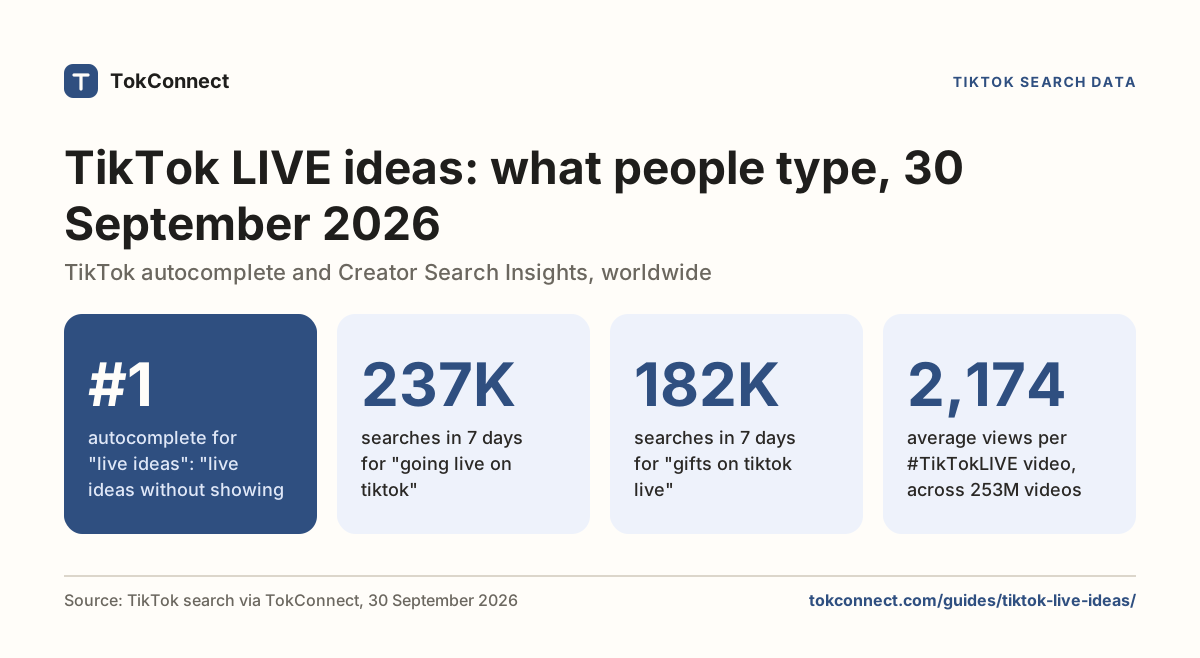
We typed "live" into TikTok's search on 22 September 2026 and saved the ten suggestions. Six were about watching a stream, and three of those named a game or a sport ("live free fire", "live match", "live roblox"); the other four were wallpaper, a photo and a football club. Open the snapshot.
People search for a live of a specific thing, so put the thing in your title. "live" is what viewers type when they want anything; "live roblox" is what they type when they want you.
Search TikTok LIVE for cooking and tell me how many rooms are on and how big they are right now. Then search TikTok suggestions for "live cooking" and list what people type.
Run it before each stream to see whether your topic is crowded or empty at that hour. TokConnect runs it for you.
Hosts search too. These are typed searches, the phrases people actually enter, about going live:
| Typed search | Searches, 7 days to 5 Oct 2026 | Videos TikTok matched |
|---|---|---|
| how to go live on tiktok without showing face | 287,428 | 0 |
| how to go live on vr on tiktok | 275,282 | 561 |
| how to go live on tiktok with 50 followers | 170,082 | 1,358 |
| how to go live on tiktok from ps5 | 154,884 | 0 |
| how to go live on tiktok beginners | 78,992 | 763 |
| what to do on live tiktok | 73,707 | 809 |
| tiktok live settings | 26,002 | 1,005 |
| what is live pro on tiktok | 22,793 | 288 |
Data: TikTok Creator Search Insights, global searches in the 7 days to 5 October 2026. Open the snapshot.
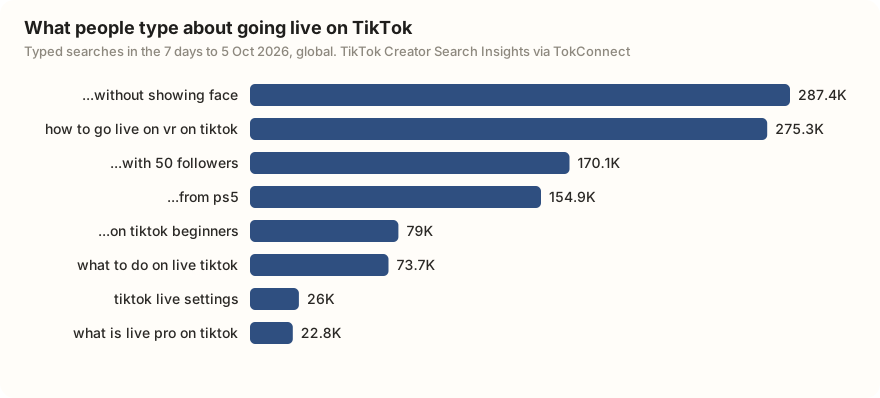
Two of the biggest, going live without showing your face and going live from a PS5, had no videos matched to them. The "50 followers" search is people hoping the 1,000 rule has a way round; TikTok publishes none. The niches guide explains how to read a crowded result.
Before your first LIVE: a checklist
- Your profile shows 1,000 or more followers and your date of birth makes you 18 or older.
- Settings and privacy, Account, Restrictions shows nothing about LIVE.
- The app is updated, or LIVE Studio is installed on your computer.
- You are on Wi-Fi or a wired connection with at least 5 Mbps upload. Run a speed test.
- Your title names what you will do and your topic matches it.
- Two or three moderators have agreed to be there, and you have added them.
- Your keyword filter has the words you never want to see, plus their obvious misspellings.
- One LIVE goal is set, using a cheap gift in a large quantity.
- Nothing on screen shows a person under 18, a link, a QR code, or music you do not have rights to.
- You have a plan for the first two minutes. Viewers arrive one at a time, and the first ones decide whether to stay.
Streaming is the one place on TikTok where you cannot edit before people see it. The checklist takes five minutes and covers what can go wrong before you tap Go LIVE.
How we got these numbers
The rules come from TikTok's LIVE help page, Safety Center, Newsroom, LIVE Studio FAQ and download page. TikTok's help center blocks automated reading, so we confirmed its current wording through search excerpts and 2026 guides (TikFinity, DemandSage, OneStream). Where we could not re-confirm a detail, such as the multi-guest and moderator limits, the page gives the date we last read it.
The search figures were pulled through TokConnect. On 22 September 2026 we pulled TikTok's search suggestions for "live" (10 suggestions). On 5 October 2026 we pulled TikTok's search counts for "how to go live on tiktok" (20 topics). Searches are TikTok's global search popularity over 7 days.
A record counts as a topic group, not a typed search, if its 7-day figure is 5,000,000 or more, or 1,000,000 or more with the week's first reading under 5% of its last, or TikTok files it as Featured Content; "going live on tiktok" fell in that group, so it is left out. Off-topic records, such as "how to get tiktok", are left out too. Data: suggestions, topics.
Key statistics
TikTok requires 1,000 followers to go LIVE from the TikTok app, a number its LIVE help page says can vary by region.
The minimum age to host a TikTok LIVE has been 18 since 23 November 2022, up from 16, and sending or receiving LIVE gifts also requires 18 (19 in South Korea).
TikTok LIVE Studio, TikTok's desktop streaming app, asks for 1,000 followers from gaming creators and 10,000 from everyone else, plus age 18.
All 6 statistics
"how to go live on tiktok without showing face" was searched 287,428 times on TikTok in the 7 days to 5 October 2026, and TikTok matched 0 videos to it.
"how to go live on tiktok with 50 followers" was searched 170,082 times on TikTok in the 7 days to 5 October 2026, and TikTok matched 1,358 videos to it.
"how to go live on tiktok from ps5" was searched 154,884 times on TikTok in the 7 days to 5 October 2026, and TikTok matched 0 videos to it.
Frequently asked questions
How many followers do you need to go live on TikTok?
1,000. That is the number TikTok publishes on its LIVE help page, with a note that it can vary by region. TikTok checks the count when you open the LIVE screen, so if you drop to 999 the button can disappear again.
Can you go live on TikTok without 1,000 followers?
Not by any method TikTok publishes. Some creators in some regions report getting the button early, and TikTok's help page allows for regional differences, but there is no setting, form or trick that unlocks it. Buying followers puts your account at risk of removal. The followers guide covers the ways that work.
How old do you have to be to go live on TikTok?
18. TikTok raised the age from 16 to 18 on 23 November 2022. You also have to be 18 to send or receive gifts during a LIVE (19 in South Korea). Some older guides still say 16; they are out of date.
Why can't I go live on TikTok even though I have 1,000 followers?
The usual causes are a birthday on the account that puts you under 18, a region where the follower threshold is higher, a recent Community Guidelines violation, or an old version of the app. Creators also report a wait of up to a day or two after crossing 1,000 before the button appears. Check Settings and privacy, then Account, then Restrictions, to see if TikTok has limited your LIVE access.
How do I go live on TikTok on a PC or Mac?
Install TikTok LIVE Studio from tiktok.com/studio/download and sign in with the account you stream from. It runs on Windows 10 and 11, and TikTok's install page listed a Mac version for the US, UK and selected countries in September 2026. LIVE Studio asks 1,000 followers of gaming creators and 10,000 of everyone else. Without it, log in to TikTok in a browser, open LIVE Center, start a LIVE session and copy the server URL and stream key into OBS; not every account is offered a stream key.
How long does a TikTok LIVE restriction last?
TikTok does not publish a fixed length. The notice in your app or the Restrictions page shows an end date when the restriction is temporary. Strikes stay on your record for 90 days. If the restriction is permanent, your only route is the appeal button on the notice.
Sources and data
- What is TikTok LIVE (TikTok Help Center)
- Age requirements for TikTok LIVE (TikTok Safety Center)
- Issues with TikTok LIVE (TikTok Help Center)
- Comments on TikTok LIVE (TikTok Help Center)
- Enhancing the LIVE community experience (TikTok Newsroom, October 2022)
- Supporting creators with an updated account enforcement system (TikTok Newsroom, February 2023)
- Download LIVE Studio (TikTok)
- LIVE Studio Help Center FAQ (TikTok)
- Introduction to Multi-guest (TikTok LIVE Creator Hub)
- Set a LIVE goal to welcome more Gifts (TikTok LIVE Studio Help Center)
- TikTok brings adult-only streams, raises age requirement for going live (Gulf News, October 2022)
- TikTok LIVE Requirements: Complete Guide for 2026 (SocialzAI, March 2026)
- How Many Followers on TikTok to Go Live (DemandSage, March 2026)
- TikTok LIVE Studio System Requirements (SociallyIn, updated May 2026)
- TikTok Live Studio Guide 2026 (SMMNut, June 2026)
- How to Get a TikTok Stream Key (Restream)
- Streamlabs x TikTok Streaming Access Revoked/Suspended (Streamlabs Support)
- How to Hide Comments on TikTok Live (NapoleonCat)
- TikTok Ban Notification Guide (SociallyIn, updated August 2025)
- TikTok search suggestions for "live", 22 September 2026 (snapshot)
- TikTok search topics for "how to go live on tiktok", 5 October 2026 (snapshot)
- How to Use TikTok LIVE Studio: Setup Guide (TikFinity, updated August 2026)