Connect TikTok to ChatGPT, Claude and your AI tools
Connect TokConnect once and your AI answers TikTok questions with real numbers: what people search, what is selling on TikTok Shop, which creators sell it, what comments say. ChatGPT and Claude sign in with no key. Claude Code, Cursor, Codex and Gemini CLI can sign in or use a key. Hermes, OpenClaw and n8n take a key from app.tokconnect.com/api-key. Free to start, no card.
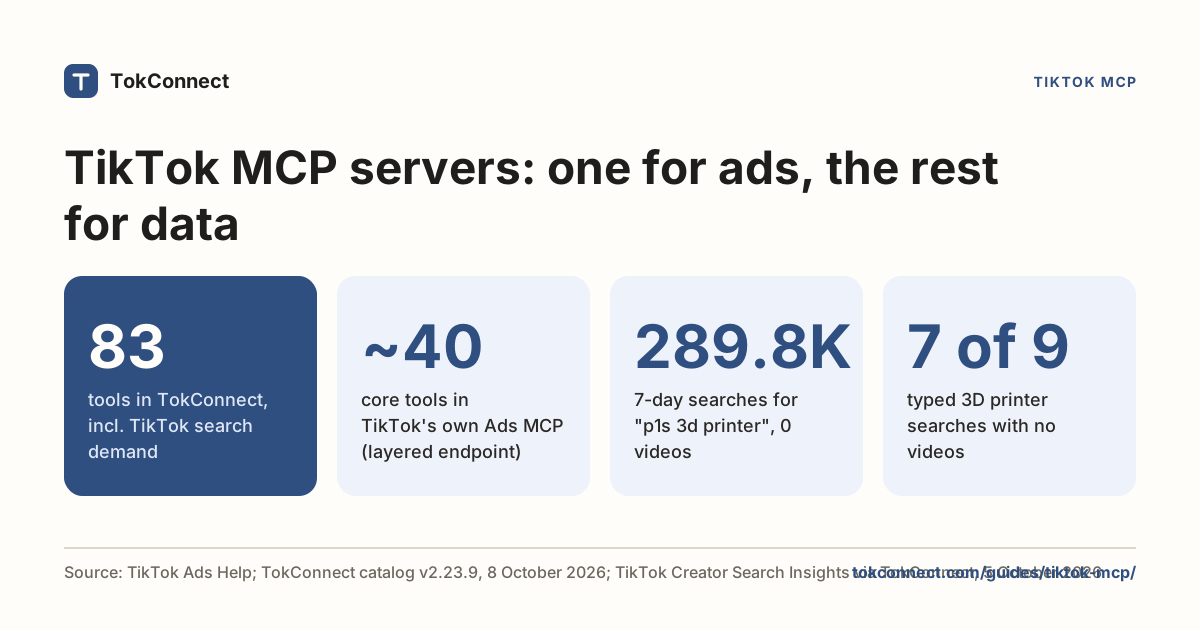
Every plan, Free included, gets all 34 tools. Free gives 50 credits once, one credit pays for one lookup and failed lookups cost nothing. Paid plans start at $34.99 a month billed yearly ($49 billed monthly), with 500 credits a month on Starter. No compatible AI app? Ask the research agent instead.
Sign in, no key
ChatGPT
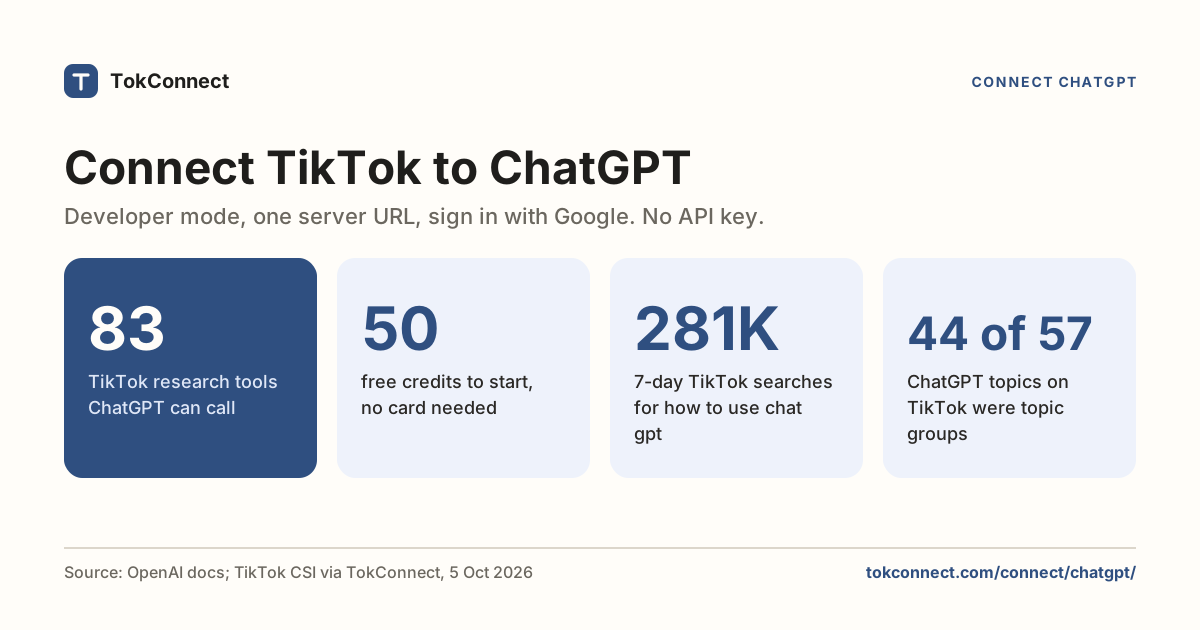
Add TikTok to ChatGPT in three steps, no API key, and ask it what people search, watch, say and buy.
Connect ChatGPTRead the setup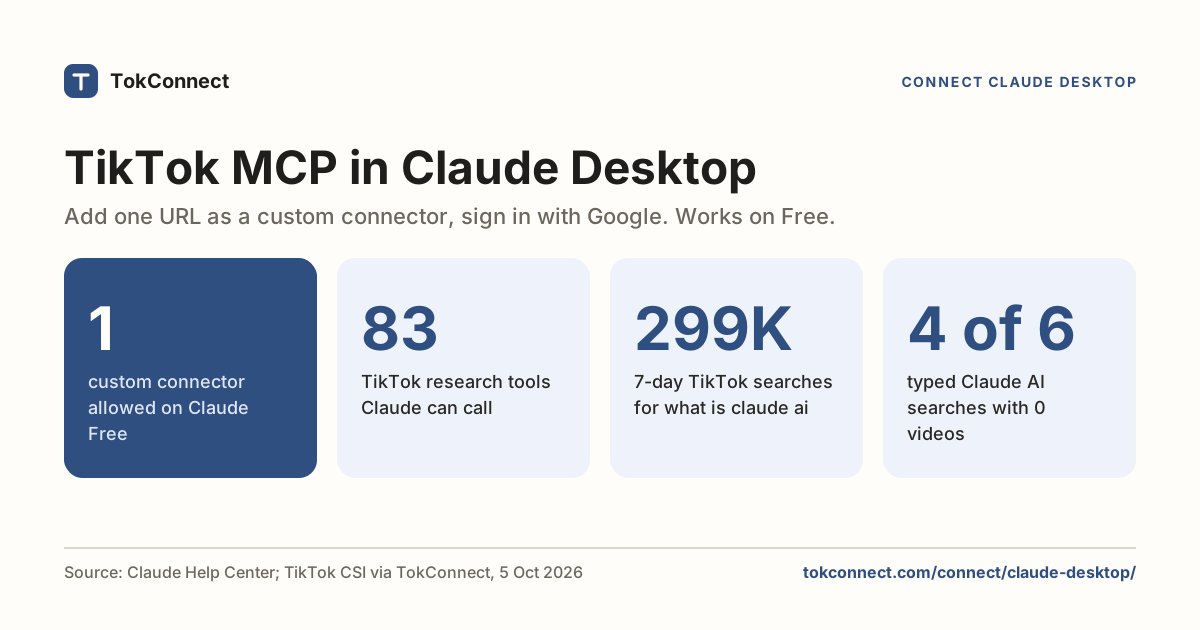
Claude (Desktop, web and mobile)
Add TikTok to Claude Desktop as a connector, sign in with Google, and ask it what people search, watch, say and buy.
Connect ClaudeRead the setupAdd with a key
Claude Code
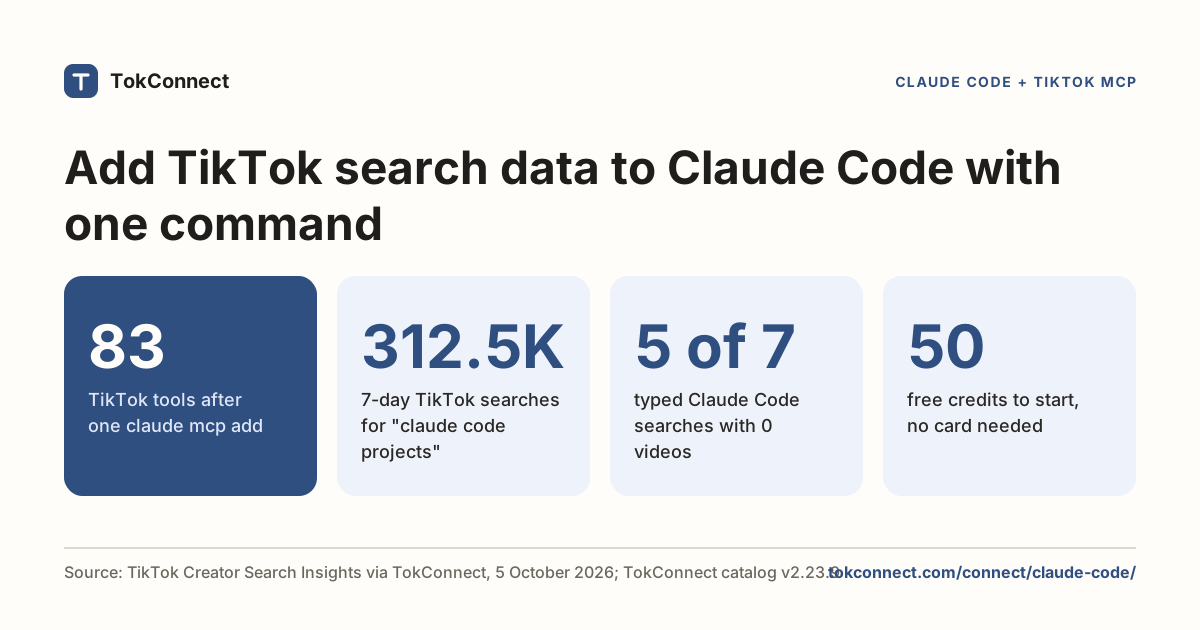
Add TikTok to Claude Code with one command and ask it what people search, watch, say and buy.
Connect Claude CodeRead the setup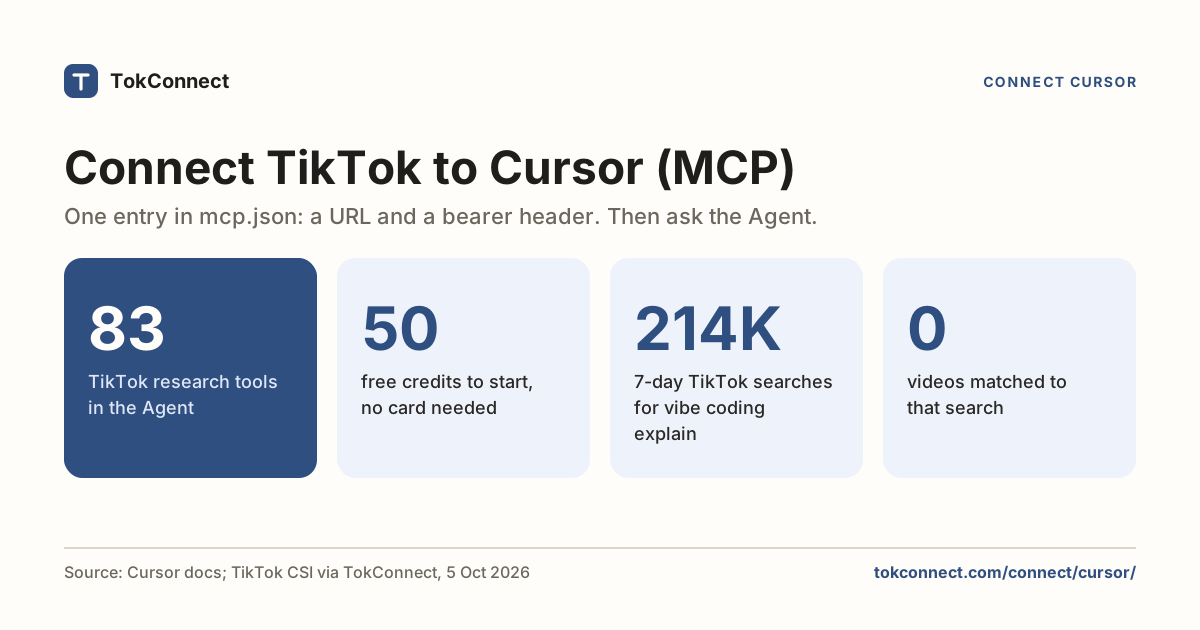
Cursor
Add TikTok to Cursor with one small file and ask the Agent what people search, watch, say and buy.
Connect CursorRead the setup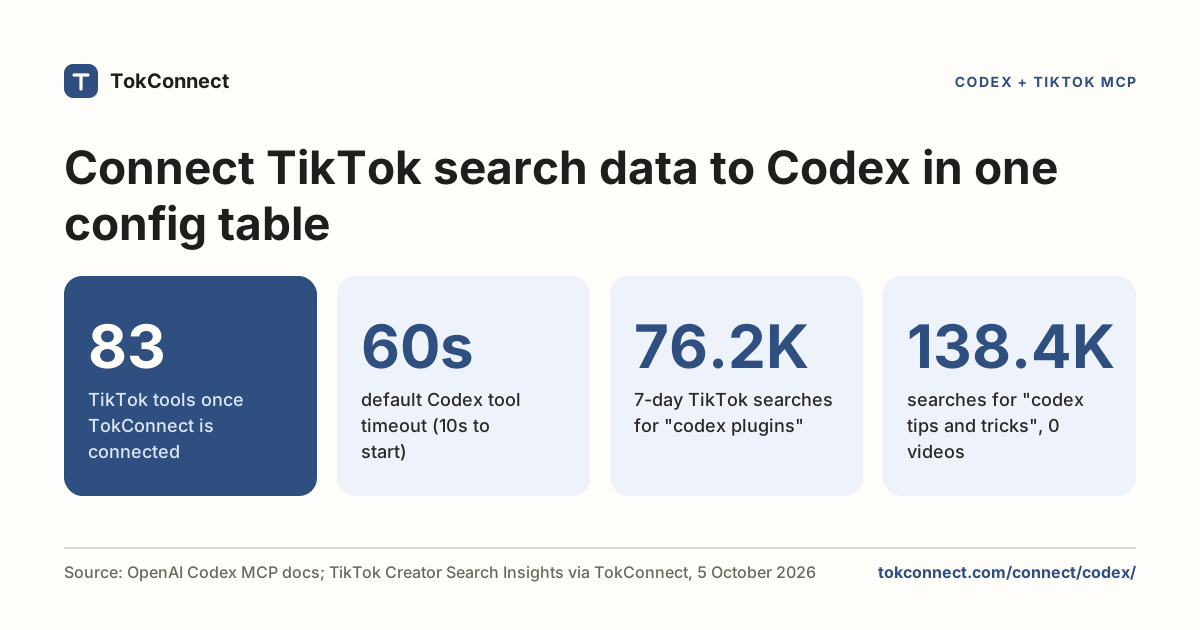
Codex
Add TikTok to Codex with one config block and ask it what people search, watch, say and buy.
Connect CodexRead the setup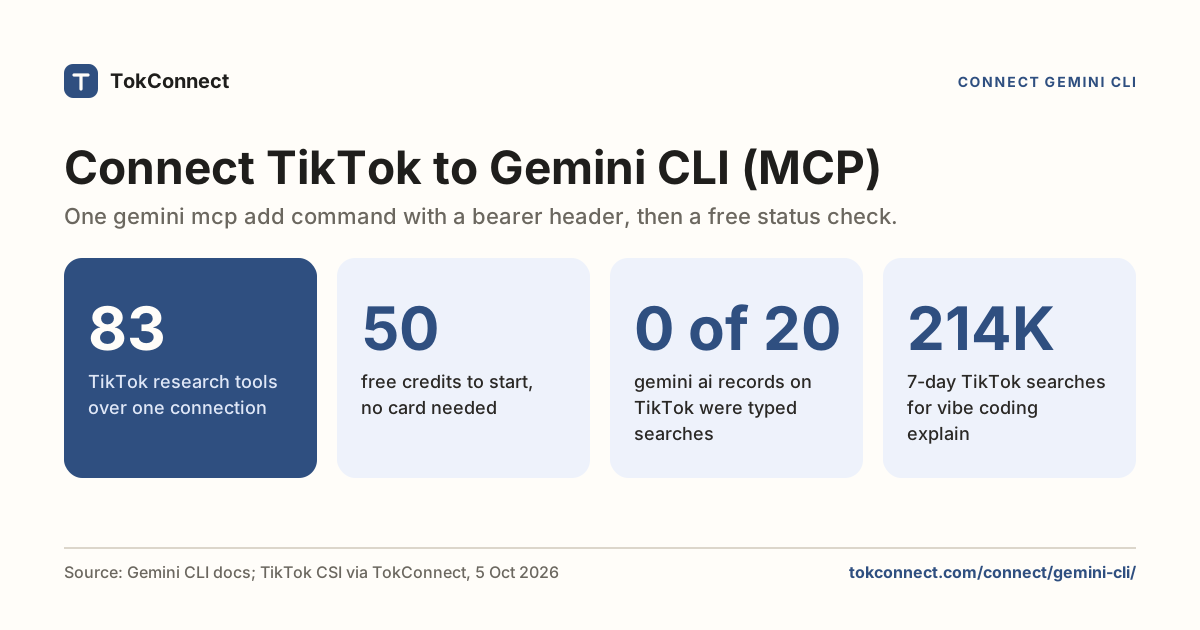
Gemini CLI
One command gives Gemini CLI TikTok searches, videos, comments, creators and Shop sales.
Connect Gemini CLIRead the setup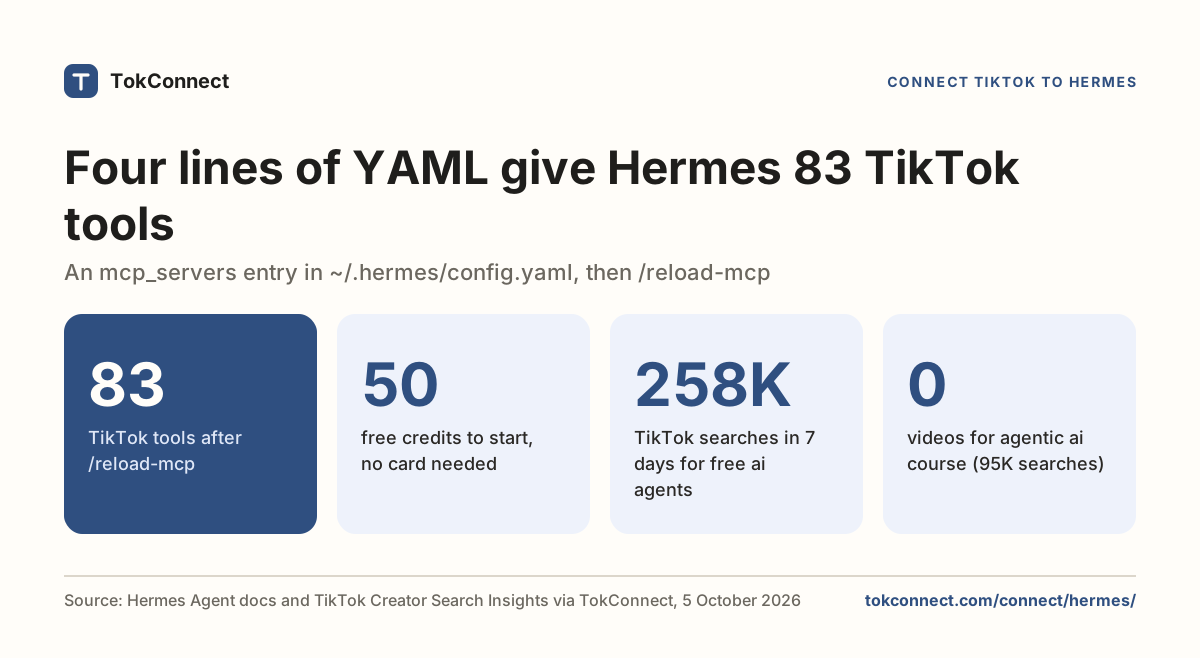
Hermes Agent
Four lines of config under mcp_servers give your Hermes agent TikTok searches, videos, comments, creators and Shop sales.
Connect Hermes AgentRead the setup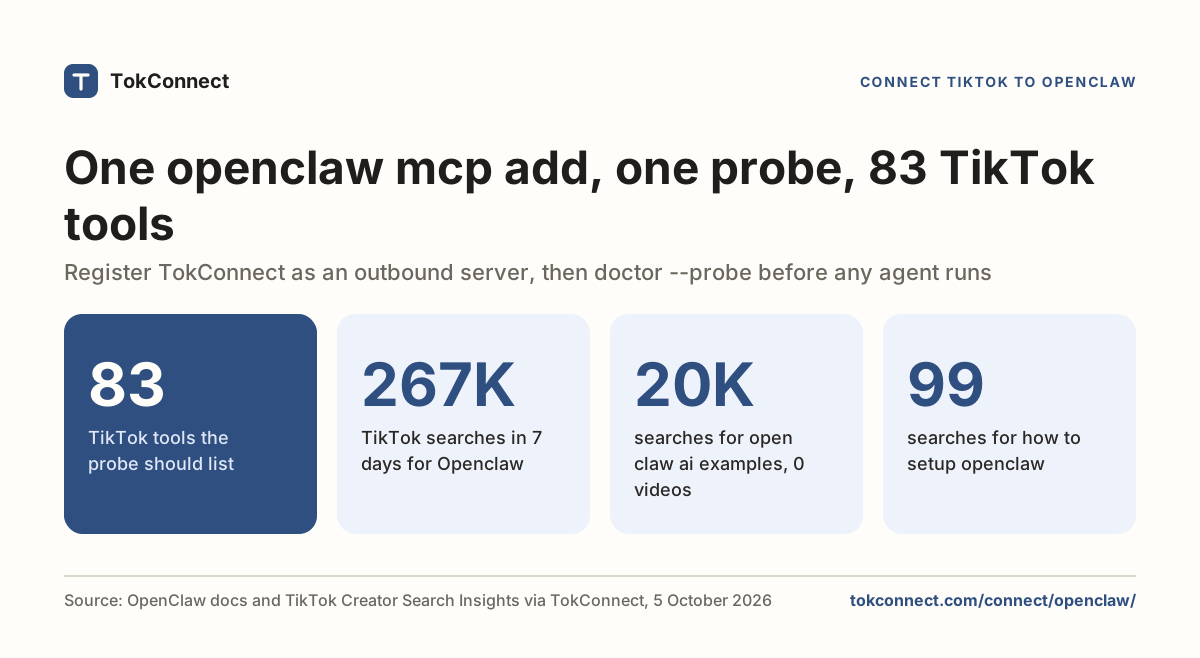
OpenClaw
One command adds TokConnect to OpenClaw. Then ask your agent anything about TikTok.
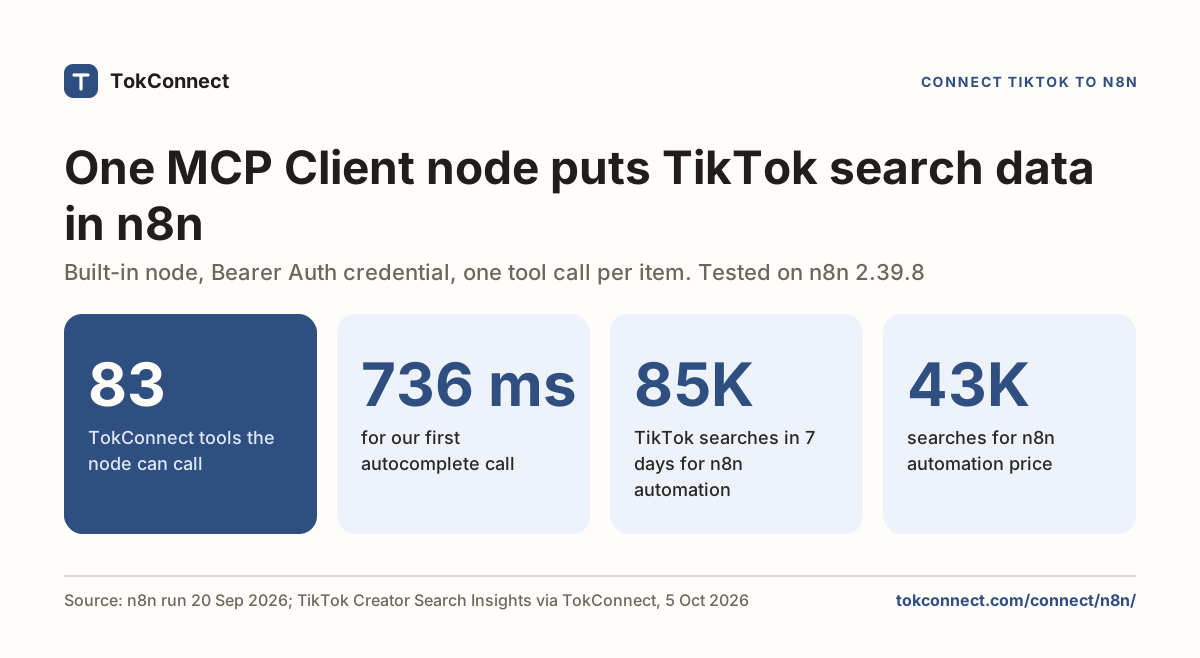
Connect OpenClawRead the setup