Free TikTok Video Stats Checker
Paste a public TikTok video link to see its views, likes, comments and shares, with interactions per view (the engagement rate) worked out for you. Keep a dated snapshot for your next creative review. Only need the view count? Use the TikTok view counter.
Example data checked 8 October 2026 · How we check
Check video stats in three steps.
- 01
Paste a video link
A full public video link, from the app’s Share menu or your browser.
- 02
Read the stats
Check its reach and public interactions.
- 03
Get the stats and a brief
Export the stats or compare it with another post.
Views, likes, comments, shares and the rate that ties them together
Paste any public video link, from the app or a browser. You get the public counts as TikTok shows them, the creator’s follower count, the posting date and interactions per view, plus a research brief you can copy into a doc or your AI app.
The preview uses the desk build video from 8 October 2026. The creator’s handle is masked. Data
Worked example: a desk build with 890,500 views in two days
We checked one public video from a “desk setup” search on 8 October 2026: a 92-second woodworking build, posted on 6 October by an account with 214,200 followers.
| Count | Value | What it tells you |
|---|---|---|
| Views | 890,500 | About four times the account’s follower count, within two days of posting |
| Likes | 164,200 | 18.4% of views came with a like |
| Comments | 536 | About 6 per 10,000 views: 0.28% of its likes, comments, shares and saves, against 0.83% for the median creator |
| Shares | 8,586 | One share for every 104 views |
| Interactions per view | 19.46% | (likes + comments + shares) ÷ views × 100 |
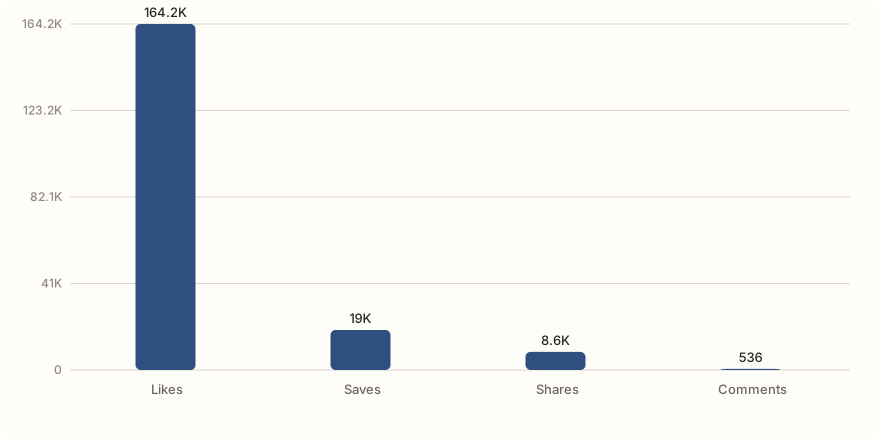
Likes carry most of the 19.46%. With so few comments, the follow-up worth making is a closer look at the build, not a Q&A. The research agent also shows saves: 18,979 for this video, about twice its shares.
Source: TikTok’s public counts for the video, 8 October 2026. Counts keep changing while a video gets views. The 0.83% median comes from our sample of 58 creators and 572 posts (21 September 2026). · Data: tiktok-video-stats-desk-build-2026-10-08.json
Likes did most of the work
Almost all of the 19.46% came from likes. With so few comments, the follow-up worth making is a closer look at the build.
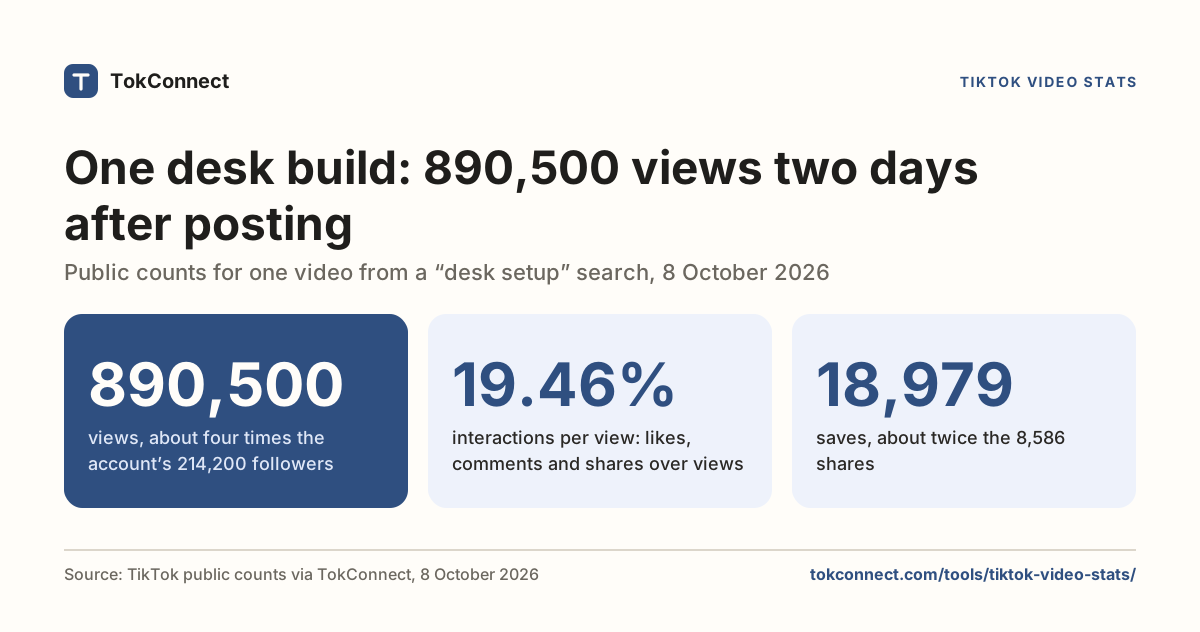
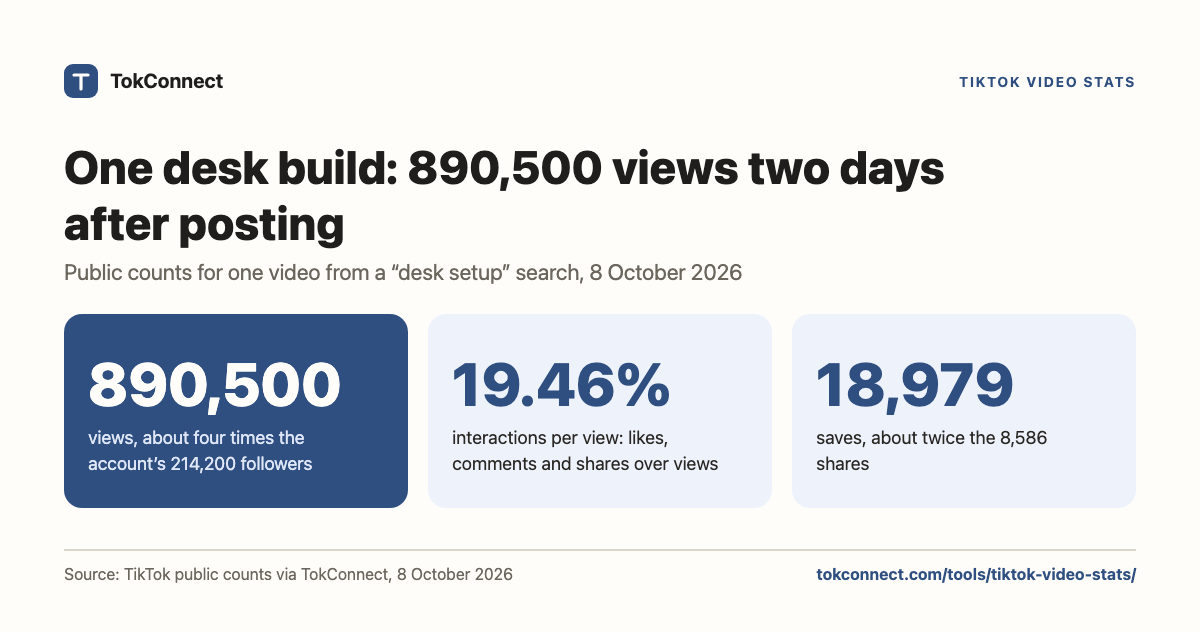
- 890,500views, about four times the account’s 214,200 followers
- 19.46%interactions per view: likes, comments and shares over views
- 18,979saves, about twice the 8,586 shares
Where the 890,500 views turned into interactions
Run this in ChatGPT or Claude.
TokConnect reads the top comments, lists what viewers ask and drafts the brief. Connect it once and ask in plain words. 50 free credits, no card. A lookup costs 1 credit and an answer uses about 3.
Connect ChatGPT Connect Claude Building your own agent? Get an API key
Questions about TikTok video stats
Which video numbers should I compare?
Start with views for reach, then look at likes, comments and shares. Use interactions per view to compare those responses relative to the view count. Check the posting date and subject too: an older tutorial and a new product announcement serve different purposes.
How do I use video stats to plan my next post?
Choose a video that addresses the audience you want to reach. Note its public counts, watch the original post, and read the comments for questions to explore. Record one change you want to test, such as showing the product earlier or answering a recurring question.
Can I see watch time or saves for someone else’s video?
Watch time and traffic sources are private to the creator, in TikTok Studio. Saves are public: the TokConnect research agent shows them next to views, likes, comments and shares. The desk build from 8 October 2026 had 18,979 saves.
Research with TokConnect · Public TikTok data. Source availability and counts can change.