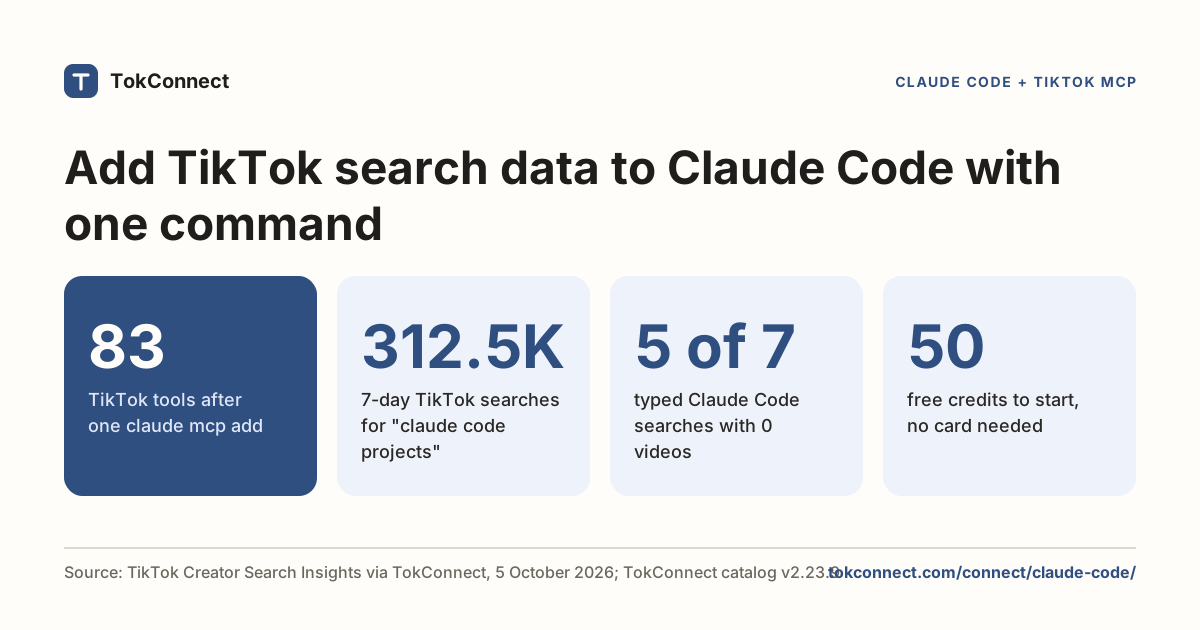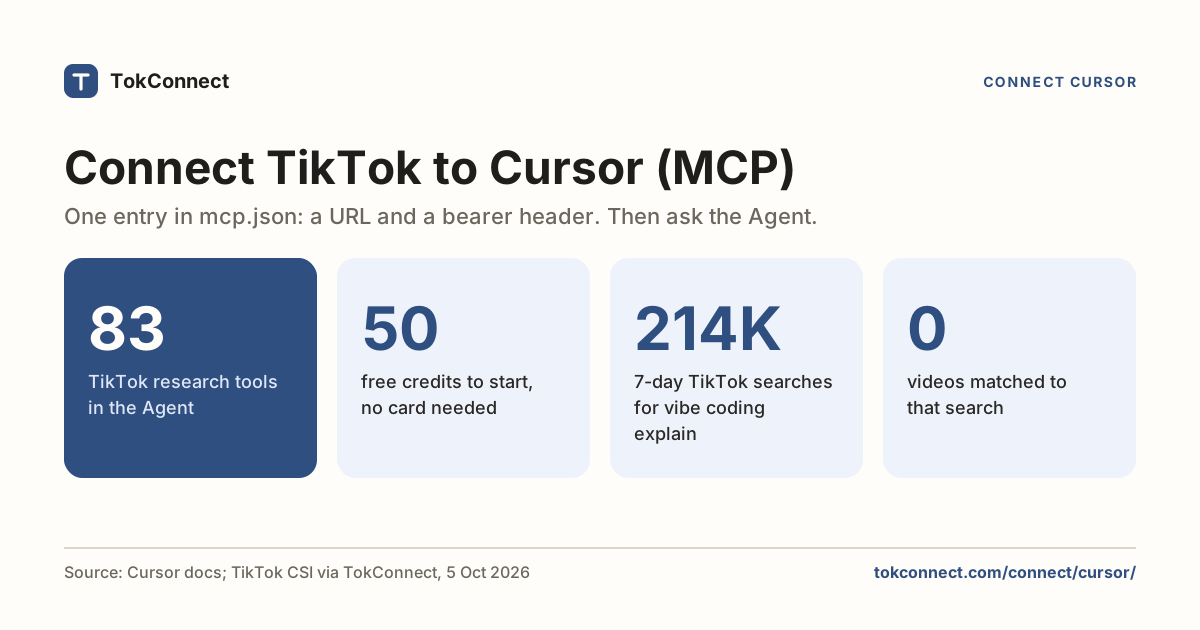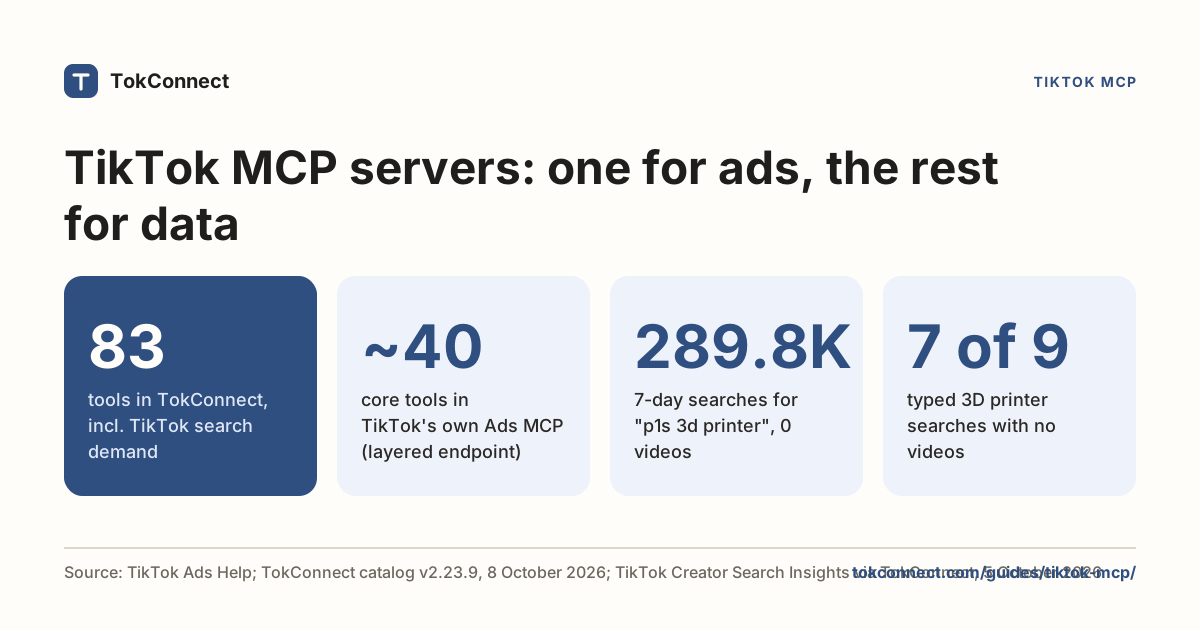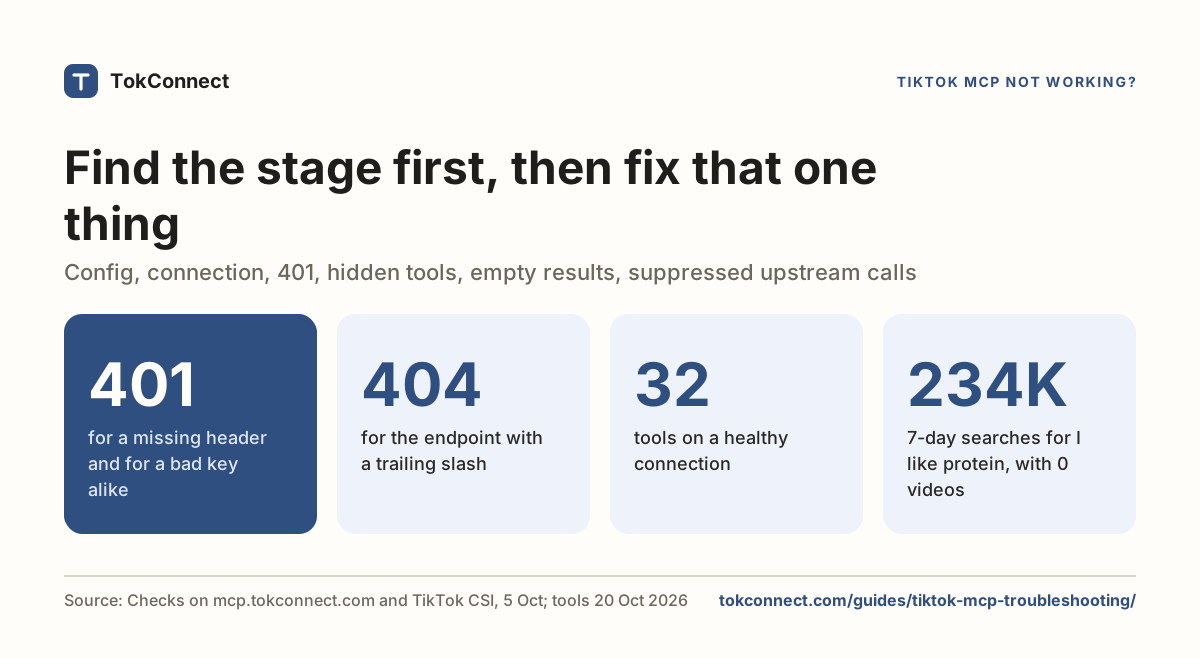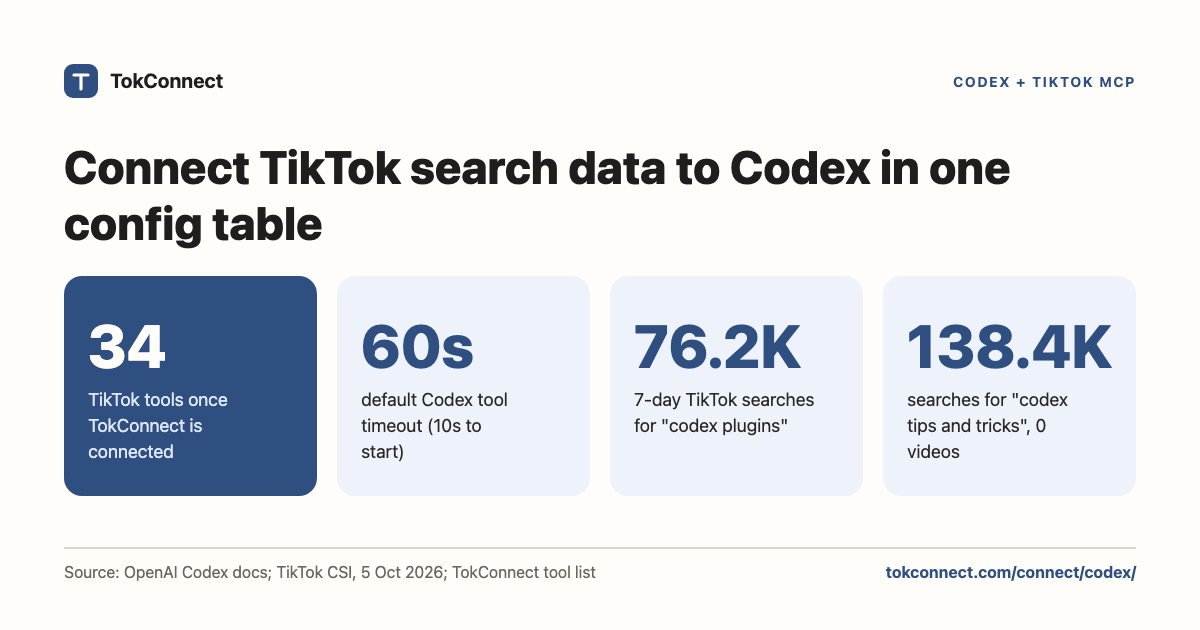

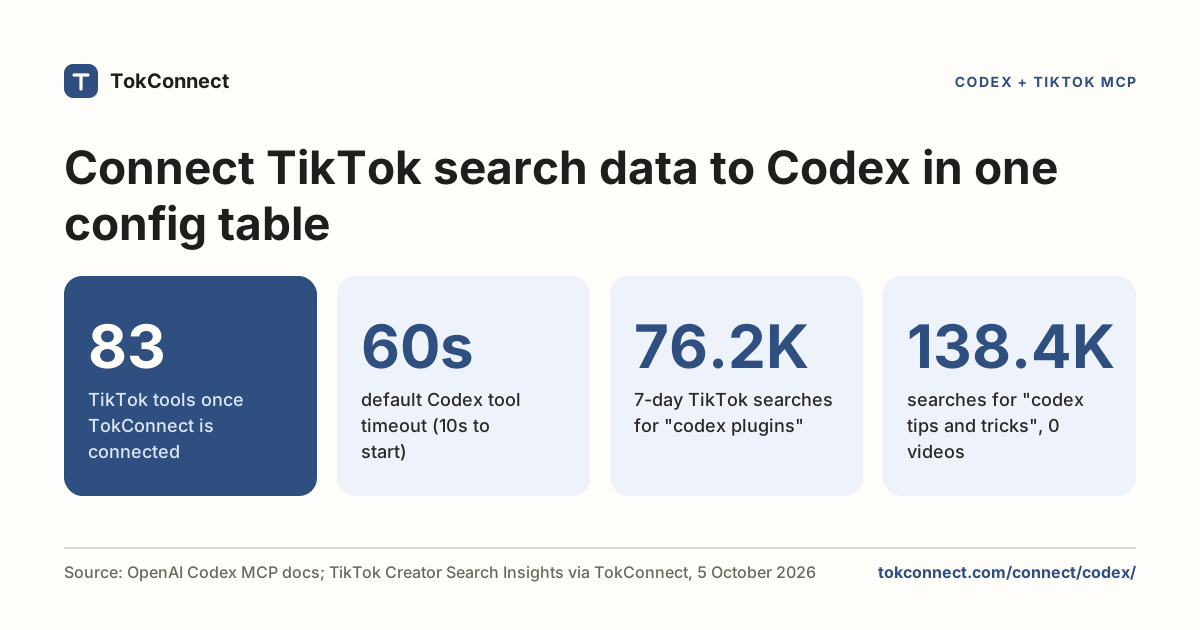
Give Codex all of TikTok. One table in ~/.codex/config.toml connects TokConnect, and Codex can see what people search, watch, say and buy: search demand, videos, comments, transcripts, creators, hashtags, sounds and TikTok Shop sales, 34 tools in all.
- Get your key. Copy it from app.tokconnect.com/api-key. No key? Skip this step and use
codex mcp login tokconnectafter step 2. - Add the table. Put the
[mcp_servers.tokconnect]table below into~/.codex/config.tomland exportTOKCONNECT_TOKENwith your key. - Check and ask. Run
codex mcp list, look for tokconnect with 34 tools, then ask, for example, "What do people search on TikTok about my product that no video answers?"
Connected, Codex answers TikTok questions with real numbers while you work: search demand, videos, comments, creators and TikTok Shop sales. Prefer no key? Sign in with codex mcp login instead; both routes are below.
Every plan, Free included, gets all 34 tools. Free gives 50 credits once, one credit pays for one lookup and failed lookups cost nothing. Paid plans start at $34.99 a month billed yearly ($49 billed monthly), with 500 credits a month on Starter.
- One TOML table in
~/.codex/config.toml:urlplusbearer_token_env_var = "TOKCONNECT_TOKEN". Codex builds the Authorization header itself. - Prefer no key at all? Keep the
url, drop the variable and runcodex mcp login tokconnectto sign in with Google. - Do not put
${TOKCONNECT_TOKEN}insidehttp_headers. That table sends its value verbatim, and the server answers 401. - Check with
codex mcp listor/mcp: it should show 34 tools. Then ask one small question. - Free includes 50 credits, once. One lookup costs one credit and paid plans start at $34.99 a month billed yearly.
What you can ask once connected
Ask in plain words. No tool names needed.
Use TokConnect. What are people searching on TikTok about [your niche] that no video answers yet?
Paste it into Codex once TokConnect is connected.
Use TokConnect. What [your product] is selling on TikTok Shop this month, and which creators are selling it?
Paste it into Codex once TokConnect is connected.
Use TokConnect. What do people say in the comments under the top [your product] videos on TikTok?
Paste it into Codex once TokConnect is connected.
The config
Add this table to ~/.codex/config.toml:
[mcp_servers.tokconnect]
url = "https://mcp.tokconnect.com/mcp"
bearer_token_env_var = "TOKCONNECT_TOKEN"
enabled = true
Prefer no key? Skip the variable and sign in instead: codex mcp login tokconnect.
Or let the CLI write it:
codex mcp add tokconnect \
  --url https://mcp.tokconnect.com/mcp \
  --bearer-token-env-var TOKCONNECT_TOKEN
Both produce the same table. url is what tells Codex this is a remote server rather than a local command, so there is no separate transport field to set.
Two optional keys are worth knowing. startup_timeout_sec defaults to 10 and tool_timeout_sec to 60, per OpenAI's Codex MCP docs. A broad TikTok video search can run long enough to want the second one raised.
Where the key goes
Into the environment, under whatever name you put in bearer_token_env_var:
export TOKCONNECT_TOKEN="YOUR_TOKCONNECT_KEY"
codex
The variable has to exist in the process that runs Codex. Exporting it in one terminal does nothing for a Codex session already open in another, or for the IDE extension. Set it wherever your shell starts, then restart the surface you use.
Codex also has an http_headers table for literal header values, and env_http_headers, which maps a header name to an environment variable name. http_headers takes the string as written, so "Bearer ${TOKCONNECT_TOKEN}" is sent verbatim and the server returns 401. Use bearer_token_env_var.
Or sign in without a key
Codex supports sign-in for remote MCP servers, including automatic client registration, according to OpenAI's MCP docs, and TokConnect supports it. Leave out bearer_token_env_var, keep the url, then run:
codex mcp login tokconnectA browser window opens on the TokConnect consent page, and Codex stores the token itself. Pick one route per server entry: a key in the environment or an OAuth sign-in, not both.
Your first TikTok MCP call in Codex
Run codex mcp list from a shell, or type /mcp inside a Codex session. It should show tokconnect with 34 tools (the full list is in the tool catalog snapshot). Then make the smallest call on the server:
Use the tokconnect MCP server. Call demand_keywords with keyword "protein" and limit 3, and show me the raw result.
Paste it into Codex once TokConnect is connected.
The answer was:
{
  "count": 3,
  "suggestions": [
    { "text": "protein" },
    { "text": "protein for gym" },
    { "text": "protein recipes" }
  ]
}
Data: TikTok autocomplete via TokConnect, pulled 19 September 2026. Open the snapshot. Autocomplete is live, so your third line may differ.
If that comes back, Codex read the config, the server accepted the key and a tool ran. The TikTok MCP guide covers the rest of the tools.
For developers: the 34 tools
The 34 tools cover TikTok's search demand (demand_find_topics, demand_topic, demand_keywords), videos, comments and captions (video_search, video), creators, sounds, hashtags, places and LIVE, the live TikTok Shop catalogue (shop_browse, product, shop) and Shop Analytics: TikTok Shop sales estimates from product_top_selling, shop_top_selling, creator_top_selling, video_top_selling, live_top_selling and category_trends. The server also ships six MCP prompts: winning products, find affiliates, competitor shop, product deep-dive, niche research and content ideas. Clients that support MCP prompts list them next to the tools.
Use TokConnect. Call product_top_selling for "[your product]" with window 30d and limit 10. Show each product's price, estimated revenue, estimated units and number of creators selling it, then call product with method creators on the top one and list who drove its sales.
Paste it into Codex once TokConnect is connected.
Example answer: what TikTok searches for "codex"
Once connected, the useful calls are the search-demand ones. As a test, we asked TokConnect what people type into TikTok around the word "codex". The answer shows why the typed searches matter more than the seed word.
| Typed search | 7-day searches | Videos matched | TikTok category |
|---|---|---|---|
| obsidian codex | 284,771 | 0 | Culture |
| codex pants aritzia | 241,227 | 0 | Fashion |
| codex executor | 215,621 | 108 | Games |
| codex tips and tricks | 138,386 | 0 | Games |
| is codex free | 89,526 | 0 | Culture |
| codex plugins | 76,207 | 168 | Science and Technology |
| we live by the codex i live by you | 75,992 | 172 | Culture |
| codex tutorial | 54,205 | 0 | Games |
| Codex sword | 30,090 | 0 | Games |
| how to get codex | 7,397 | 457 | Games |
| codex books | 4,798 | 0 | Culture |
| how to use codex | 1,300 | 473 | Science and Technology |
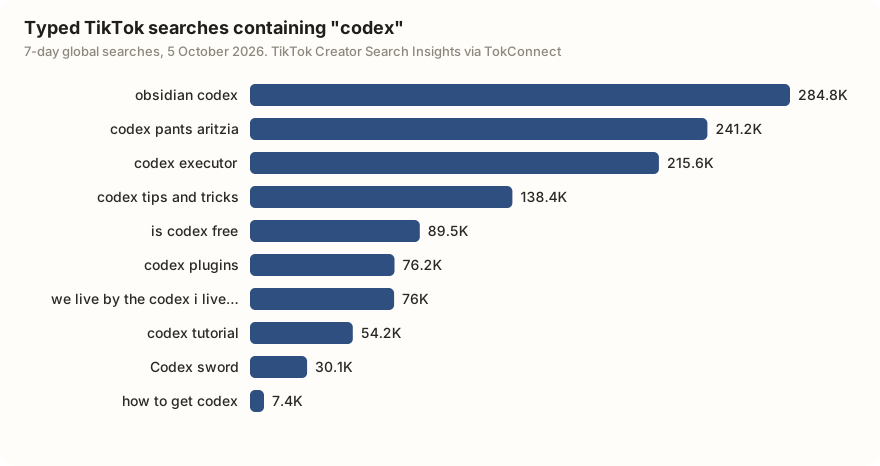
"codex" means at least four things on TikTok: an Aritzia trouser line, a Roblox script executor, a religious phrase, and OpenAI's agent. Only the two searches TikTok files under Science and Technology, "codex plugins" and "how to use codex", read clearly as the coding tool. "codex tips and tricks" (138,386 searches, no videos) could be either, which is exactly the kind of question to check with a follow-up call before you film anything.
Use the tokconnect MCP server. Search TikTok topics for [your tool or product]. Keep only typed searches, group them by what they are actually about, and show 7-day searches, videos matched and the daily readings for the top three. Flag any search with no videos.
Paste it into Codex once TokConnect is connected.
Three errors, and what they mean
| What you see | Cause | Fix |
|---|---|---|
tokconnect missing from codex mcp list | The table name is wrong, or Codex read a different config file. | The header is [mcp_servers.tokconnect], plural, with an underscore. Check for a project-level .codex/config.toml defining the same name. |
| 401 from the server | The environment variable was empty when Codex connected. | Run echo $TOKCONNECT_TOKEN in the shell that launched Codex. If it prints nothing, export it and restart Codex, not just the shell. |
Codex suggests codex mcp login | A valid route, but it will not fix an empty key variable. | Fix the variable, or remove bearer_token_env_var and log in. |
A tool that runs and comes back empty is a TikTok answer, not a connection fault. The troubleshooting guide walks the stages in order.
Remove it, or rotate the key
Run codex mcp remove tokconnect, or delete the table by hand. Then codex mcp list to confirm nothing is left, including any project-level copy. To switch it off for a while without losing the entry, set enabled = false.
Rotating a key takes one change, because bearer_token_env_var reads it from the environment: make a new key on the API key page, change the exported value, restart Codex. The config file never held the old key, so there is nothing to scrub.
Other clients, same server: Claude Code and Cursor. Choosing between servers? See the TikTok MCP servers compared.
How we got these numbers
Codex settings come from OpenAI's Codex MCP documentation and config reference, read on 5 October 2026. TokConnect tested its OAuth sign-in end to end on 28 September 2026 with a script acting as the client (test notes); the example results on this page come from the TokConnect server over MCP rather than from a Codex session. The tool list in the evidence file is a snapshot of version 3.1.0 read on 21 October 2026; the current server lists 34 tools. The autocomplete example was pulled with search_suggestions on 19 September 2026.
The "codex" search data was pulled on 5 October 2026 with one search_topics call (20 records). Search counts are TikTok's global 7-day "search popularity"; daily readings are the 7-day series TikTok returns with each record, 29 September to 5 October. We kept the 12 typed searches (the table lists all 12; the chart shows the top 10) and left out 8 topic groups TikTok generates (such as "Codex Gigas reading information"), whose figures pool many related searches. Categories are TikTok's, and our reading of what each search means is a judgement from its wording. Data: search snapshot, autocomplete snapshot, tool catalog.
Key statistics
Codex gives each MCP server 10 seconds to start and 60 seconds for each TikTok request by default, set by
startup_timeout_secandtool_timeout_secin config.toml.TokConnect gives Codex 34 TikTok tools, TikTok Shop sales estimates included, and new accounts start free with no card.
"codex plugins" was searched 76,207 times on TikTok in the 7 days to 5 October 2026, with 168 videos matched to it.
All 5 statistics
"codex tips and tricks" was searched 138,386 times on TikTok in the 7 days to 5 October 2026, and TikTok matched 0 videos to it.
The two biggest typed TikTok searches containing "codex" with a clear meaning in the week to 5 October 2026 were about trousers ("codex pants aritzia", 241,227 searches in 7 days) and a Roblox script tool ("codex executor", 215,621), not OpenAI's coding agent.
Frequently asked questions
Is there a TikTok MCP server that works with Codex?
Yes. TokConnect's server at https://mcp.tokconnect.com/mcp works with Codex and gives it 34 TikTok tools. Codex treats a url key as the sign that a server is remote, so there is no transport field to set. The steps follow OpenAI's Codex docs.
Codex told me to run codex mcp login. Should I?
Only if you want to sign in instead of using a key. TokConnect supports that sign-in and Codex runs it with codex mcp login. If you meant to use a key, the message usually means the variable named in bearer_token_env_var was empty when Codex started.
Where does Codex store MCP server settings?
In ~/.codex/config.toml, under one [mcp_servers.<name>] table per server. A project can also carry its own .codex/config.toml, so check both when a server shows up twice or not at all.
How long will Codex wait for a TikTok request?
60 seconds by default, set by tool_timeout_sec, and 10 seconds for the server to start, set by startup_timeout_sec, per OpenAI's docs. Raise the tool timeout if broad video searches time out.
How much does TikTok MCP cost in Codex?
TokConnect charges by lookup. Every plan, Free included, gets all 34 tools. Free gives 50 credits once with no card, one credit pays for one lookup and failed lookups cost nothing. Paid plans start at $34.99 a month billed yearly ($49 billed monthly), with 500 credits a month on Starter; see pricing.
Sources and data
- Model Context Protocol (OpenAI Codex docs, checked 5 October 2026)
- Codex config reference (OpenAI)
- openai/codex (GitHub)
- MCP specification: authorization
- MCP specification: Streamable HTTP transport
- TokConnect pricing
- TokConnect tools/list v3.1.0, 21 October 2026 (snapshot)
- "codex" TikTok search data pulled 5 October 2026 (snapshot)
- TikTok autocomplete pulled 19 September 2026 (snapshot)