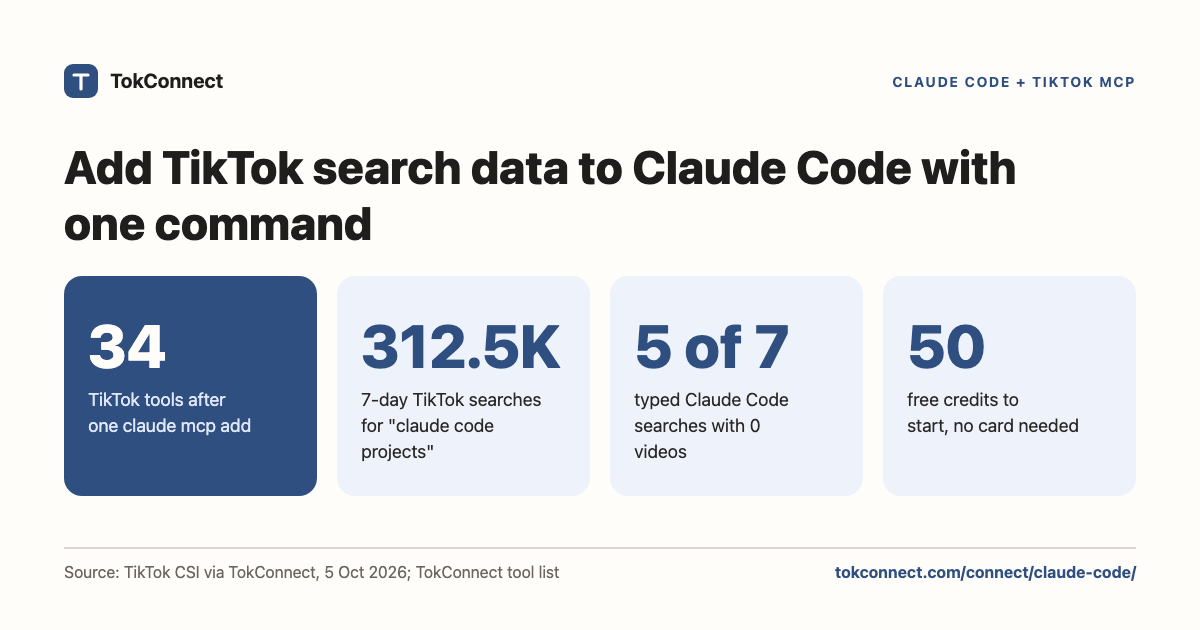

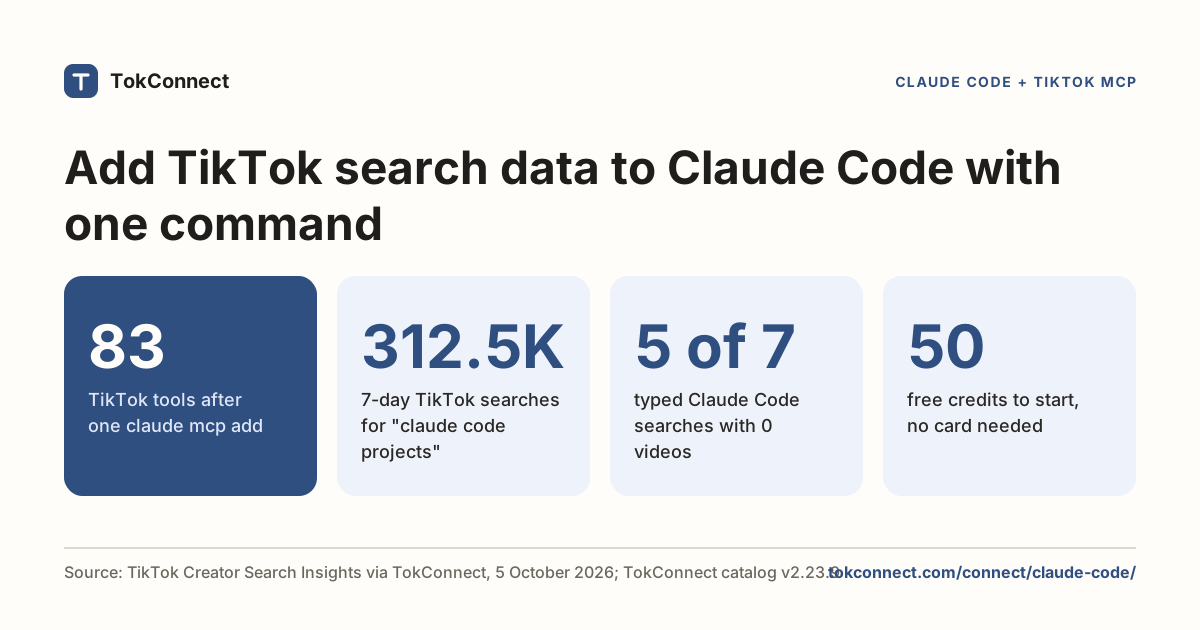
Give Claude Code all of TikTok. One command connects TokConnect, and Claude Code can see what people search, watch, say and buy: search demand, videos, comments, transcripts, creators, hashtags, sounds and TikTok Shop sales, 34 tools in all.
- Add the server. Copy your key from app.tokconnect.com/api-key and run the command below in a terminal. No key? Leave out the
--headerline and sign in in step 2. - Check or sign in. Start Claude Code, type
/mcpand look for tokconnect with 34 tools. If it asks you to authenticate, pick it and follow the browser sign-in. - Ask. For example, "What do people search on TikTok about my product that no video answers?"
claude mcp add --transport http tokconnect https://mcp.tokconnect.com/mcp \
  --header "Authorization: Bearer YOUR_TOKCONNECT_KEY"
With TokConnect connected, Claude Code answers TikTok questions with real numbers while you work: search demand, videos, comments, creators and TikTok Shop sales. Prefer no key? Add the server without the header, then run /mcp inside Claude Code to sign in. Both routes are below.
Every plan, Free included, gets all 34 tools. Free gives 50 credits once, one credit pays for one lookup and failed lookups cost nothing. Paid plans start at $34.99 a month billed yearly ($49 billed monthly), with 500 credits a month on Starter.
- One command does it:
claude mcp add --transport http tokconnect https://mcp.tokconnect.com/mcp --header "Authorization: Bearer YOUR_TOKCONNECT_KEY". - No key? Add the server without the header and sign in from
/mcpin the browser. - A hand-written
.mcp.jsonentry needs"type": "http"beside the URL, and Claude Code expands${VAR}in header values so a shared file never holds the key. - A healthy server shows 34 tools in
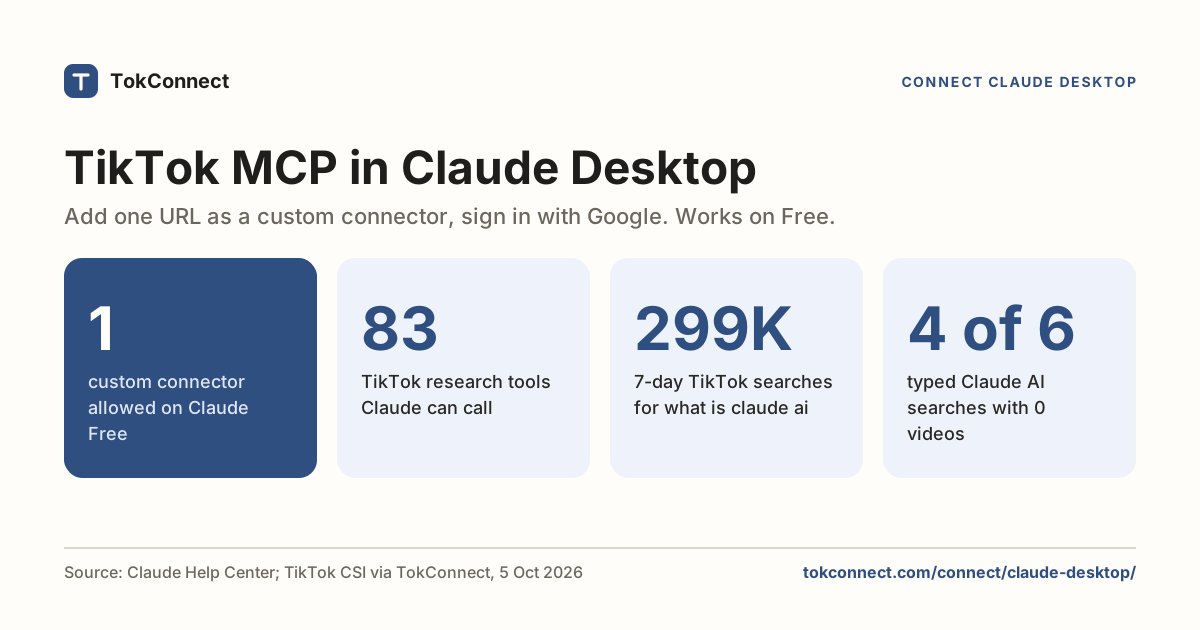
/mcp, and six ready-made research prompts appear as slash commands. Free to start, no card. - 5 of 7 typed TikTok searches about Claude Code had no videos, led by "claude code projects" at 312,493 searches in the week to 5 October 2026.
What you can ask once connected
Ask in plain words. No tool names needed.
Use TokConnect. What are people searching on TikTok about [your niche] that no video answers yet?
Paste it into Claude Code once TokConnect is connected.
Use TokConnect. What [your product] is selling on TikTok Shop this month, and which creators are selling it?
Paste it into Claude Code once TokConnect is connected.
Run the tokconnect winning_products prompt for [your product category] and show the top 5 with price, estimated sales and the creators behind them.
Paste it into Claude Code once TokConnect is connected.
Add the server
Run this in a terminal, anywhere:
claude mcp add --transport http tokconnect https://mcp.tokconnect.com/mcp \
  --header "Authorization: Bearer YOUR_TOKCONNECT_KEY"
That writes a local entry to ~/.claude.json, private to you and loaded only in the current project. Add --scope user if you want the server in every project on your machine. Use --scope project only when the whole team should get it, because that writes a committed .mcp.json.
The file form looks like this. Claude Code expands ${VAR} in URLs and header values, so a shared file never has to hold the key itself:
{
  "mcpServers": {
    "tokconnect": {
      "type": "http",
      "url": "https://mcp.tokconnect.com/mcp",
      "headers": {
        "Authorization": "Bearer ${TOKCONNECT_TOKEN}"
      }
    }
  }
}Leave out "type": "http" and Claude Code reads the entry as a local command and refuses it. Anthropic's MCP docs name that error directly.
Or sign in without a key
Claude Code signs in to remote servers that answer 401 with an OAuth challenge. Add the server without a header:
claude mcp add --transport http tokconnect https://mcp.tokconnect.com/mcpThen type /mcp in a session, pick tokconnect and follow the browser sign-in. Claude Code stores and refreshes the token itself. This route follows Anthropic's docs.
Where the key goes
With the key route, the key only travels in the Authorization header, as Bearer, a space, then the key. For a personal setup the --header flag is fine: the value lands in ~/.claude.json, which is yours. For anything shared, export the key in the shell that launches Claude Code and keep the placeholder in the file:
export TOKCONNECT_TOKEN="YOUR_TOKCONNECT_KEY"
claude
Never commit a real key to .mcp.json. Anyone who clones the repo can use your account.
Your first TikTok MCP prompt in Claude Code
Start a session and type /mcp. You should see tokconnect listed as connected, with 34 tools behind it (the full list is in the tool list snapshot). From the shell, claude mcp list gives the same answer in one line.
Then ask for something small. Autocomplete is the cheapest way to prove the whole path works:
Use the tokconnect MCP server. Call demand_keywords with keyword "protein" and limit 3, and show me the raw result.
Paste it into Claude Code once TokConnect is connected.
Here is what came back:
{
  "count": 3,
  "suggestions": [
    { "text": "protein" },
    { "text": "protein for gym" },
    { "text": "protein recipes" }
  ]
}
Data: TikTok autocomplete via TokConnect, pulled 19 September 2026. Open the snapshot. Suggestions are live, so your third line may differ.
The results on this page were pulled from the TokConnect server over MCP rather than through a Claude Code prompt.
For developers: the 34 tools
The full list is in the tool list snapshot. The server also ships six MCP prompts (winning products, find affiliates, competitor shop, product deep-dive, niche research and content ideas). Claude Code lists them as slash commands, for example /mcp__tokconnect__winning_products, so one line runs a whole Shop research chain.
A real search: what TikTok searches about Claude Code
Three strings of autocomplete prove the connection. The tools behind Creator Search Insights are the reason to connect. We asked for the typed searches around "claude code", in the 7 days to 5 October 2026:
| Typed search | 7-day searches | Videos matched |
|---|---|---|
| claude code projects | 312,493 | 0 |
| obsidian claude code | 297,870 | 0 |
| claude code trading bot | 262,673 | 0 |
| ruflo claude code | 257,074 | 192 |
| claude code for beginners | 254,772 | 0 |
| claude vibe coding | 177,517 | 0 |
| how to vibe code with claude code | 113,211 | 494 |
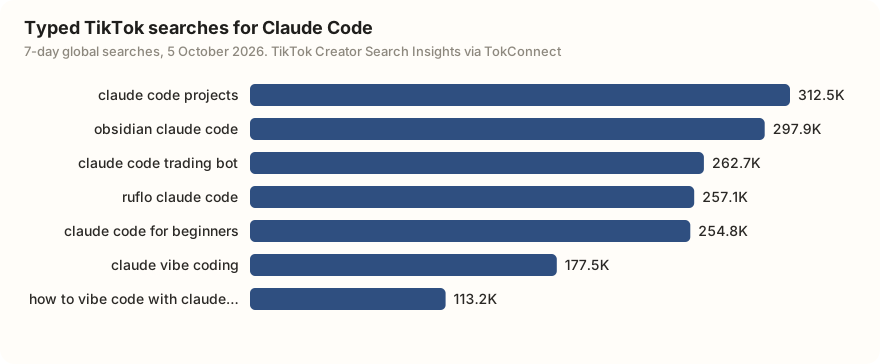
Five of the seven have no videos matched. People want project ideas, a beginner walkthrough, an Obsidian setup and a trading bot, and TikTok has nothing filed against those searches. One follow-up question shows whether that demand is steady:
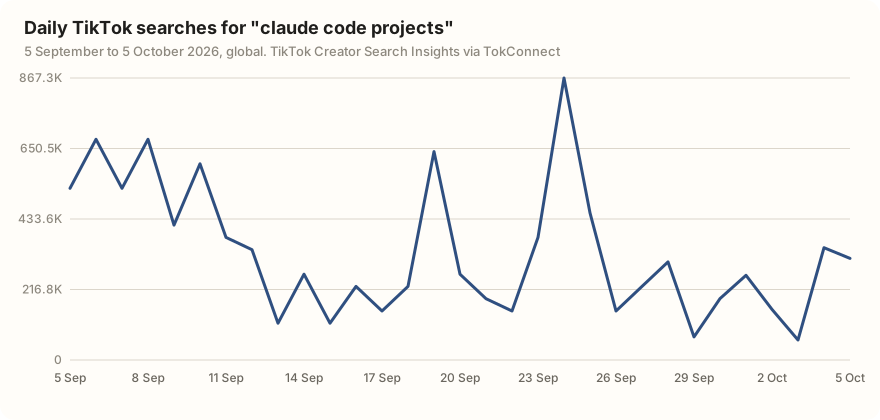
It moves a lot day to day but never drops to zero across the 30 days, which reads as standing interest rather than a one-day spike. Run the same check on your own product:
Use the tokconnect MCP server. Search TikTok topics for [your product or library]. Keep only typed searches and show 7-day searches and videos matched. For the biggest one with zero videos, pull 30 days of search popularity and tell me if the demand is steady or a spike.
Paste it into Claude Code once TokConnect is connected.
If you sell physical products, the TikTok Shop side works the same way. Claude Code can read the live store (price, stock, the lifetime units-sold count TikTok shows on a listing, rating and reviews), rank products by estimated revenue and units over a date range, and show which affiliates drove each product's sales.
Use the tokconnect MCP server. Call product_top_selling for "[your product]" with window 30d and show title, price, estimated revenue and estimated units for the top 5. Then call product with method creators on the first one and list the creators by revenue.
Paste it into Claude Code once TokConnect is connected.
Three errors, and what they mean
| What you see | Cause | Fix |
|---|---|---|
✘ Failed to connect in claude mcp list | Usually a typo in the URL, or the entry is missing "type": "http" in a hand-written file. | Run claude mcp get tokconnect and read the URL back. It ends in /mcp, with no trailing slash. |
! Needs authentication | The header did not arrive in a form the server accepts. A key pasted with a trailing newline is a common cause; Claude Code warns about hidden whitespace but does not trim it. | Re-copy the key, check there is exactly one space after Bearer, and re-add the server. Or sign in with OAuth from /mcp. |
Server connects, no tools in /mcp | The session started before you added the server. | Quit and start Claude Code again, or run /mcp reconnect all. |
A tool that runs and returns an empty list is not a connection problem. That is TikTok answering. The troubleshooting guide separates the stages.
Remove it, or rotate the key
claude mcp remove tokconnectIf you added it with --scope user or --scope project, pass the same scope with -s, then run claude mcp list to check no second entry is shadowing the one you deleted. To sign out of an OAuth sign-in, remove the server as above.
To rotate a key, generate a new one on the API key page, remove the server, add it again, and restart Claude Code. If you used the environment variable, change the export and restart instead.
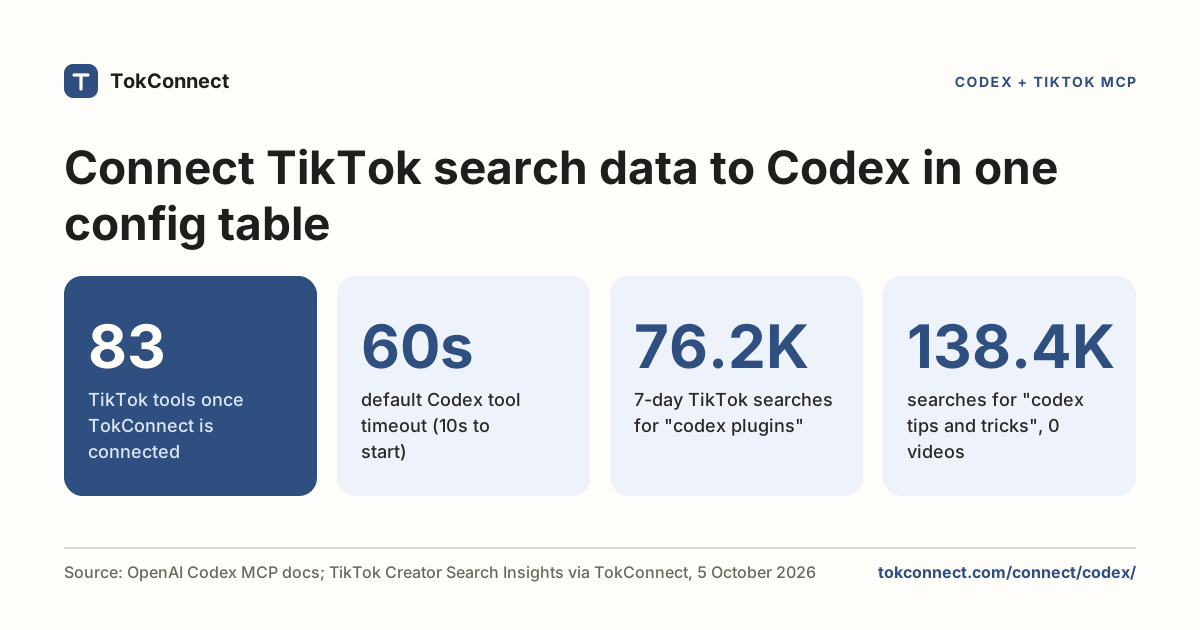
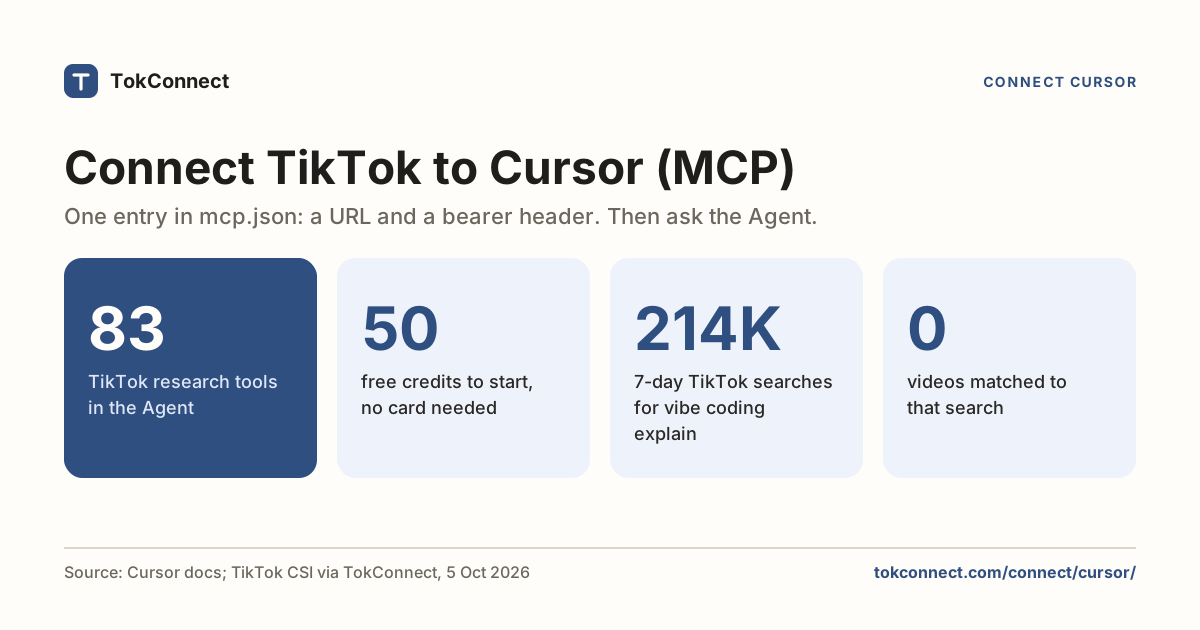
Working elsewhere? Cursor and Codex connect to the same server in their own config shapes. Choosing a server first? See nine TikTok MCP servers compared.
How we got these numbers
The setup steps follow Anthropic's Claude Code MCP documentation as it read on 5 October 2026, and the header command was run in Claude Code 2.1.138 on 19 September 2026; that terminal log was not kept, so the 5 October client check records the version and flags. TokConnect tested its OAuth sign-in end to end on 28 September 2026 with a script acting as the client (test notes). The tool list in the evidence file is a snapshot of version 3.1.0 read on 21 October 2026 (snapshot); the current server lists 34 tools.
TikTok figures were pulled on 5 October 2026 through TokConnect's MCP server: one search_topics call for "claude code" (20 records) and one search_popularity call with a 30-day window for "claude code projects", the tools now named demand_find_topics and demand_topic method popularity. Search counts are TikTok's global 7-day "search popularity"; the 30-day chart shows TikTok's daily readings. We kept the 7 typed searches and left out 13 topic groups TikTok generates (such as "Claude Code setup and usage"), whose figures pool many related searches; most of those were about unrelated "codes". Data: search snapshot, autocomplete snapshot.
Key statistics
TokConnect gives Claude Code 34 TikTok tools, covering TikTok Creator Search Insights search demand, videos, creators and Shop Analytics, plus six ready-made research prompts that Claude Code shows as slash commands.
"claude code projects" was searched 312,493 times on TikTok in the 7 days to 5 October 2026, and TikTok matched 0 videos to it.
All 5 statistics
Daily TikTok searches for "claude code projects" ranged from 61,417 on 3 October to 867,295 on 24 September 2026 over the 30 days to 5 October.
A Claude Code .mcp.json entry with a
urlbut no"type": "http"is a configuration error, because Claude Code reads an entry without a type as a local stdio server.
Frequently asked questions
Does TikTok have an MCP?
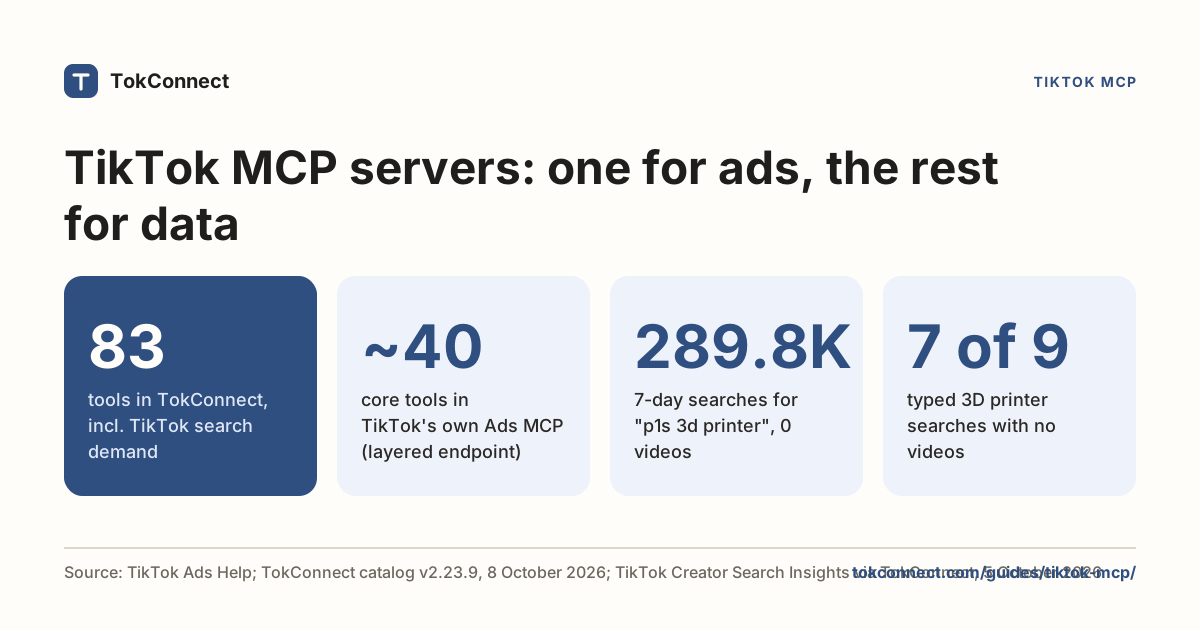
TikTok publishes an official MCP server for TikTok Ads, aimed at running campaigns rather than research. It does not expose Creator Search Insights data. For search volumes, topics, content gaps, videos, comments and TikTok Shop sales estimates you need a third-party server. TokConnect has 34 tools and connects to Claude Code in one command. See nine TikTok MCP servers compared.
Where does Claude Code store the key?
With --header and the default local scope, in ~/.claude.json, private to you. With --scope project it goes to a committed .mcp.json, so use the ${TOKCONNECT_TOKEN} form there and export the variable in the shell that launches Claude Code.
Can I connect Claude Code to a TikTok MCP server without an API key?
Yes. TokConnect supports the browser sign-in Claude Code uses for remote servers. Add the server without a header, then type /mcp and follow the sign-in.
How many tools does the TikTok MCP add to Claude Code?
34: TikTok search demand from Creator Search Insights, TikTok search, videos, comments, transcripts, creators, hashtags, sounds, places, LIVE, the live TikTok Shop catalogue and Shop sales estimates for products, shops, creators, videos and LIVEs. Claude picks which to call.
How much does it cost to use TikTok data in Claude Code?
Claude Code adds no charge for MCP calls. Every plan, Free included, gets all 34 tools. Free gives 50 credits once with no card, one credit pays for one lookup and failed lookups cost nothing. Paid plans start at $34.99 a month billed yearly ($49 billed monthly), with 500 credits a month on Starter; see pricing.
Sources and data
- Connect Claude Code to tools via MCP (Anthropic, checked 5 October 2026)
- Claude Code settings (Anthropic)
- anthropics/claude-code (GitHub)
- MCP specification: authorization
- MCP specification: Streamable HTTP transport
- TokConnect pricing
- Claude Code TikTok search data pulled 5 October 2026 (snapshot)
- TikTok autocomplete pulled 19 September 2026 (snapshot)
- TokConnect tools/list v3.1.0, 21 October 2026 (snapshot)