
- TikTok search returns several result tabs (Top, Videos, Users, Sounds, LIVE, Shop and, on many accounts, Ask), plus filters for sort order and date posted.
- Ranking has two layers: matching your words against the caption, on-screen text, speech, hashtags and sound, then ordering by predicted interest.
- Results are personalised. Turning off personalised search changes both your results and your suggested searches.
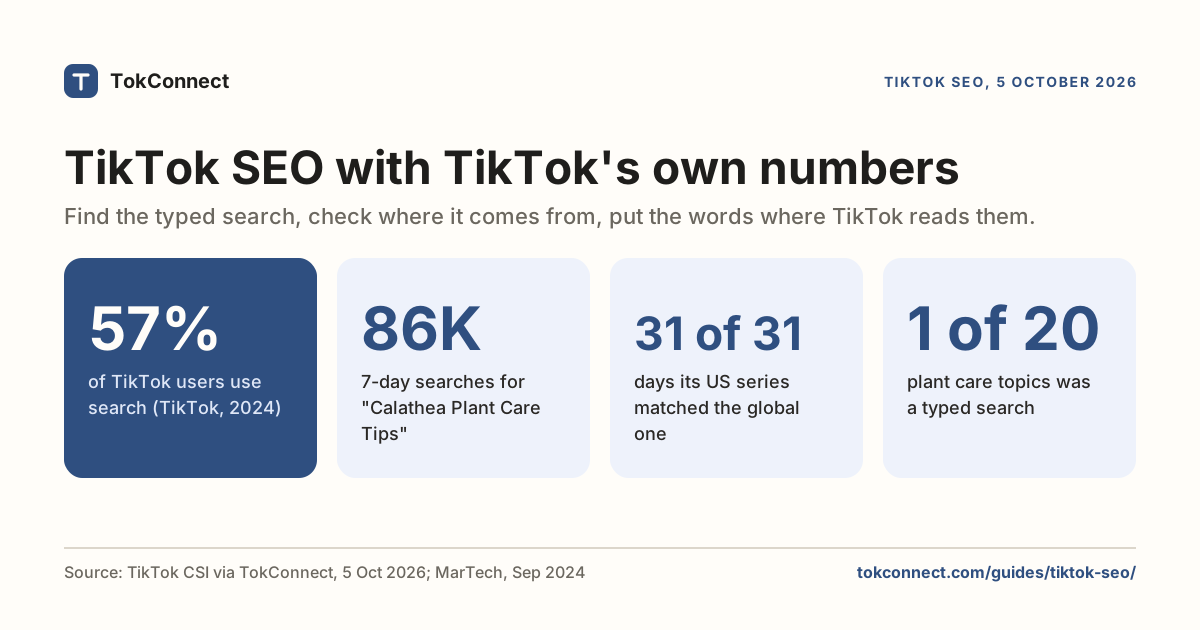
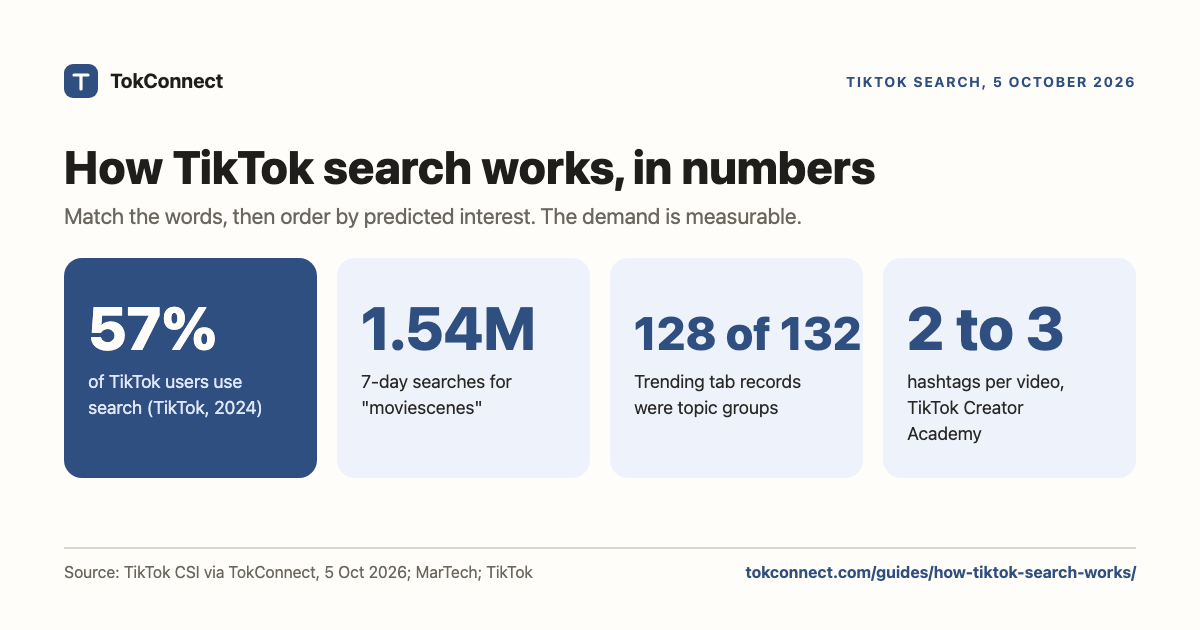
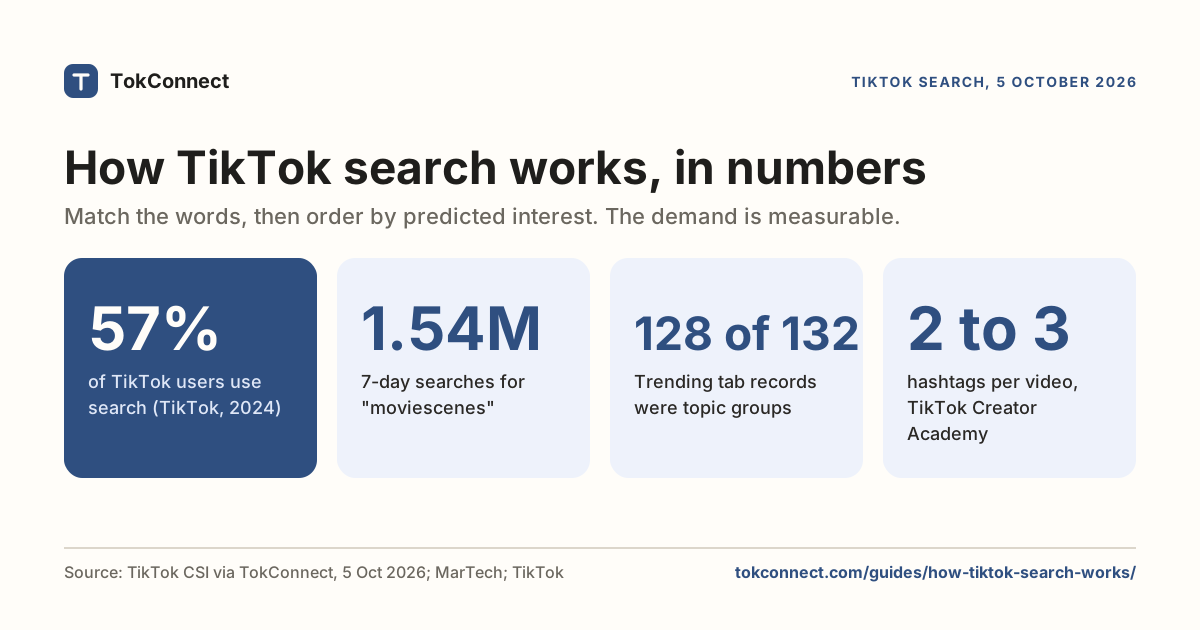
- TikTok says 57% of its users use the app's search function, a figure it gave when launching Search Ads in September 2024.
- Creator Search Insights shows the demand in numbers: "kpop tiktok dances" had 564,143 searches in the 7 days to 5 October 2026. Most Trending tab rows are pooled topic groups, so plan on typed searches.
TikTok search works in two layers: it matches your phrase against what it has understood each video to be about (caption, on-screen text, speech, hashtags and sound), then orders the matches by how likely it predicts you are to watch them, which is why two people searching the same words see different lists. TikTok has published no search ranking document, but it has said 57% of its users use search, and its own Creator Search Insights tool shows how much demand runs through it.
This page covers what happens when you search, what TikTok has published about ranking, where the suggested searches under videos come from, and how much demand is flowing through search, using numbers from TikTok's own creator tool from 5 October 2026.
What happens when you search?
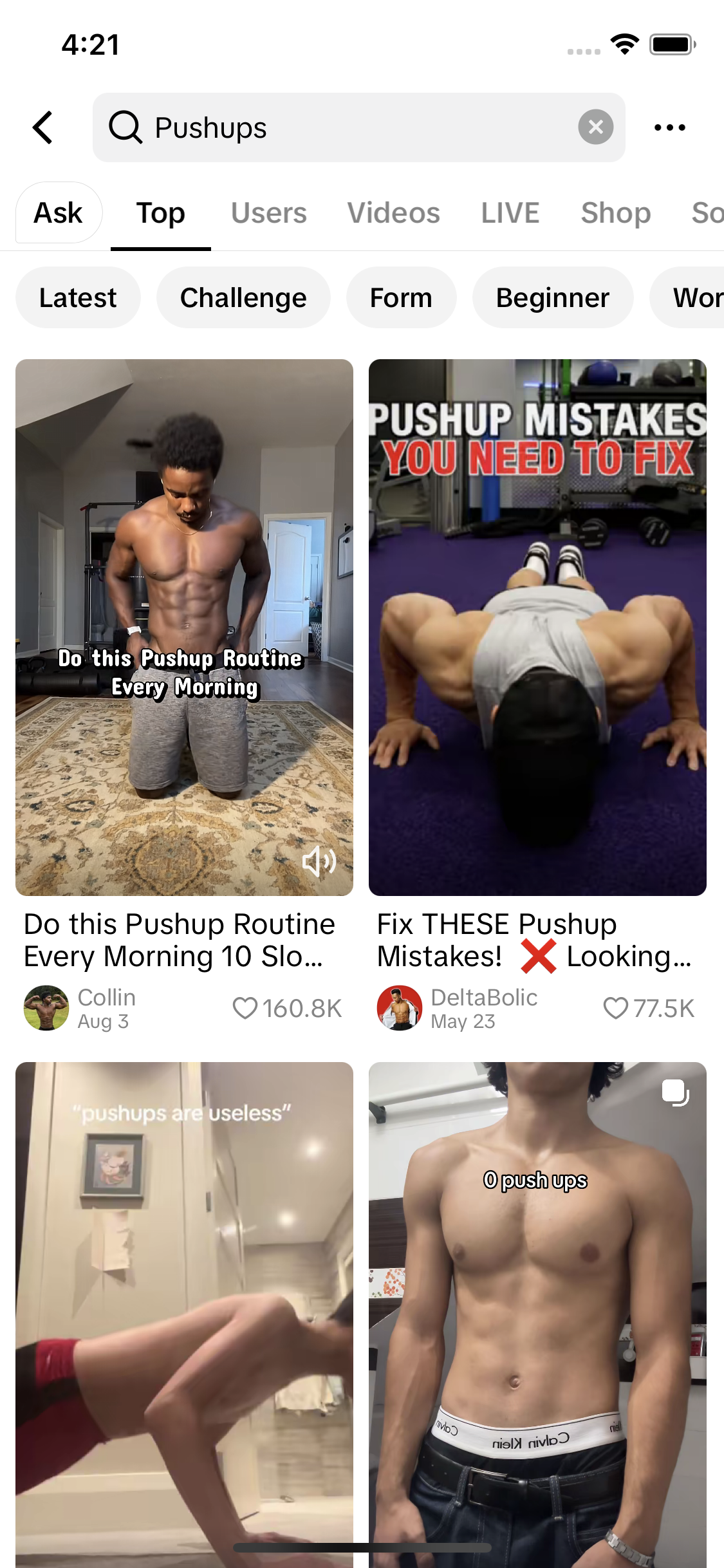
TikTok's help centre keeps the instructions short: tap Search at the top, type what you are looking for, tap Search, and the most relevant results come first. What it does not spell out is the shape of the results page. In our app screenshot the tabs read Ask, Top, Users, Videos, LIVE, Shop and Sounds; tabs vary by region and query.
| Tab | What it returns | Useful for |
|---|---|---|
| Top | A mixed set: videos, accounts, sometimes a product or a place | Seeing what TikTok thinks the query means |
| Videos | Video results only, with filters for sort order and date posted | Checking how much competition a keyword has |
| Users | Accounts whose name, handle or bio matches | Finding creators in a niche |
| Sounds | Audio with title, artist and length | Tracking a sound before it peaks |
| LIVE | Live streams matching the phrase | Real-time topics |
| Shop | Product listings from TikTok Shop | Commercial intent behind a query |
| Ask | An answer in text | Quick answers to questions |
Under the filter button you can sort by relevance or most liked, and narrow by date posted. The date filter is the one creators underuse. If the top results for your keyword are all years old, that is an opening.
What does the TikTok search engine rank?
TikTok has never published a search ranking document. What it has published is how its recommendations work, and search sits on similar machinery (see how the For You algorithm works): select eligible content, then rank it on a prediction of how likely you are to be interested.
Two layers, then. The first is matching. TikTok reads your caption, the on-screen text, the words you say, your hashtags and your sound to work out what a video is about. Posts have been limited to five hashtags since August 2025, as MediaPost reported, and TikTok's Creator Academy encourages 2 to 3 relevant ones. A video that never states its subject in any of those places is hard to match, however good it is.
Since late April 2026 you can see part of that matching layer. TikTok attaches search keywords to published videos, "based on popular searches", and a Manage keywords option lets you block the ones that miss and suggest better ones. TikTok keeps oversight of whether a suggestion is relevant. It is the closest thing to a look inside the index: if the keywords on your video are wrong, this is where the fix goes, and the TikTok SEO guide has it as a checklist step.
The second is ordering. Among videos that match, TikTok favours the ones it predicts you will watch, which is driven by engagement on the video and by your own history. This is why the personalised search setting exists: TikTok's help centre says turning it off gives you non-personalised search results and recommendations, and changes your suggested searches too.
There is no keyword density, no meta description and no backlink equivalent. Repeating a phrase eight times in a caption does not help, and no hashtag ranks a video for a topic it does not cover. Matching is about being clearly about one thing.
The search bar under a video
While you watch, a small keyword box sometimes appears near the caption. Tap it and TikTok runs that search. It is generated from what TikTok has understood the video to be about, and it is the closest thing creators get to a free diagnostic.
If the chip under your cooking video says something sensible about the dish, TikTok has filed the video correctly and it can surface for those searches. If the chip is generic or unrelated, the video has not been understood, and no amount of hashtags will fix that. The search suggestions guide covers the other places suggestions appear and how to mine them.
How much demand is flowing through search
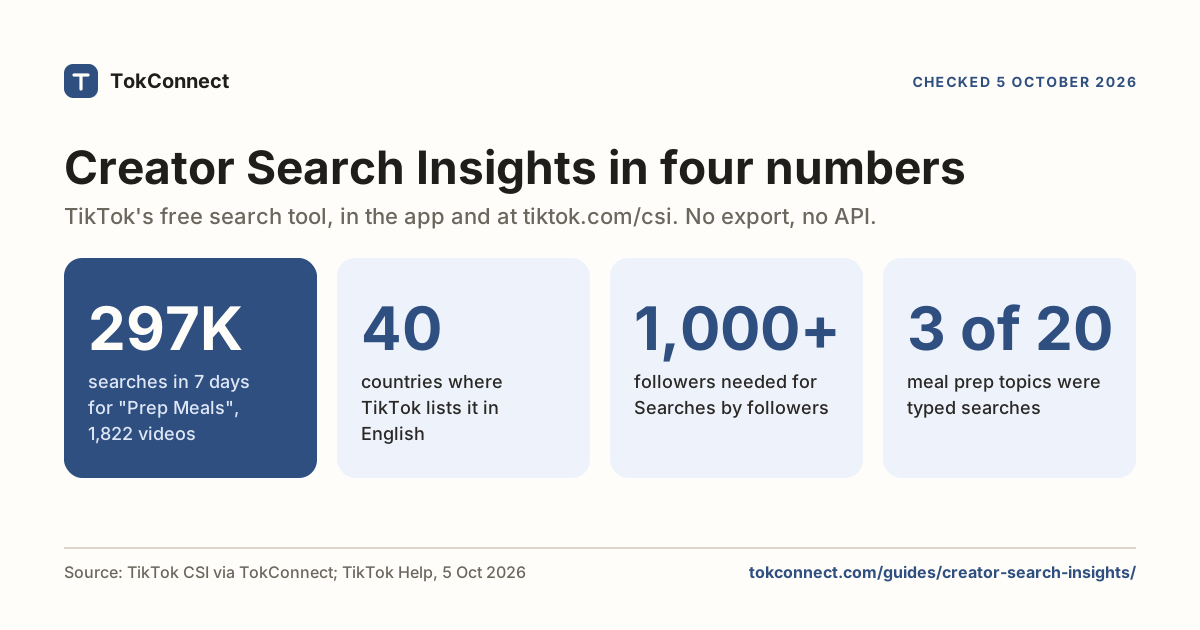
TikTok publishes real search counts in one place: Creator Search Insights, in the app and at tiktok.com/csi. Every topic there carries a search-popularity figure for the last seven days. These were the biggest typed searches across the 68 everyday seed keywords we pull each day, in the 7 days to 5 October 2026.
| Typed search | 7-day searches | Videos matched | Category |
|---|---|---|---|
| moviescenes | 1,542,254 | 6,669 | Entertainment |
| kpop tiktok dances | 564,143 | 1,185 | Dance |
| 1 a hair | 430,884 | 728 | Fashion |
| my makeup 13 | 404,878 | 630 | Fashion |
| movie's | 360,808 | 1,005 | Entertainment |
| Makeup no makeup | 351,424 | 2,570 | Fashion |
Data: TikTok Creator Search Insights, global. Open the snapshot. The live list is on today's trends.
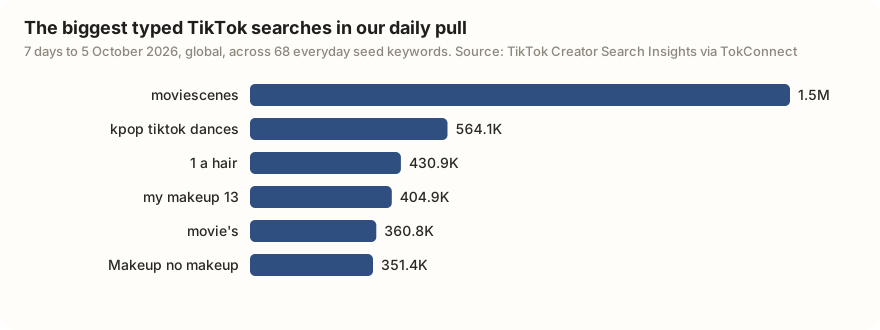
That table is the biggest searches across everyday topics, not one niche; the sourdough check at the end of this page is the niche version. Two things to take from it. The scale is weekly, not monthly, so 564,143 searches for "kpop tiktok dances" is one week of demand. And the wording is messy: "1 a hair", "movie's", "my makeup 13". That is what typed search looks like, and why the exact phrase matters more than a tidy keyword.
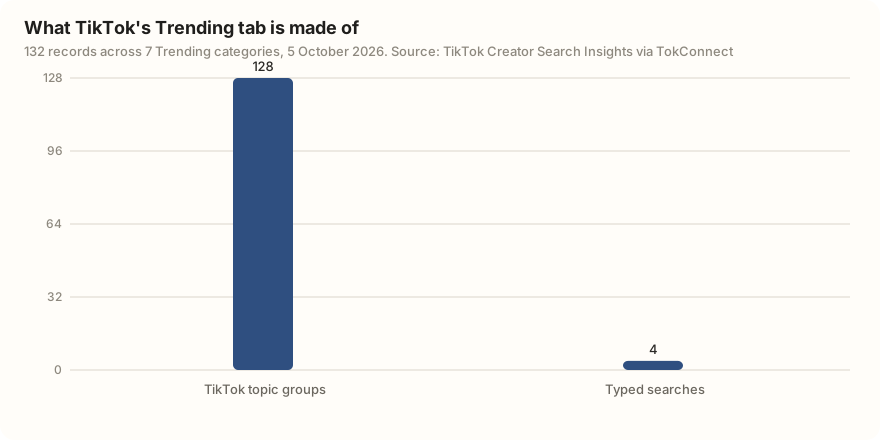
The Trending tab in the same tool looks bigger, but most of it is not search in that sense. On 5 October 2026, 128 of its 132 records were TikTok's generated topic groups, with pooled figures in the millions. Read those as the size of a theme and plan around the typed searches.
How is TikTok search different from Google?
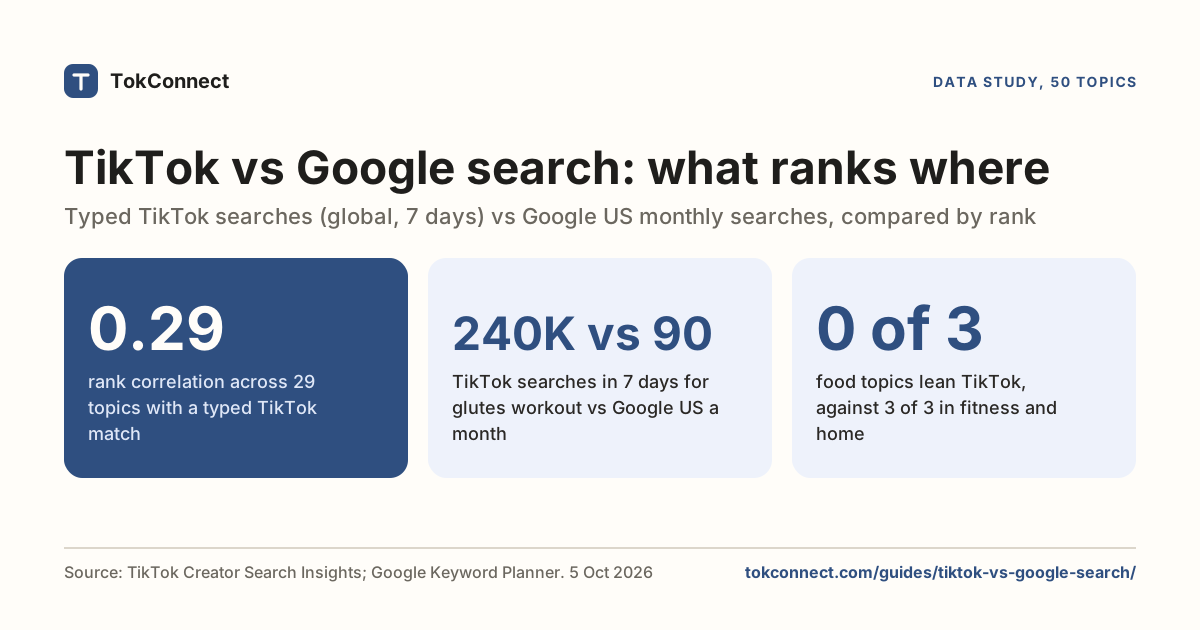
The mechanics rhyme and the behaviour does not. Our TikTok vs Google search comparison puts the numbers side by side; the short version:
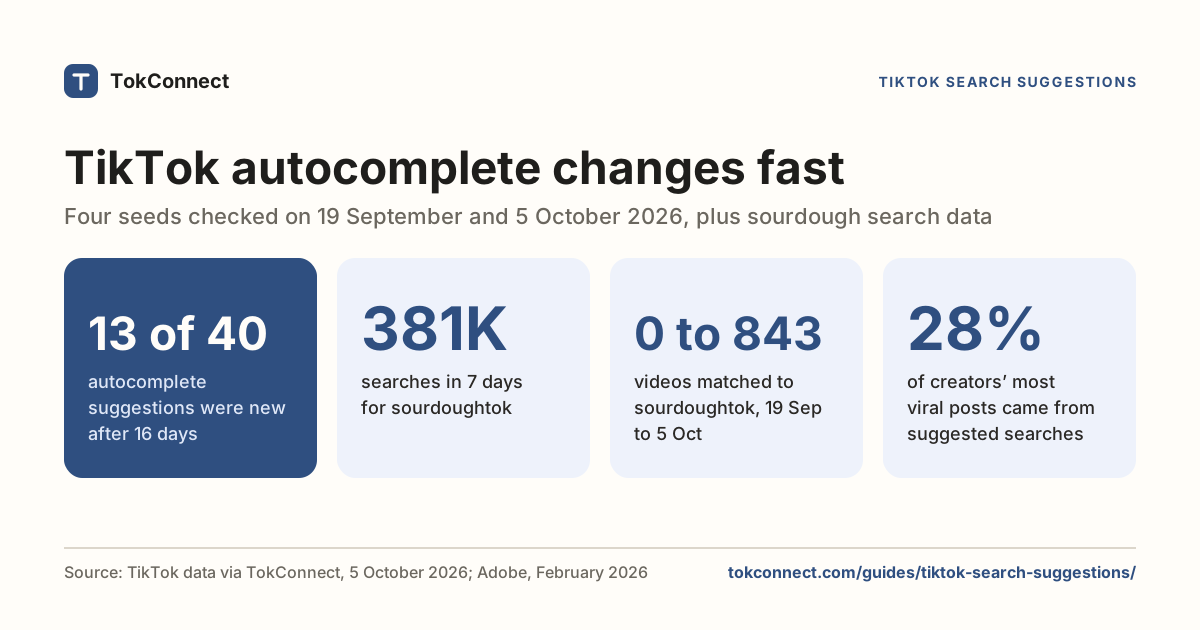
- Queries carry the context. TikTok's autocomplete on 5 October 2026 suggested side hustles to earn money 2026, date night ideas for couples and gift ideas for teachers day: who it is for, when, and why.
- Results are personalised by default. TikTok's ranking runs on a prediction of what you specifically will watch, and it has a setting to switch that off.
- The volume window differs. TikTok's Creator Search Insights counts searches over 7 days; Google's keyword tools give monthly averages. Don't compare the two directly.
- The answer is a demonstration. Searchers want to watch the thing happen, so the whole answer has to be in the video.
- There is no click. Success is a watch, not a visit.
More figures on how people search TikTok are collected on our TikTok search statistics page.
What does it mean for creators?
Four things follow from all of the above, and they are cheap to do.
- Say the phrase. Put your target wording in the caption, in the on-screen text and out loud in the first few seconds. That is the matching layer, and it is the part you control.
- Pick a typed search with demand and few videos. Search your niche in Creator Search Insights, skip the generated topic groups, and compare searches with video count, not searches alone.
- Check the chip. A day after posting, look at the keyword box under your own video. If it is wrong, open Manage keywords on that video, block the miss and suggest the right phrase, and make the next video clearer, not louder.
- Use the date filter on your competitors. Search your keyword, filter to recent months, and see whether anyone is serving it now.
For the keyword "beginner sourdough", show me the TikTok video results and the matching Creator Search Insights topics. Keep only typed searches, not TikTok's generated topic groups. For each, give the 7-day searches, the popularity score and the video count, then tell me which one has the most searches per existing video.
The rest of the checklist, including captions, on-screen text and what hashtags are still worth doing, is in the TikTok SEO guide.
How we got these numbers
The search figures come from TokConnect's daily pull on 5 October 2026: search counts for 68 everyday seed keywords and TikTok's Trending tab across seven categories, from Creator Search Insights, plus TikTok autocomplete for 20 seeds. Searches are TikTok's search popularity over the 7 days to 5 October 2026, global; videos matched is how many videos TikTok files under the search.
A record counts as a topic group, not a typed search, if its 7-day figure is 5,000,000 or more, or 1,000,000 or more with the week's first reading under 5% of its last, or TikTok files it as Featured Content; groups are left out of the table and chart of searches. TikTok samples and rounds these figures.
The 57% figure is TikTok's internal data as reported by MarTech; the Creator Academy, help centre and Social Media Today facts were from 5 October 2026, except the help-centre pages on search and recommendations, which did not load for us that day and are cited as previously read. Data: daily typed searches, Trending tab, Trending tab counts, autocomplete, TikTok facts with links.
Key statistics
57% of TikTok users use the app's search function, according to internal TikTok data reported when TikTok launched Search Ads on 24 September 2024.
"moviescenes" was searched 1,542,254 times on TikTok in the 7 days to 5 October 2026, worldwide, the biggest typed search across the 68 everyday seed keywords we pull daily.
TikTok's daily search popularity for "kpop tiktok dances" rose from 103,189 to 564,143 over the 7 days to 5 October 2026, with 1,185 videos matched.
All 6 statistics
128 of the 132 records in TikTok's Trending tab on 5 October 2026 were TikTok topic groups that pool many searches rather than phrases people type.
Since April 2026 TikTok shows the search keywords it adds to each video "based on popular searches" and lets creators block them or suggest others, with TikTok keeping oversight.
Frequently asked questions
Does a person know if you search them on TikTok?
No. TikTok does not tell anyone that you searched their name, and creators only see aggregate search numbers, never who; the search history guide covers what is visible.
How do TikTok searches work?
TikTok matches your phrase against what it has understood each video to be about, drawn from the caption, on-screen text, spoken words, hashtags and sound. It then orders the matching results by how likely it predicts you are to watch them, which is why two people searching the same phrase see different lists.
What does the search bar at the bottom of my TikTok video mean?
It is a suggested search that TikTok generated from what it thinks the video is about. Tapping it runs that search. For creators it doubles as a free check: if the phrase makes sense for your video, TikTok has filed it correctly and it can appear for those searches.
Is TikTok a search engine?
It works like one for the queries people bring to it: a search bar, an index built from video content, ranked results and paid results alongside them. It differs in that ranking is personalised by default, freshness counts for more, and the answer is a video to watch rather than a link to click.
How much do people search on TikTok?
TikTok has said 57% of its users use the app's search function (internal data reported in September 2024). Its Creator Search Insights tool shows the volume per search: on 5 October 2026, "moviescenes" had 1,542,254 searches in 7 days and "kpop tiktok dances" 564,143.
Can you see what you searched on TikTok?
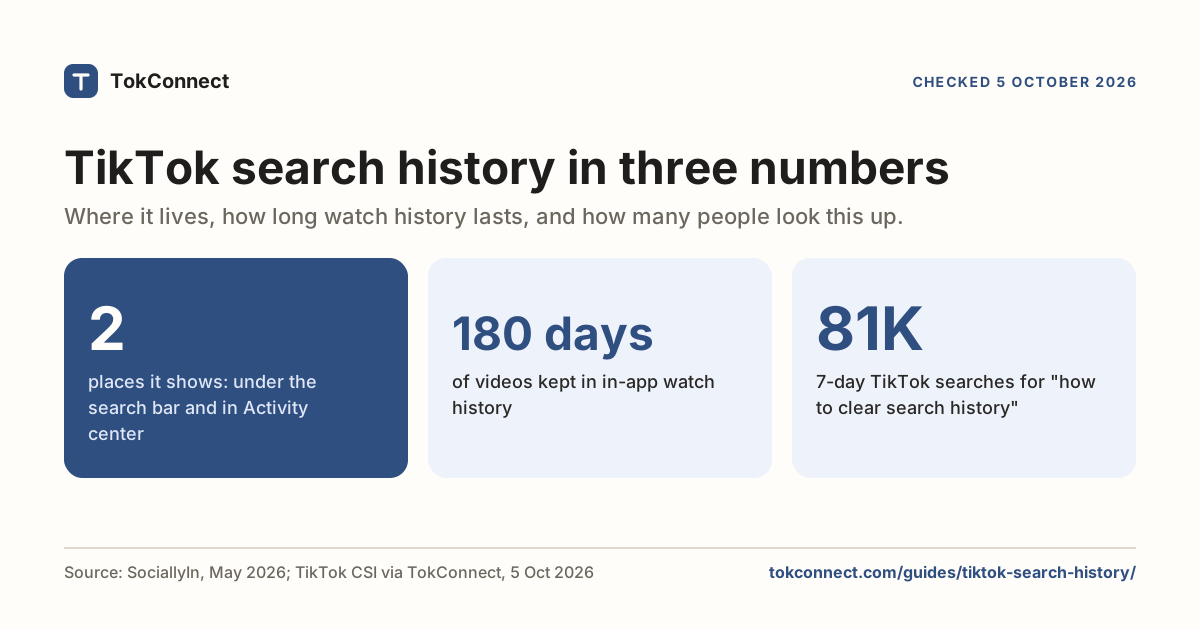
Yes. Your recent searches show under the search bar, and the full list is under Settings and privacy, Activity center, Search history. You can delete one search or all of them; our search history guide has the steps.
Sources and data
- Search on TikTok (TikTok Help Center)
- How TikTok recommends content (TikTok Help Center)
- TikTok Search Ads Campaign launches in US, with TikTok's 57% search-use figure (MarTech, 24 September 2024, 5 October 2026)
- TikTok lets users add relevant keywords to metadata (Social Media Today, 26 April 2026, 5 October 2026)
- TikTok limits hashtags as algorithms become more sophisticated (MediaPost, 21 August 2025)
- Elements of a TikTok video: use 2 to 3 relevant hashtags (TikTok Creator Academy, 5 October 2026)
- Creator Search Insights (TikTok Creator Academy, 5 October 2026)