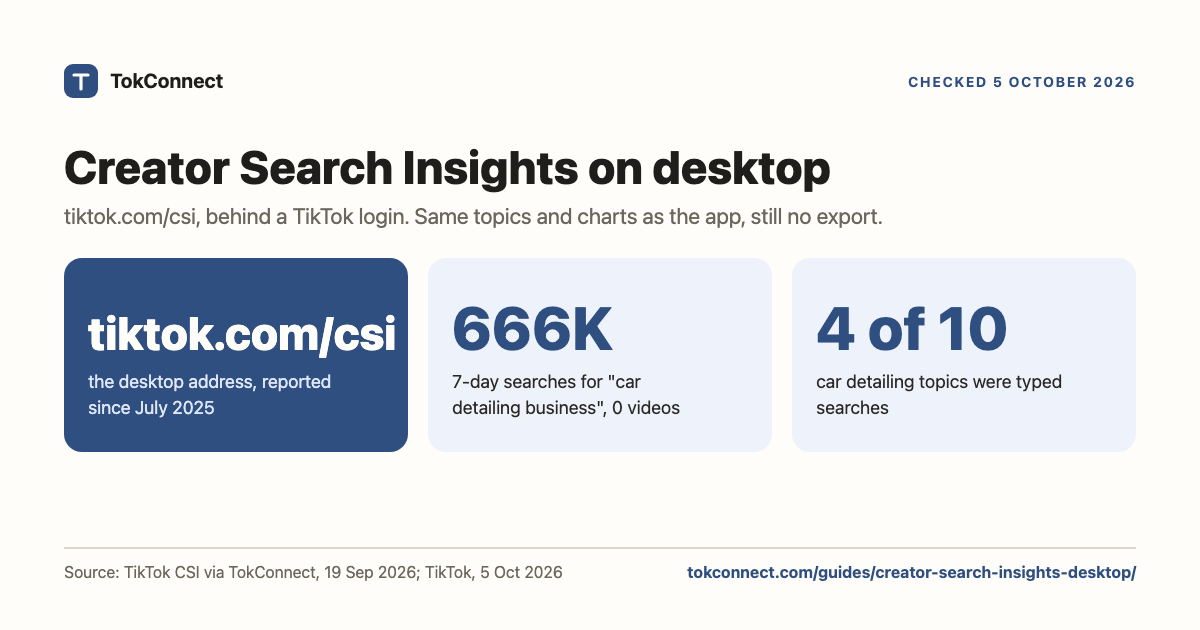

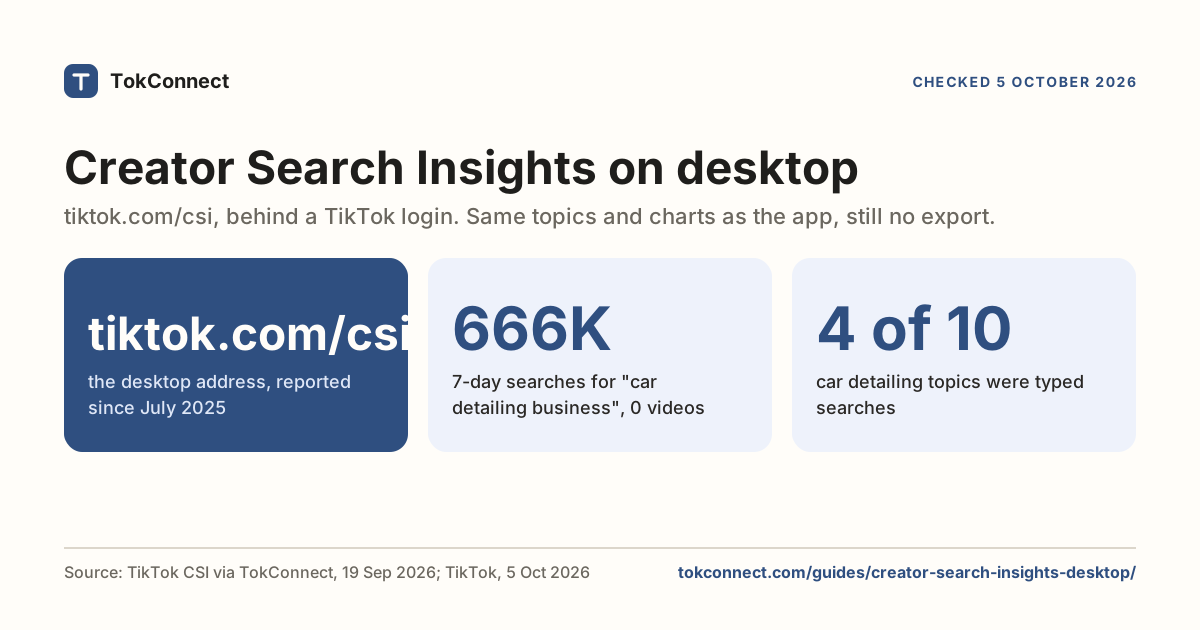
- Creator Search Insights is on desktop at tiktok.com/csi, behind a TikTok login, with the same topics and charts as the app. TikTok Studio on the web is a different tool.
- The "Creator Search Insights" apps and APKs on download sites are third-party software, not TikTok's tool.
- Neither the web version nor the app exports anything. Screenshots are the workflow.
- An MCP tool such as TokConnect returns the same fields as a table you can paste into a brief. In our car detailing test, all four typed searches had zero matched videos.
Yes, you can use Creator Search Insights on desktop: log in to TikTok in a browser and open tiktok.com/csi, which shows the same topics, search popularity figures and 7-day charts as the app, one topic at a time with no export. As of 5 October 2026 a signed-out visit to that address shows TikTok's login page, and creators first reported the desktop version on 12 July 2025, which is why older guides still say there is none.
What the desktop version still does not give you is a way to get the numbers out. No export, no history beyond the charts, no API, and every topic is one more click. So this page covers three routes: the web version, the phone, and an agent route that returns the topics as a table you can paste into a brief. It also flags the "Creator Search Insights app" downloads, which are not TikTok's.
Key statistics
Creator Search Insights is available on desktop at tiktok.com/csi behind a TikTok login, checked 5 October 2026; desktop access was first reported on 12 July 2025.
"car detailing business" was searched 665,799 times on TikTok in the 7 days to 19 September 2026, and TikTok matched 0 videos to it.
"tools for car detailing" was searched 233,623 times on TikTok in the 7 days to 19 September 2026, with 0 videos matched.
All 5 statistics
TikTok's help article for Creator Search Insights describes only the app route (search the name, tap View), checked 5 October 2026.
Creator Search Insights on desktop: tiktok.com/csi
- Log in to tiktok.com in your browser with the account that has the tool in the app.
- Go to tiktok.com/csi.
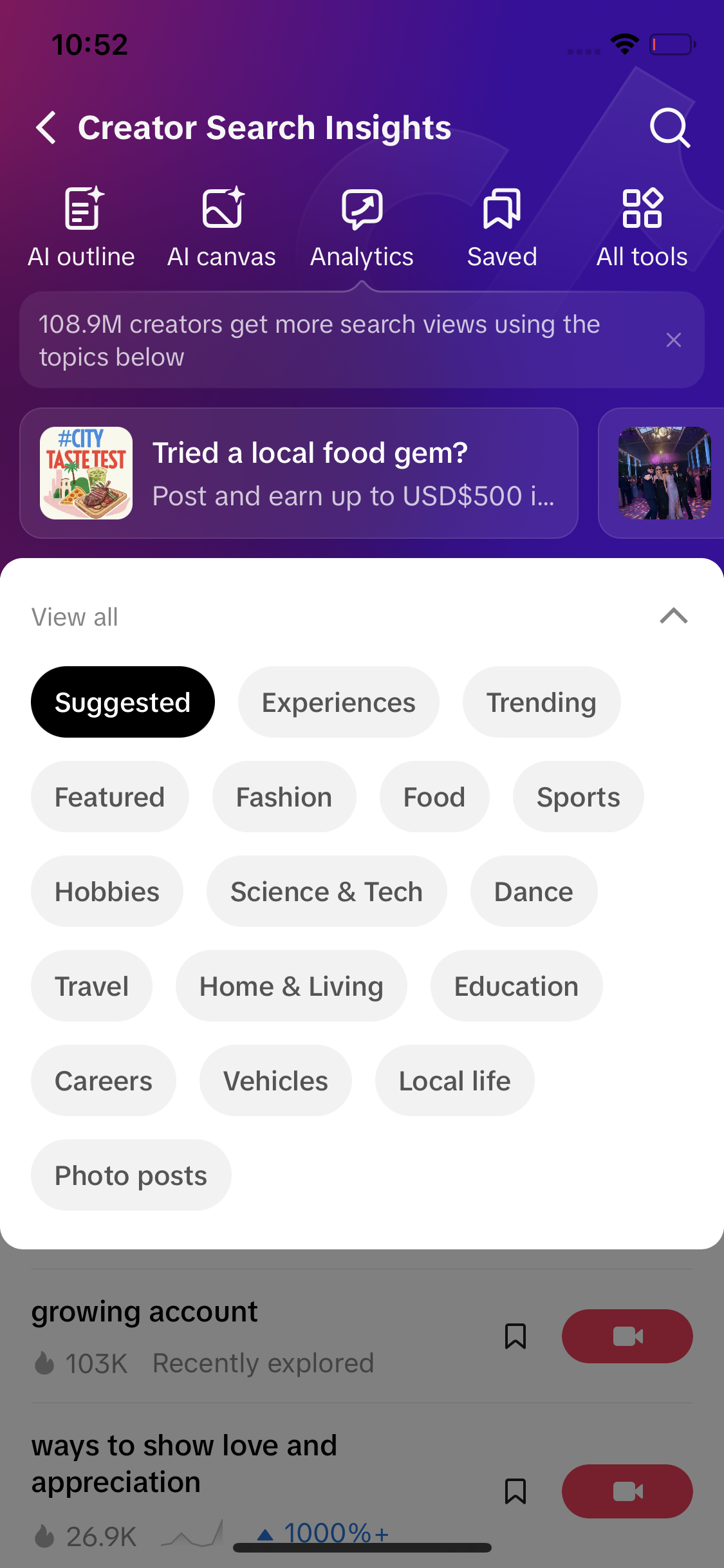
- You land on the same home screen as the app: Suggested, Trending and Featured channels, category chips, and a search bar. Type your niche and open a topic to see its search popularity and chart.
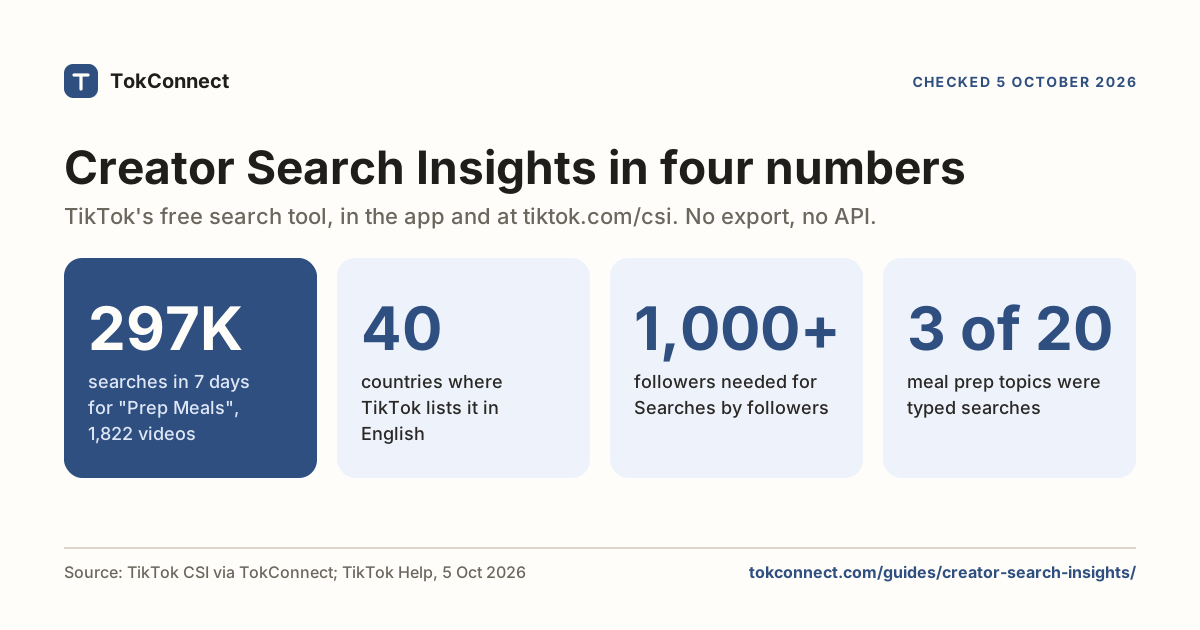
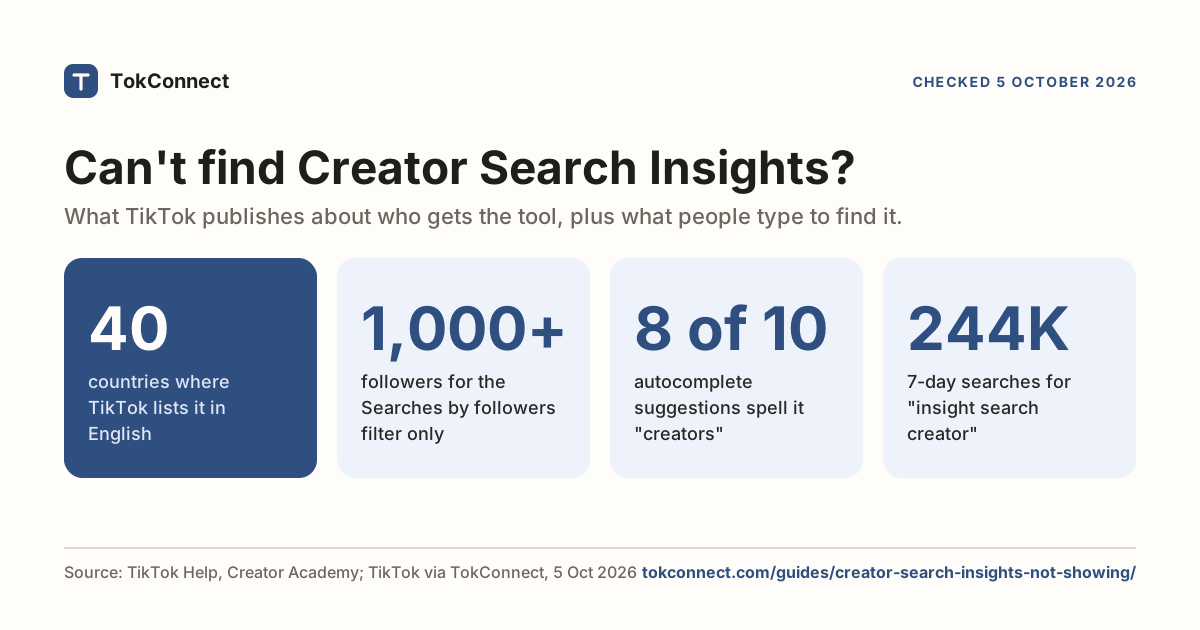
Two things to know. If the address keeps showing the login page after you have logged in, or a blank page, the tool is not enabled for that account or country yet. TikTok's Creator Academy lists 40 countries for the English version, and the not-showing guide covers the other causes. And the desktop version has no download button anywhere. Ten topics with their numbers is still ten topic pages and ten screenshots, only on a bigger screen.
TikTok Studio on the web, at studio.tiktok.com, is a different thing: analytics, uploads and comments for your own account. Open tiktok.com/csi directly for the search tool.
The "Creator Search Insights app" downloads are not TikTok's
Search for the tool and you will hit download pages offering a Creator Search Insights app or APK for Android and PC. TikTok does not publish one. Its help article describes the tool inside the TikTok app, and the web version lives on tiktok.com.
When we checked on 19 September 2026, the Android listing that ranked highest was published by Mavin Tech Ltd, an unrelated developer, and its own description said it explores trending topics across Facebook, TikTok, Instagram, X and Google Search from public data. That is a different product with a confusing name. It cannot show you TikTok's search popularity figures, which sit behind a TikTok login.
An app that promises TikTok's internal search data will ask for your login to deliver it. Nothing that asks for your TikTok password outside TikTok is worth a keyword list. If a download page uses TikTok's logo and is not on tiktok.com, it is not TikTok.
The phone route, if the web version is not there yet
The routine is the same on either screen.
- Open the TikTok app, tap Search, search Creator Search Insights, tap View. Or open tiktok.com/csi on the desktop.
- Use the search bar inside the tool and type your niche, not a trend.
- Screenshot each topic page you care about. The screenshot is your record: the tool has no export, so a number you didn't capture is gone next week.
- Type the search and its popularity figure into your brief by hand.
The cost is time. Ten topics with their numbers, categories and video counts is a lot of clicking and typing, and you repeat it every time the data moves.
The agent route: the numbers as a table
The third route skips TikTok's interface altogether. TokConnect reads the same Creator Search Insights fields and answers in the research agent at app.tokconnect.com, or over the Model Context Protocol inside any AI app that supports it: ChatGPT, Claude, Codex, Cursor, Gemini CLI. You ask in plain words on your laptop and get the topics back as a table you can sort, paste and keep.
Connect it once
Most apps take the server address and then sign you in. In Claude Desktop, for example, you add a custom connector, paste the URL and sign in with Google. Apps that do not sign in take an API key instead.
| Setting | Value |
|---|---|
| Server URL | https://mcp.tokconnect.com/mcp |
| Sign-in | OAuth sign-in where the app supports it; otherwise the header Authorization: Bearer YOUR_TOKCONNECT_KEY |
| Transport | Streamable HTTP |
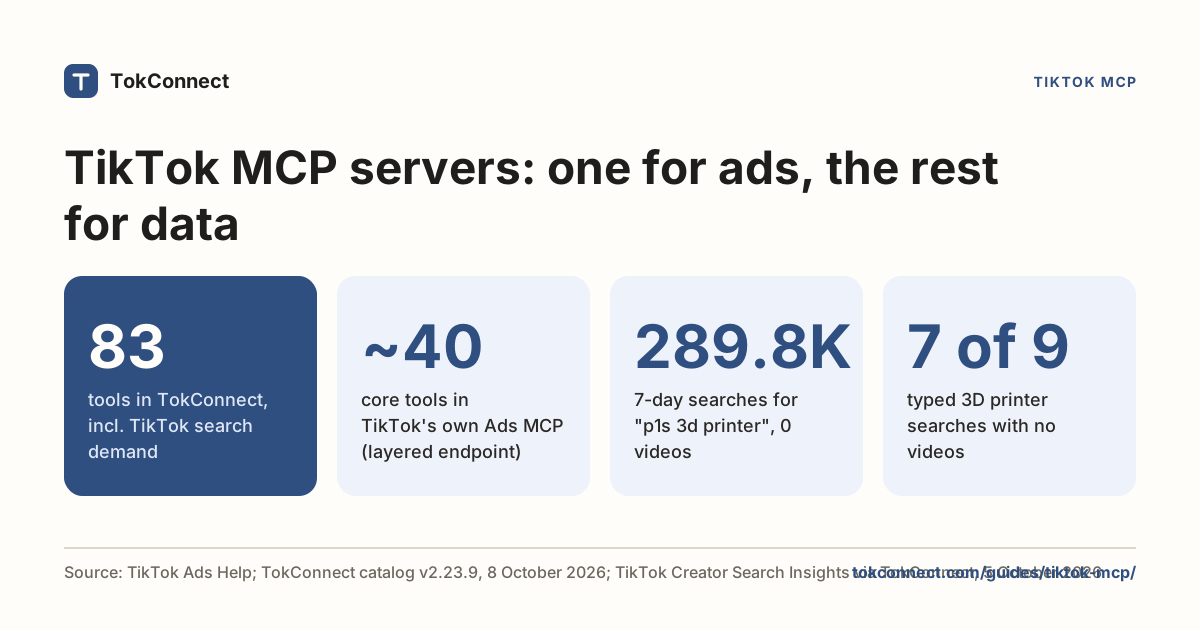
The setup pages have the exact steps per app, and the TikTok MCP guide explains what is happening underneath. Once it is connected, your agent lists the tools on its own. You do not call them by name.
Ask the research agent Or connect it to your AI app
Ask a real question
Search TikTok Creator Search Insights topics for "car detailing", 10 results, English. Separate the typed searches from TikTok's generated topic groups. Give me a table of the typed searches with 7-day searches, video count, popularity score and category, sorted by searches, and flag anything with fewer than 100 videos as a content gap.
Here are the typed searches that came back when we ran it on 19 September 2026.
| Typed search | 7-day searches | Videos | Popularity | Category |
|---|---|---|---|---|
| car detailing business | 665,799 | 0 | 81 | Finance and Economics |
| tools for car detailing | 233,623 | 0 | 73 | Vehicles & Transportation |
| how to be a car detailer | 129,761 | 0 | 70 | Vehicles & Transportation |
| Car Detail | 49,604 | 0 | 64 | Vehicles & Transportation |
Data: TikTok Creator Search Insights, pulled 19 September 2026. Searches are TikTok's 7-day global figure. Open the snapshot.
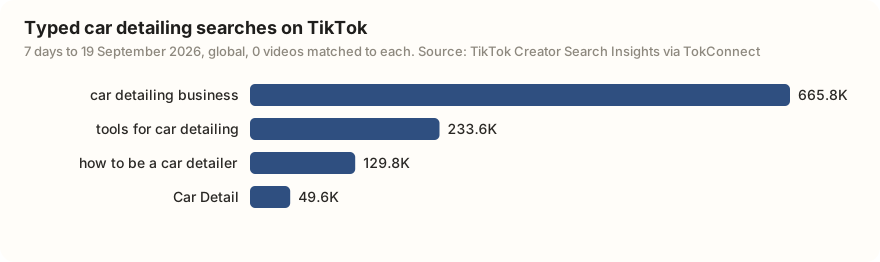
All four had zero matched videos. "car detailing business" pulled 665,799 searches in the week and TikTok had nothing filed under it. That is a content gap, the kind of thing you spot in two seconds in a sorted table and almost never spot scrolling a phone.
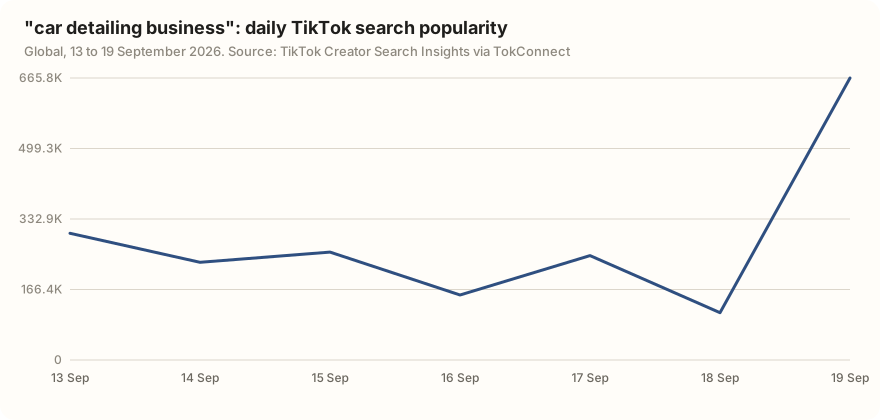
The other six rows were TikTok's generated topic groups, such as "car detailing and full wash", whose figures between 2,195,519 and 4,637,635 each pool many related searches and are not counts for one phrase. Keep them out of the brief, or list them separately as themes. The categories are worth a second look too: TikTok files "car detailing business" under Finance and Economics, not Vehicles, so browsing the Vehicles category chip in the app would never show it. The search volume guide covers how a 7-day figure compares with a Google monthly average.
Which route to pick
| TikTok's interface (web or phone) | Agent route (TokConnect) | |
|---|---|---|
| Cost | Free | 50 free credits, then paid plans |
| Where you work | Phone or browser, one topic at a time | Laptop, many topics per question |
| Output | Screens and screenshots | Text, tables, CSV, whatever you ask for |
| History | Charts up to 180 days; nothing saved | The same charts; you save the tables yourself |
| Personalised suggestions | Yes, tied to your account | No, search and trending feeds are the same for everyone |
| Good for | Checking one idea, the AI tips on a topic | Briefs, client decks, weekly checks, comparing niches |
Checked 5 October 2026. Plans are on the pricing page.
Use both. TikTok's own interface is the only place to see the Suggested list personalised to your account. Use the agent route for anything that ends up in a document: briefs, client decks, weekly checks and comparing niches. If you advertise, TikTok's Keyword Planner in Ads Manager is a third, browser-based option built for bidding.
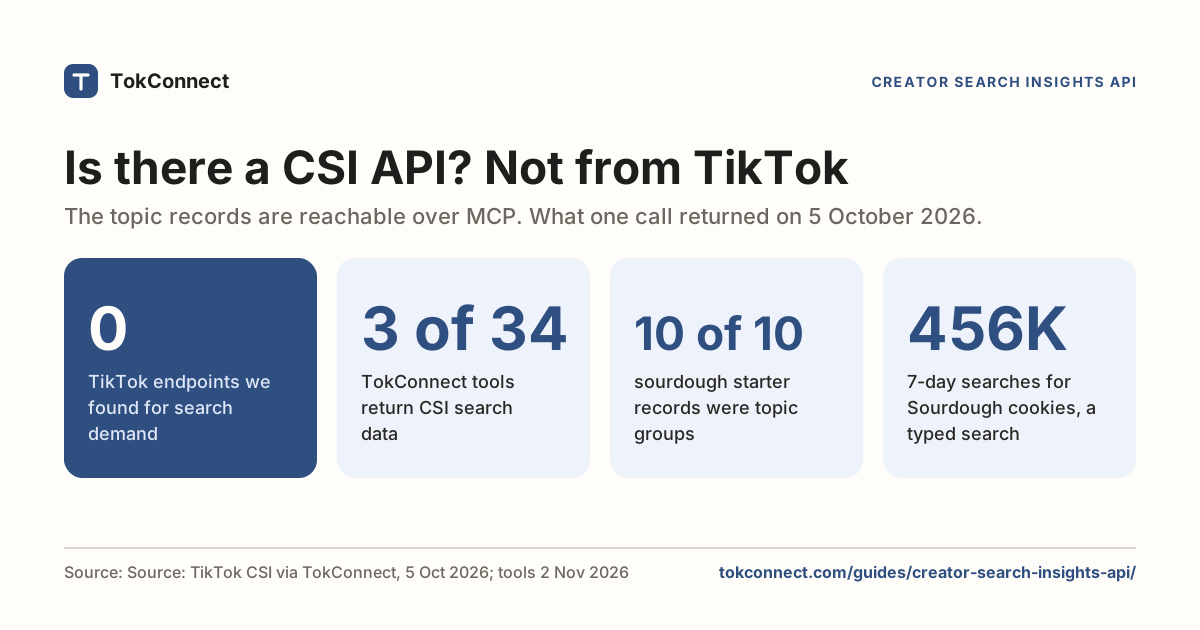
If you write code rather than prompts, the API guide has a Python example that returns the same records as JSON.
How we got these numbers
The car detailing figures come from one search_topics call for "car detailing" (10 topics, English) through TokConnect's MCP server on 19 September 2026. Searches are TikTok's search popularity over the 7 days to that date, global; videos is how many videos TikTok matched to each search. A record counts as a topic group, not a typed search, if its 7-day figure is 5,000,000 or more, or 1,000,000 or more with the week's first reading under 5% of its last; six of the ten met that rule and are left out of the table and chart. The desktop facts were checked on 5 October 2026: we loaded tiktok.com/csi signed out and read TikTok's help and Creator Academy articles. The Softonic listing details are from 19 September 2026; the page did not load for us on 5 October. Data: car detailing pull, TikTok facts with links.
Frequently asked questions
Is there a Creator Search Insights desktop version?
Yes. Log in to TikTok in a browser and open tiktok.com/csi. Creators first reported it on 12 July 2025, and on 5 October 2026 the address still showed TikTok's login page to signed-out visitors. If it keeps showing the login page after you log in, your account or country does not have the tool yet.
Can I download a Creator Search Insights app for PC or Android?
Not an official one. TikTok's help article describes the tool inside the TikTok app, and the web version lives at tiktok.com/csi. The Android listing we found on Softonic in September 2026 was published by Mavin Tech Ltd and pulls public trends from several platforms, so it does not show TikTok's search popularity figures.
How do I get Creator Search Insights data into a spreadsheet?
TikTok has no export: the app and tiktok.com/csi show one topic at a time. You either type the numbers from each topic page by hand, or use an MCP tool such as TokConnect, which returns the topics, searches and content gaps for a whole niche as a table you can paste into a sheet. Connecting it to an AI app takes a server URL and a sign-in, and it starts with 50 free credits.
Does TikTok Studio show search insights?
TikTok Studio on the web, at studio.tiktok.com, covers post performance, viewers and comments. Search analytics for your own posts sit in Creator Search Insights' Analytics tab, according to TikTok's help article, and the search tool itself lives at tiktok.com/csi.
Is the desktop version the same as the app?
It shows the same topics, search popularity figures and 7-day charts. TikTok's help article only documents the app, and some extras such as AI canvas are described as available where supported. Neither version exports data.
Sources and data
- You can now access TikTok's Creator Search Insights on desktop (Jonah Manzano on X, 12 July 2025)
- Creator Search Insights (TikTok Help Center, checked 5 October 2026)
- Creator Search Insights (TikTok Creator Academy, checked 5 October 2026)
- Creator Search Insights desktop address (TikTok, login required, checked 5 October 2026)
- Creator Search Insights for Android, published by Mavin Tech Ltd (Softonic, as of 19 September 2026)
- Get inspired with Creator Search Insights (TikTok Newsroom, 13 March 2024)