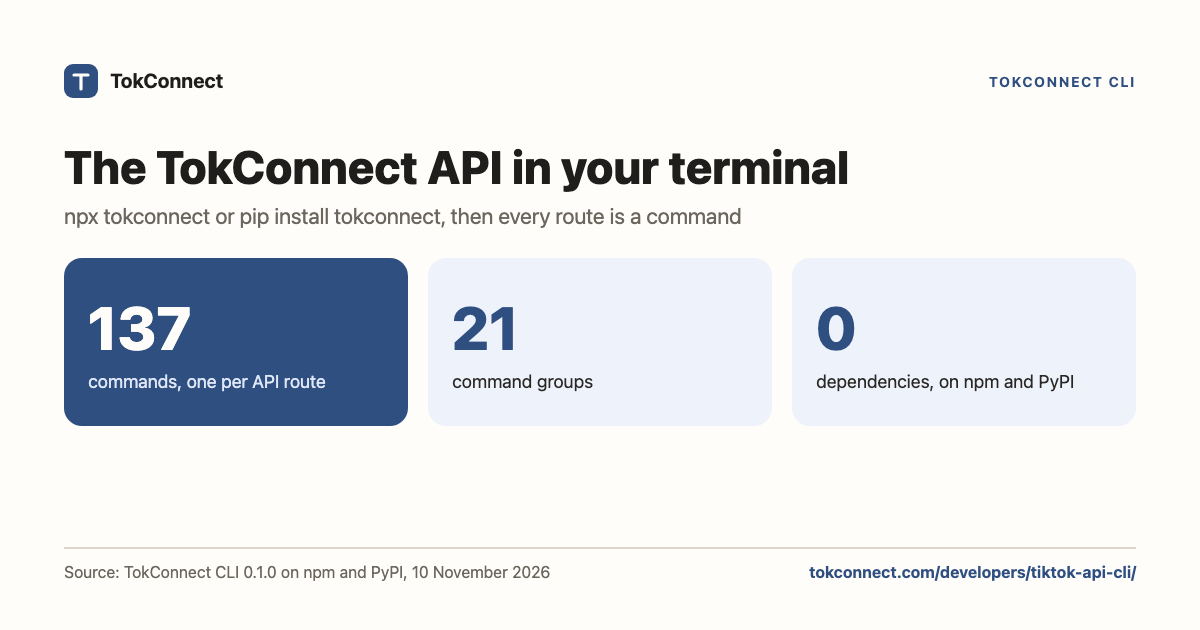

The TokConnect CLI is a TikTok API CLI: it puts every route of the TokConnect API in your terminal as a command. Install it from npm (npx tokconnect) or PyPI (pip install tokconnect), sign in once with your API key, and pull TikTok Shop sales, TikTok search demand, videos, comments, transcripts and creators as JSON for your scripts, your jq pipelines and your AI agents.
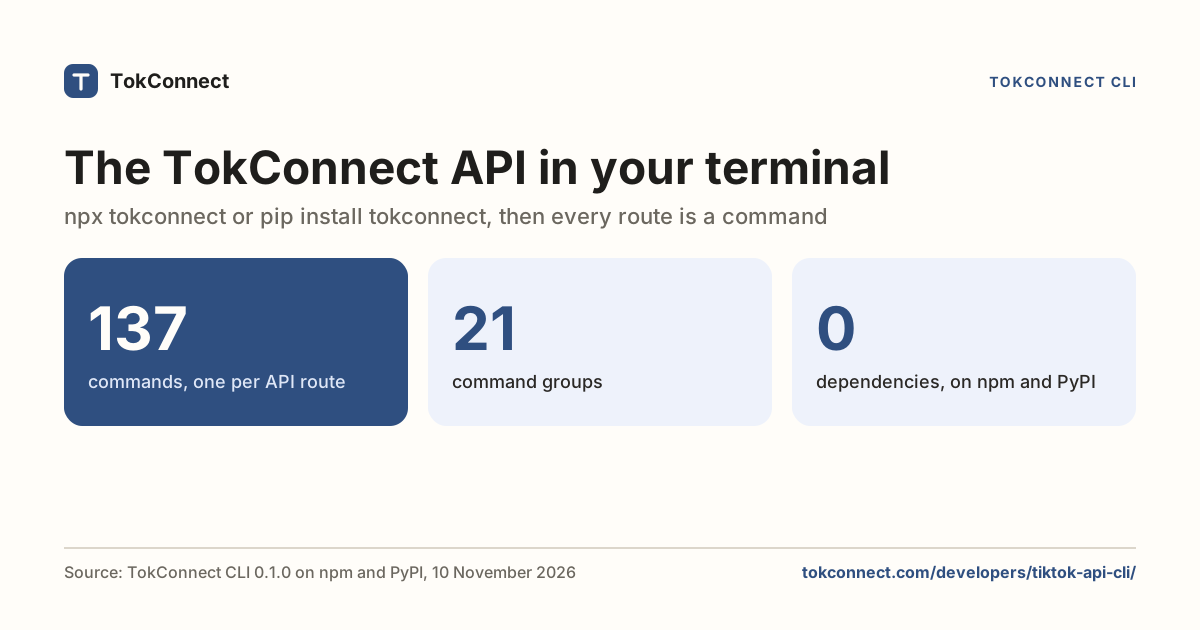
- The TokConnect CLI runs every TokConnect API route from a terminal: 137 commands in 21 groups, one per REST route, installed with npx tokconnect (npm) or pip install tokconnect (PyPI).
- Both packages have no dependencies: Node.js 18 or newer, or Python 3.9 or newer.
- Output is the API's own JSON, so it pipes into jq, scripts and AI agents; exit codes say whether a call failed on usage, the key, credits or the rate limit.
- The Python package adds a client with one method per route, for notebooks and Python agents.
- Calls use your TokConnect API key and credits: 1 credit per call, failed calls are free, and the REST API is on every paid plan.
How do you install the TokConnect CLI?
Pick the package that matches your tools. Both have the same commands and keep your key in the same place, so you can switch between them.
npx tokconnect login          # Node.js 18 or newer
pip install tokconnect        # Python 3.9 or newer
tokconnect login
tokconnect login asks for your TokConnect API key and saves it to ~/.config/tokconnect/config.json, readable only by you. In CI or a container, set TOKCONNECT_API_KEY instead, or pass --key on one command. The REST API is on every paid plan; your key is on the API key page.
How do the commands map to the API?
Each REST route /v1/<group>/<words> becomes tokconnect <group> <words>. An id or a full TikTok link in the path becomes an argument, and query parameters become options with the same names (--max-rows and --max_rows both work).
# What sells on TikTok Shop, in any of 17 markets
tokconnect products top --keyword "lip oil" --region US --limit 5
tokconnect shops top --region GB --limit 10

# What people search on TikTok
tokconnect searches list --keyword "glass skin"
tokconnect searches trending

# One video, by id or link
tokconnect videos transcript https://www.tiktok.com/@creator/video/7691522530129022221
tokconnect videos comments 7691522530129022221 --limit 50
To find a command, run tokconnect commands (or tokconnect commands products for one group) and tokconnect describe products top for its options, credit cost and an example. Any route can also be called by path with tokconnect call GET /v1/..., and tokconnect sync picks up routes added to the API after you installed the CLI.
What does the output look like?
The CLI prints the API's JSON response unchanged: data, a next_cursor for the next page, and meta with the credits charged and left. It is pretty-printed in a terminal and compact when piped, so it drops straight into jq:
tokconnect products top --keyword "lip oil" | jq '.data.items[] | {product_title, revenue, sale}'With --all the CLI follows next_cursor and merges the pages into one list, up to --max-pages (10 by default). Each page is one API call and costs credits.
How do AI agents use it?
An agent with a shell can run TokConnect without an MCP connection. tokconnect commands --json gives it the full command list, tokconnect describe <group> <command> --json the options of one, and the exit code tells it what to do next:
| Exit code | Meaning | What the agent should do |
|---|---|---|
| 0 | Success | Read the JSON on stdout |
| 1 | API or network error | Retry later; failed calls are not charged |
| 2 | Bad usage or bad request | Fix the options; run tokconnect describe |
| 3 | Key missing or not allowed | Ask the person for a key or a paid plan |
| 4 | Out of credits | Stop and tell the person |
| 5 | Rate limited | Wait; the CLI already retried twice after Retry-After |
Agents that support MCP, such as ChatGPT, Claude, Cursor and Claude Code, can connect TokConnect's MCP server instead and call the same data as tools; see MCP: use it in your AI.
How do you use it from Python?
pip install tokconnect also installs a client with one method per route. It uses the same saved key or TOKCONNECT_API_KEY:
from tokconnect import Client, TokConnectError

tc = Client()
best = tc.products.top(keyword="lip oil", region="US", limit=5)
for p in best["data"]["items"]:
    print(p["product_title"], p["revenue"])

tc.creators.shop_sales("tokconnect", start="2026-10-01")
tc.run("searches list", keyword="glass skin")
Each method returns the response JSON. Errors raise TokConnectError with the HTTP status, the API's error type and the body, and a 429 or 503 is retried twice after the Retry-After wait.
What does it cost?
The CLI is free to install; calls use your TokConnect credits like any API call. Most commands cost 1 credit, failed calls cost nothing, and one balance is shared by the research agent, your connected AI apps, the API and the CLI. Plans and limits are on the pricing page; the details are in credits and limits.
How we got these numbers
The command count is the number of routes in TokConnect's OpenAPI document (tokconnect.com/openapi.json) on 10 November 2026, which the CLI turns into commands, and the 21 groups are their first path segments. Package versions, sizes and Python and Node.js requirements come from the npm and PyPI listings checked the same day, after clean installs of both packages. Data: evidence file.
Key statistics
The TokConnect CLI has 137 commands in 21 groups, one for each route of the TokConnect REST API, from
tokconnect products toptotokconnect videos transcript.It ships as two packages with no dependencies:
tokconnect0.1.0 on npm (Node.js 18+) andtokconnect0.1.0 on PyPI (Python 3.9+), the second with a Python client.It returns six exit codes, so a script or an agent can tell a bad request (2) from a missing key (3), no credits (4) or a rate limit (5).
Frequently asked questions
Is there a command-line tool for TikTok data?
Yes. The TokConnect CLI runs the TokConnect API from a terminal: npx tokconnect from npm or pip install tokconnect from PyPI. It has 137 commands, one per API route, covering TikTok Shop sales estimates in 17 markets, TikTok search demand and public videos, comments, transcripts, creators, hashtags, sounds, LIVEs and ads.
Do I need an API key to use the TokConnect CLI?
Yes. Run tokconnect login once to save your TokConnect API key, set TOKCONNECT_API_KEY, or pass --key. The REST API is on every paid plan, and keys are on the API key page at app.tokconnect.com/api-key. Listing and describing commands works without a key.
How much does a TokConnect CLI command cost?
Each command is one API call and costs the same as the API: 1 credit for most routes, nothing for a failed call. With --all the CLI follows the pages of a list and each page is a call.
Can AI agents use the TokConnect CLI?
Yes. It prints JSON, tokconnect commands --json lists every command for an agent, tokconnect describe shows each command's options, and exit codes 2 to 5 tell the agent whether the request, the key, the credits or the rate limit was the problem. Agents that support MCP can also connect TokConnect's MCP server directly.
Is there a Python library for the TokConnect API?
Yes. pip install tokconnect installs both the CLI and a Python client: from tokconnect import Client, then Client().products.top(keyword="lip oil"). Each method returns the API's JSON and errors raise TokConnectError.