


- The fastest path is no code: connect TokConnect's MCP server to Claude or ChatGPT and paste a research prompt.
- The code path is six TokConnect REST routes, six small tool functions and a standard Claude tool-use loop in one Python file.
- A call budget in the client caps a weekly run at 20 credits, and a fixed data pull costs 6.
- Schedule it with one cron line or a GitHub Actions workflow and send the brief to Slack or email.
By the end of this tutorial you will have a Python agent that pulls what people search on TikTok this week, the rising searches, the trending hashtags, the best-liked videos and the TikTok Shop best sellers for your niche, and writes a weekly trend brief that lands in Slack or your inbox. The data comes from the TokConnect API, the reasoning from Claude's tool use, and the whole thing runs on a schedule for roughly 20 credits a week. If you only want the answer today, Part 1 does the same job with no code at all, by connecting TokConnect's MCP server to Claude or ChatGPT.
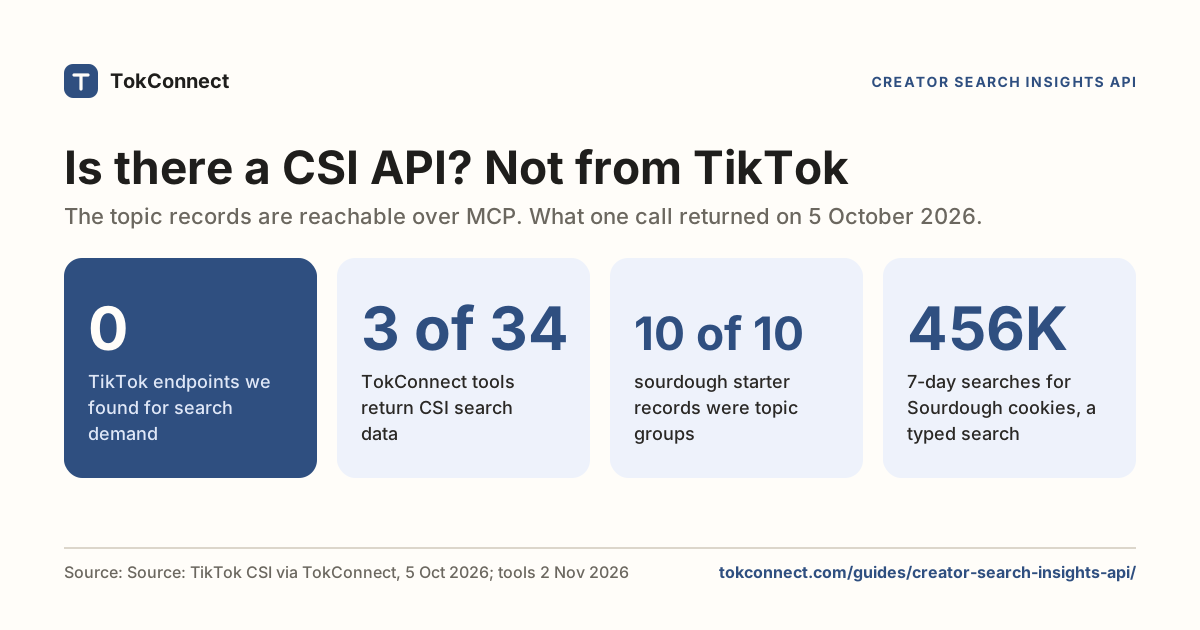
TikTok has no official API for any of this. Creator Search Insights and Creative Center show trends in the app and on the web, but neither has an endpoint or an export (see the TikTok trends API guide for what does and does not exist). TokConnect returns that data over REST and MCP under one key, so an agent can read it directly. Every route used below is documented in the API reference.
Python 3.9 or newer, a TokConnect API key from app.tokconnect.com/api-key (the REST API is on every paid plan; MCP works on the free plan too), and an Anthropic API key for Part 2b. Download the finished script: trend-research-agent.py.
Part 1: the fastest path, no code
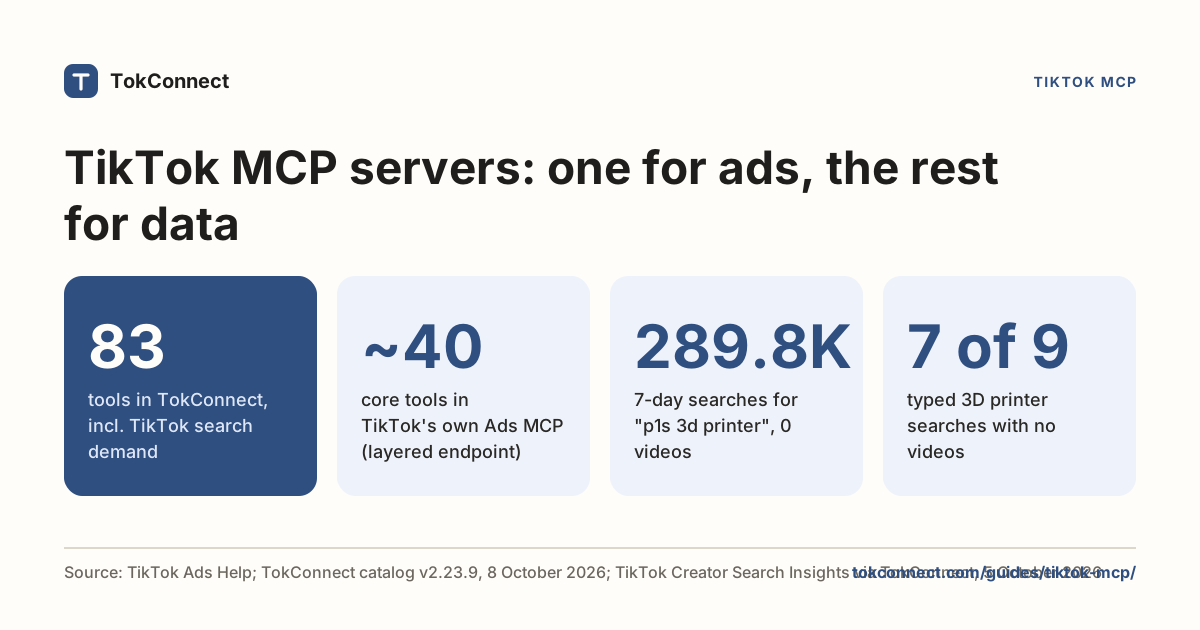
Connect the TokConnect MCP server once and Claude or ChatGPT can call the same tools the code below calls. Follow the one-page setup for Claude Desktop, Claude Code or ChatGPT (all clients are on the connect page), then paste a research prompt:
You are my TikTok trend analyst. My niche is [your niche], my market is the US. Find what people search for in this niche this week, which related searches are rising, which searches have demand but few videos, the trending hashtags, and the most-liked videos from the last 7 days. Quote the 7-day search numbers exactly. Finish with three video ideas and one product angle if the niche sells on TikTok Shop.
That is a complete trend research agent, run by hand. It stops being enough when you want the same brief every Monday without opening a chat, want the output in Slack, or want to feed several niches through one pipeline. That is the code path.
Part 2a: pull the data from the REST API
Every TokConnect route is a GET on https://api.tokconnect.com, authenticated with an X-API-Key header (Authorization: Bearer also works). A successful response is {"data": ..., "meta": {"credits_charged": 1, "credits_remaining": ..., "request_id": ...}}. These six routes cover a trend brief:
| Question | Route | Parameters we use |
|---|---|---|
| What do people search for this keyword? | GET /v1/searches | keyword, language, limit |
| What searches are rising? | GET /v1/searches/trending | category, limit |
| Where is demand high and content missing? | GET /v1/searches/feed | channel=content_gap, limit |
| Which hashtags are trending in a market? | GET /v1/charts/hashtags | region, period (7, 30, 90), limit |
| Which videos are winning this week? | GET /v1/search/videos | keyword, sort=most_liked, date=week, region |
| What sells on TikTok Shop? | GET /v1/products/top | keyword, window=7d, region |
Each topic in the search routes carries searchVolume, TikTok's 7-day popularity figure for the topic (never a monthly count), videoCount (0 means nobody has made a video for it yet, a content gap) and a seven-day daily series. The guide on TikTok search volume explains the number in detail.
The client and the six tool functions
Save everything below as trend_agent.py; the three code blocks are consecutive parts of one file. This first block is the TokConnect client plus one small function per route. The client handles the three errors you will meet: 401 (key missing or revoked) and 402 (credits used up) stop the run, while 429 and 5xx are retried after the Retry-After wait. Failed calls are never charged, so retrying costs nothing. It also counts calls, so a run can never spend more than its budget.
trend_agent.py, part 1 of 3: client and tools
import argparse
import datetime
import json
import os
import smtplib
import sys
import time
from email.message import EmailMessage

import requests

API = "https://api.tokconnect.com"


class TokConnectFatal(Exception):
    """Bad key or no credits: nothing the agent can fix, so stop the run."""


class TokConnectError(Exception):
    """A call failed in a way the model can react to (bad argument, upstream error)."""


class TokConnect:
    def __init__(self, api_key, max_calls=20):
        self.http = requests.Session()
        self.http.headers.update({"X-API-Key": api_key, "Accept": "application/json"})
        self.max_calls = max_calls
        self.calls = 0       # successful calls this run
        self.credits = 0     # credits charged this run
        self.remaining = None

    def get(self, path, **params):
        if self.calls >= self.max_calls:
            raise TokConnectError(f"Call budget of {self.max_calls} reached. Write the brief with what you have.")
        params = {k: v for k, v in params.items() if v is not None}
        for attempt in range(4):
            try:
                r = self.http.get(API + path, params=params, timeout=60)
            except requests.RequestException as exc:
                if attempt == 3:
                    raise TokConnectError(f"Network error: {exc}") from exc
                time.sleep(2 ** attempt)
                continue
            if r.status_code == 200:
                body = r.json()
                meta = body.get("meta", {})
                self.calls += 1
                self.credits += meta.get("credits_charged", 1)
                self.remaining = meta.get("credits_remaining", self.remaining)
                return body["data"]
            err = (r.json().get("error", {}) if r.headers.get("content-type", "").startswith("application/json") else {})
            if r.status_code == 401:
                raise TokConnectFatal("401: missing or revoked TokConnect key. Check TOKCONNECT_API_KEY.")
            if r.status_code == 402:
                raise TokConnectFatal("402: out of credits for this period. Upgrade or wait for renewal.")
            if r.status_code == 429 or r.status_code >= 500:
                wait = int(r.headers.get("Retry-After", 2 ** attempt * 2))
                if attempt == 3:
                    raise TokConnectError(f"{r.status_code} after retries: {err.get('message', '')}")
                time.sleep(min(wait, 60))   # failed calls are not charged, so retrying is free
                continue
            raise TokConnectError(f"{r.status_code} {err.get('type', '')}: {err.get('message', r.text[:200])}")


def _topics(data, n):
    return [
        {"topic": t["queryText"], "searches_7d": t["searchVolume"], "videos": t["videoCount"],
         "popularity": t["popularity"], "daily_7d": t["trend7d"]}
        for t in data.get("topics", [])[:n]
    ]


def search_demand(tc, keyword, language="en"):
    """What people search on TikTok for a keyword (7-day search popularity)."""
    return _topics(tc.get("/v1/searches", keyword=keyword, language=language, limit=10), 10)


def trending_searches(tc, category="all"):
    """Rising search topics on TikTok this week, optionally for one category."""
    return _topics(tc.get("/v1/searches/trending", category=category, limit=15), 15)


def content_gaps(tc, channel="content_gap"):
    """Searches with strong demand and few videos (videos == 0 is a gap)."""
    return _topics(tc.get("/v1/searches/feed", channel=channel, limit=15), 15)


def trending_hashtags(tc, region="US", period="7"):
    """TikTok's trending hashtags chart for a market."""
    data = tc.get("/v1/charts/hashtags", region=region, period=period, limit=15)
    return [
        {"rank": h["rank"], "hashtag": h["name"], "posts": h["posts"], "views": h["views"],
         "popularity_last_day": (h.get("popularity") or [[None, None]])[-1][1]}
        for h in data.get("items", [])
    ]


def top_videos(tc, keyword, region="US"):
    """Most-liked videos posted in the last week for a keyword."""
    data = tc.get("/v1/search/videos", keyword=keyword, sort="most_liked", date="week", region=region, limit=10)
    return [
        {"caption": v["caption"][:140], "views": v["views"], "likes": v["likes"], "shares": v["shares"],
         "creator": v["creator"]["handle"], "followers": v["creator"]["followers"],
         "posted": v["posted"], "url": v["url"]}
        for v in data.get("videos", [])
    ]


def shop_best_sellers(tc, keyword, region="US"):
    """TikTok Shop products ranked by estimated revenue over the last 7 days."""
    data = tc.get("/v1/products/top", keyword=keyword, window="7d", region=region, limit=10)
    return [
        {"product": p["product_title"][:90], "revenue_7d": p["revenue"], "units_7d": p["sale"],
         "price": p["unit_price"], "creators": p["creator_num"], "launched": p["launch_date"],
         "commission": p["commission_rate"]}
        for p in data.get("items", [])
    ]


def pull_snapshot(tc, niche, region):
    """The fixed pipeline: six calls, no model. Useful as a test and as a fallback."""
    return {
        "demand": search_demand(tc, niche),
        "rising_searches": trending_searches(tc),
        "content_gaps": content_gaps(tc),
        "hashtags": trending_hashtags(tc, region),
        "top_videos": top_videos(tc, niche, region),
        "shop_best_sellers": shop_best_sellers(tc, niche, region),
    }
Install the dependencies and run the data pull on its own before any model is involved:
pip install requests anthropic
export TOKCONNECT_API_KEY="tc_..."
python trend_agent.py pull --niche "skincare" --region US
It prints one JSON object with six keys (demand, rising_searches, content_gaps, hashtags, top_videos, shop_best_sellers) and, on stderr, how many credits it used: six calls, six credits. The shape of two of those keys looks like this (values here are the example responses from the API reference, not a live pull):
"rising_searches": [
  {"topic": "gabriel penalty miss ballon dor", "searches_7d": 33137737,
   "videos": 0, "popularity": 93, "daily_7d": [0, 0, 0]}
],
"hashtags": [
  {"rank": 1, "hashtag": "tiktokscaryhorrorcontest", "posts": 73462,
   "views": 312182870, "popularity_last_day": 62.601}
]
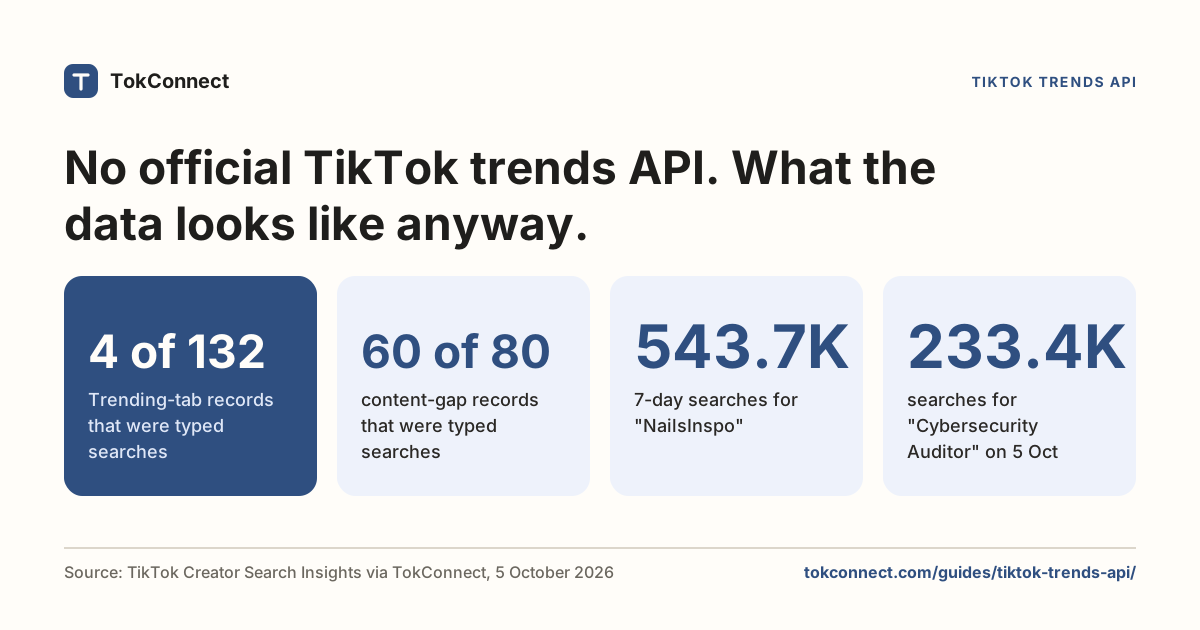
Shape check: the pull and agent code was exercised against a local server returning the API reference's example responses, including a 429 retry and a 401, on 15 November 2026. For real numbers, see the trends API guide, which pulled "NailsInspo" at 543,663 weekly searches on 5 October 2026.
Part 2b: the agent loop with Claude tool use
The fixed pull above is a pipeline: the same six calls every time. An agent decides which calls to make. If rising searches surface a food trend, it can look up demand for that exact phrase and fetch its top videos before writing. The loop is the standard Claude tool use pattern: send the tools, run whatever tool_use blocks come back, return every tool_result in one user message, and repeat until Claude answers without calling a tool.
Each tool wraps exactly one TokConnect route, and the descriptions tell Claude what the numbers mean, so it does not call searches_7d a monthly figure. The model defaults to claude-sonnet-5-5, which is plenty for a research brief; set CLAUDE_MODEL=claude-opus-5-5 if you want the larger model.
trend_agent.py, part 2 of 3: tools for Claude and the loop
MODEL = os.environ.get("CLAUDE_MODEL", "claude-sonnet-5-5")

TOOLS = [
    {"name": "search_demand",
     "description": "How many people search a keyword on TikTok this week, with related topics. Returns searches_7d (TikTok's 7-day popularity figure, never a monthly count), videos (0 means a content gap) and a daily series.",
     "input_schema": {"type": "object", "properties": {"keyword": {"type": "string"}}, "required": ["keyword"], "additionalProperties": False}},
    {"name": "trending_searches",
     "description": "Rising search topics on TikTok right now. category is one of all, Fashion, Food, Sports, Tourism, Gaming, Science.",
     "input_schema": {"type": "object", "properties": {"category": {"type": "string", "enum": ["all", "Fashion", "Food", "Sports", "Tourism", "Gaming", "Science"]}}, "additionalProperties": False}},
    {"name": "content_gaps",
     "description": "Searches with high demand and few videos. channel is content_gap, or a category: lifestyle, fashion, food, sports, tourism, gaming, science.",
     "input_schema": {"type": "object", "properties": {"channel": {"type": "string", "enum": ["content_gap", "suggested", "lifestyle", "fashion", "food", "sports", "tourism", "gaming", "science"]}}, "additionalProperties": False}},
    {"name": "trending_hashtags",
     "description": "TikTok's trending hashtags in one market over 7, 30 or 90 days, with posts and views.",
     "input_schema": {"type": "object", "properties": {"region": {"type": "string", "description": "US, GB, DE, FR, ES, JP, TH, VN, ID, MY, PH, BR, MX, PL, IT, NL or IE"}, "period": {"type": "string", "enum": ["7", "30", "90"]}}, "additionalProperties": False}},
    {"name": "top_videos",
     "description": "The most-liked videos from the last week for a keyword: caption, views, likes, shares, creator, link.",
     "input_schema": {"type": "object", "properties": {"keyword": {"type": "string"}, "region": {"type": "string"}}, "required": ["keyword"], "additionalProperties": False}},
    {"name": "shop_best_sellers",
     "description": "TikTok Shop products matching a keyword, ranked by estimated revenue over the last 7 days. Use only when the niche sells products.",
     "input_schema": {"type": "object", "properties": {"keyword": {"type": "string"}, "region": {"type": "string"}}, "required": ["keyword"], "additionalProperties": False}},
]
HANDLERS = {f.__name__: f for f in
            (search_demand, trending_searches, content_gaps, trending_hashtags, top_videos, shop_best_sellers)}


def run_tool(tc, name, args):
    try:
        return json.dumps(HANDLERS[name](tc, **args))
    except TokConnectError as exc:           # the model can read this and adjust
        return json.dumps({"error": str(exc)})
    except (TypeError, KeyError) as exc:     # unknown tool or bad arguments
        return json.dumps({"error": f"Bad tool call {name}: {exc}"})


def build_system(niche, region):
    return (
        f"You are a TikTok trend research analyst. Today is {datetime.date.today():%d %B %Y}. "
        f"The reader works in this niche: {niche}. Market: {region}.\n"
        "Use the tools to find what people search for, which searches are rising, which have few videos, "
        "which hashtags and videos are working this week, and (if the niche sells products) what sells on TikTok Shop. "
        "Start with one call per angle, then dig where something is interesting. Stop after at most 12 calls.\n"
        "Write a weekly brief in Markdown: a 2-sentence summary, then sections 'Rising now', 'Content gaps', "
        "'Hashtags and videos', 'Shop' (skip if irrelevant) and 'Three video ideas for this week'. "
        "Quote numbers exactly as the tools return them and call searches_7d a 7-day figure. "
        "Never invent a number or a link. If a tool returns nothing or an error, say so in one line."
    )


def run_agent(tc, niche, region, max_turns=12):
    import anthropic

    client = anthropic.Anthropic()   # reads ANTHROPIC_API_KEY
    messages = [{"role": "user", "content": f"Write this week's TikTok trend brief for: {niche}."}]
    for _ in range(max_turns):
        try:
            response = client.messages.create(
                model=MODEL,
                max_tokens=16000,
                system=build_system(niche, region),
                tools=TOOLS,
                output_config={"effort": "medium"},
                messages=messages,
            )
        except anthropic.AuthenticationError:
            raise SystemExit("Anthropic rejected ANTHROPIC_API_KEY.")
        except anthropic.RateLimitError as exc:
            raise SystemExit(f"Anthropic rate limit; retry in {exc.response.headers.get('retry-after', '60')}s.")
        if response.stop_reason == "refusal":
            raise SystemExit("Claude declined this request.")
        if response.stop_reason == "max_tokens":
            raise SystemExit("Output hit max_tokens; raise it.")
        messages.append({"role": "assistant", "content": response.content})
        calls = [b for b in response.content if b.type == "tool_use"]
        if not calls:                                   # no tool calls: this is the brief
            return "".join(b.text for b in response.content if b.type == "text")
        results = [{"type": "tool_result", "tool_use_id": b.id, "content": run_tool(tc, b.name, b.input)}
                   for b in calls]
        messages.append({"role": "user", "content": results})  # all results in one message
    raise SystemExit("Hit the turn limit before the brief was written.")
Three details matter. The tool-call budget lives in the client (--max-calls, 20 by default), so a confused model cannot burn your credits; when it runs out, the tool result tells Claude to write the brief with what it has. Tool errors that Claude can fix, such as a bad argument, go back as a normal result with an error field. And the code never sets temperature or a thinking budget: current Claude models reject those, and output_config effort is the one dial.
Optional: skip the tool functions with the MCP connector
TokConnect's MCP server accepts your API key as a bearer token, so the Messages API can connect to it directly and you write no tool wrappers at all. Anthropic's servers make the MCP calls, so the key travels in the request. This uses the MCP connector beta (mcp-client-2025-11-20):
import os
import anthropic

client = anthropic.Anthropic()
response = client.beta.messages.create(
    model="claude-sonnet-5-5",
    max_tokens=16000,
    betas=["mcp-client-2025-11-20"],
    mcp_servers=[{
        "type": "url",
        "url": "https://mcp.tokconnect.com/mcp",
        "name": "tokconnect",
        "authorization_token": os.environ["TOKCONNECT_API_KEY"],
    }],
    tools=[{"type": "mcp_toolset", "mcp_server_name": "tokconnect"}],
    messages=[{"role": "user", "content":
        "Write this week's TikTok trend brief for skincare in the US: rising searches, "
        "content gaps, trending hashtags, top videos from the last 7 days, three video ideas."}],
)
print("".join(b.text for b in response.content if b.type == "text"))
The trade-off: you lose the call budget and the trimming that keep the REST version cheap, because the full MCP tool list goes to the model and results arrive untrimmed. Use the REST version for a scheduled job and the connector for a quick prototype.
Part 3: run it every week and send it to Slack or email
The last block of the file saves each brief to briefs/, posts it to a Slack incoming webhook when SLACK_WEBHOOK_URL is set, and emails it over SMTP when SMTP_HOST is set. Use either, both or neither.
trend_agent.py, part 3 of 3: delivery and the command line
def post_to_slack(text):
    url = os.environ.get("SLACK_WEBHOOK_URL")
    if not url:
        return False
    body = text.replace("**", "*")[:39000]    # Slack mrkdwn uses single asterisks
    requests.post(url, json={"text": body}, timeout=30).raise_for_status()
    return True


def send_email(subject, text):
    host = os.environ.get("SMTP_HOST")
    if not host:
        return False
    msg = EmailMessage()
    msg["Subject"], msg["From"], msg["To"] = subject, os.environ["MAIL_FROM"], os.environ["MAIL_TO"]
    msg.set_content(text)
    with smtplib.SMTP(host, int(os.environ.get("SMTP_PORT", "587"))) as s:
        s.starttls()
        s.login(os.environ["SMTP_USER"], os.environ["SMTP_PASSWORD"])
        s.send_message(msg)
    return True


def main():
    ap = argparse.ArgumentParser(description="Weekly TikTok trend research agent")
    ap.add_argument("mode", choices=["pull", "agent"])
    ap.add_argument("--niche", default="skincare")
    ap.add_argument("--region", default="US")
    ap.add_argument("--max-calls", type=int, default=20)
    args = ap.parse_args()

    key = os.environ.get("TOKCONNECT_API_KEY")
    if not key:
        sys.exit("Set TOKCONNECT_API_KEY (get one at https://app.tokconnect.com/api-key).")
    tc = TokConnect(key, max_calls=args.max_calls)
    try:
        if args.mode == "pull":
            print(json.dumps(pull_snapshot(tc, args.niche, args.region), indent=2))
        else:
            brief = run_agent(tc, args.niche, args.region)
            stamp = f"{datetime.date.today():%Y-%m-%d}"
            os.makedirs("briefs", exist_ok=True)
            with open(f"briefs/{stamp}-{args.niche.replace(' ', '-')}.md", "w") as f:
                f.write(brief)
            print(brief)
            post_to_slack(brief)
            send_email(f"TikTok trend brief: {args.niche} ({stamp})", brief)
    except TokConnectFatal as exc:
        sys.exit(str(exc))
    finally:
        print(f"\n[{tc.credits} TokConnect credits used, {tc.remaining} left]", file=sys.stderr)


if __name__ == "__main__":
    main()
Run it by hand first with python trend_agent.py agent --niche "skincare". Then schedule it. With cron, add one line (every Monday at 08:00, with the keys in the crontab environment or a sourced file):
0 8 * * 1 cd /home/you/trend-agent && . ./.env && python trend_agent.py agent --niche "skincare" >> run.log 2>&1Or run it on GitHub Actions, which needs no server. Store the keys as repository secrets and commit this file as .github/workflows/trend-brief.yml:
name: weekly-trend-brief
on:
  schedule:
    - cron: "0 8 * * 1"
  workflow_dispatch:
jobs:
  brief:
    runs-on: ubuntu-latest
    steps:
      - uses: actions/checkout@v4
      - uses: actions/setup-python@v5
        with:
          python-version: "3.12"
      - run: pip install requests anthropic
      - run: python trend_agent.py agent --niche "skincare" --region US
        env:
          TOKCONNECT_API_KEY: ${{ secrets.TOKCONNECT_API_KEY }}
          ANTHROPIC_API_KEY: ${{ secrets.ANTHROPIC_API_KEY }}
          SLACK_WEBHOOK_URL: ${{ secrets.SLACK_WEBHOOK_URL }}
GitHub's schedule trigger runs in UTC and can start a few minutes late, which does not matter for a weekly brief. workflow_dispatch adds a run button for testing.
What a run costs, and the limits
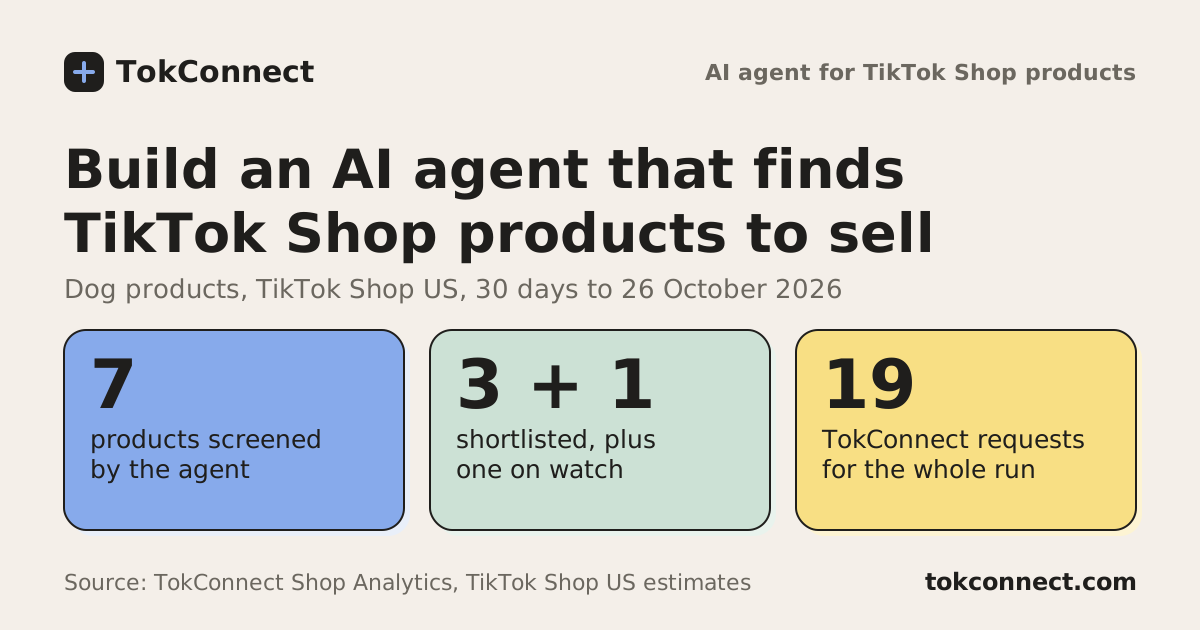
TokConnect charges 1 credit per successful call; failed calls are free. The fixed pull is 6 credits. The agent is capped by --max-calls, 20 by default, and the system prompt asks it to stop at 12 calls, so a weekly run costs between 6 and 20 credits: under 90 credits a month, well inside the 600 credits of the entry paid plan (from $34.99 a month billed yearly). Adding more niches multiplies it, so run one niche per job and set the cap per niche. The Claude side is billed separately by Anthropic by tokens; the trimmed tool results keep the input small.
| Situation | HTTP status | What the script does |
|---|---|---|
| Key missing or revoked | 401, unauthorized | Stops with a clear message |
| No credits left this period | 402, credits_exhausted | Stops; top up or wait for renewal |
| Over requests per minute or calls at once | 429, rate_limited | Waits for Retry-After, retries up to 3 times |
| Bad argument | 400, invalid_request | Returned to Claude, which corrects the call |
Two limits to design around. Search and chart routes return at most 20 topics, 20 videos or 50 hashtags per page, and the hashtag chart is empty for PL, NL and IE. And the search figure is a 7-day popularity reading: compare it week to week, never add days together. The TokConnect CLI is a quicker way to try any route from a terminal before you wire it into a tool.
Where to take it next
Add a tool per route as the brief needs it: /v1/searches/{id}/popularity for a 180-day series on one topic, /v1/videos/{id}/comments for what viewers ask, /v1/products/{id}/trend for a product's daily sales. Store each week's output and have the agent diff against last week, which is where a trend brief becomes a trend tracker. For a Shop-focused version of this agent, see the TikTok Shop research agent guide. When you are ready, get your API key.
Frequently asked questions
How do I build an AI agent that researches TikTok trends?
Give a model tools that read TikTok data and a loop that runs them. With TokConnect, each tool wraps one REST route (search demand, rising searches, trending hashtags, top videos, Shop best sellers), and Claude's tool-use loop decides which to call and writes the brief. The script on this page does it in one Python file.
Is there an official TikTok API for trends?
No. Creator Search Insights and Creative Center show trends but have no public endpoint. TokConnect returns the same kind of search and trend data over REST and MCP. See the TikTok trends API guide.
How much does it cost to run a trend research agent weekly?
On TokConnect, 1 credit per successful call: a fixed data pull is 6 credits and the agent is capped at 20 per run, so under 90 credits a month. Claude token costs are billed separately by Anthropic.
Can I use ChatGPT or Claude without writing code?
Yes. Connect the TokConnect MCP server from the connect page and paste a research prompt. The code is for scheduled, repeatable briefs.