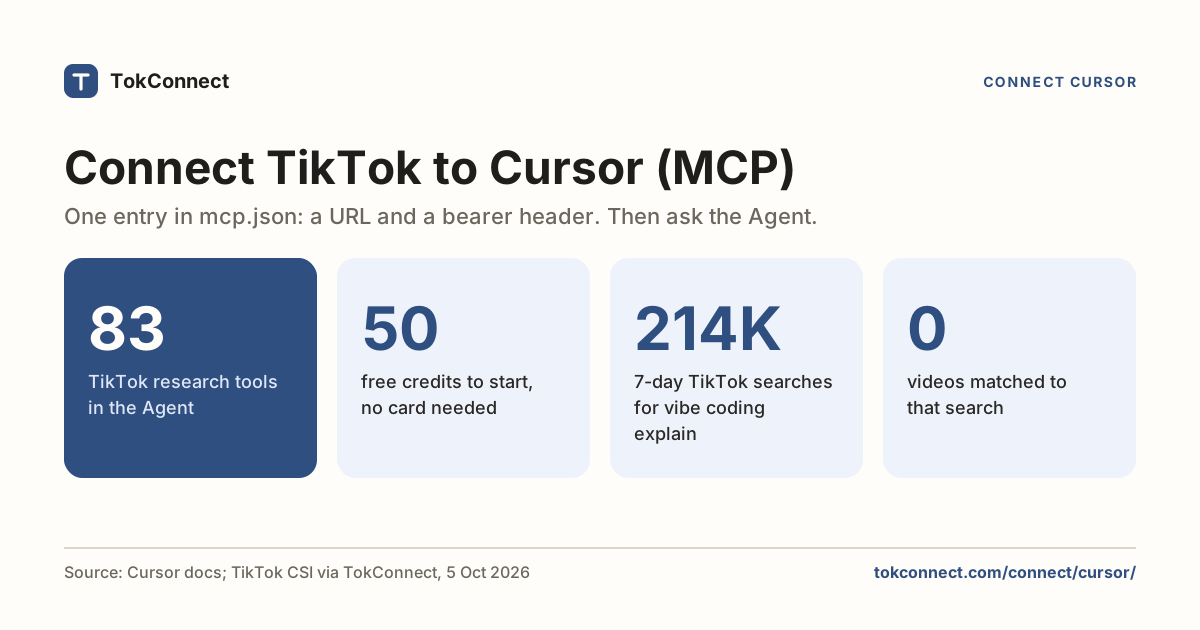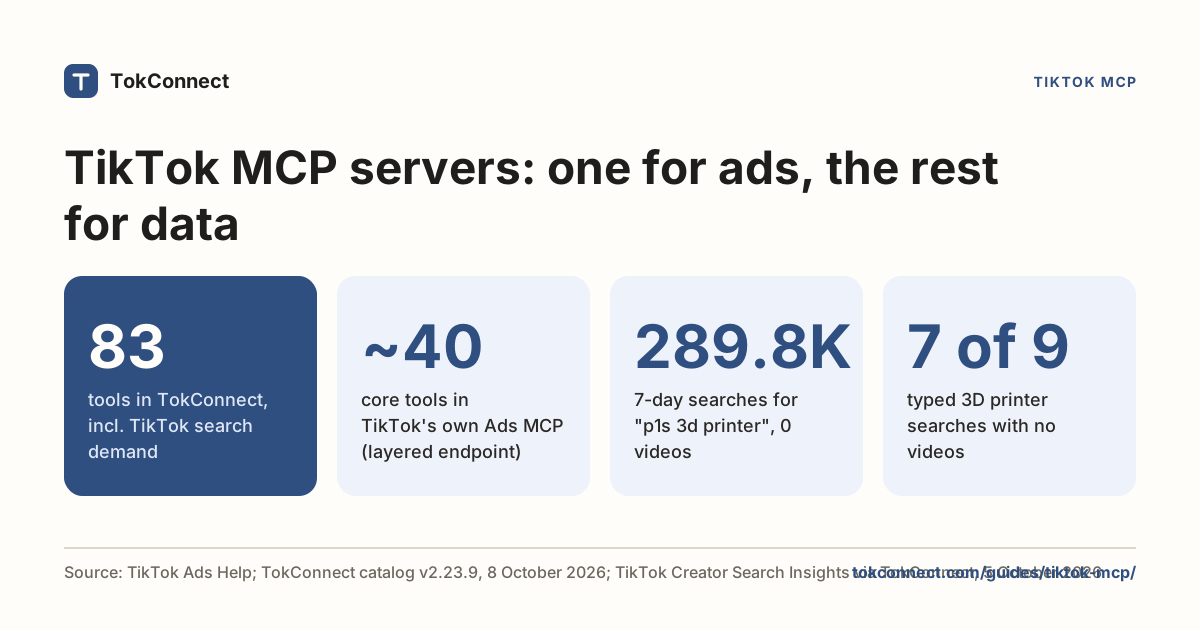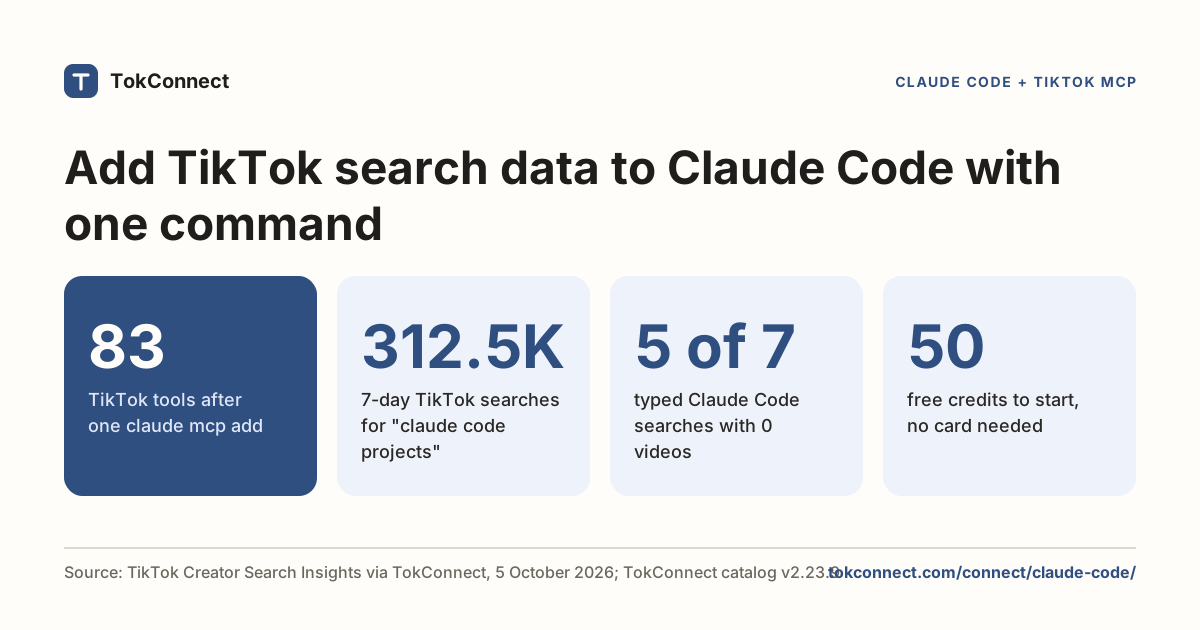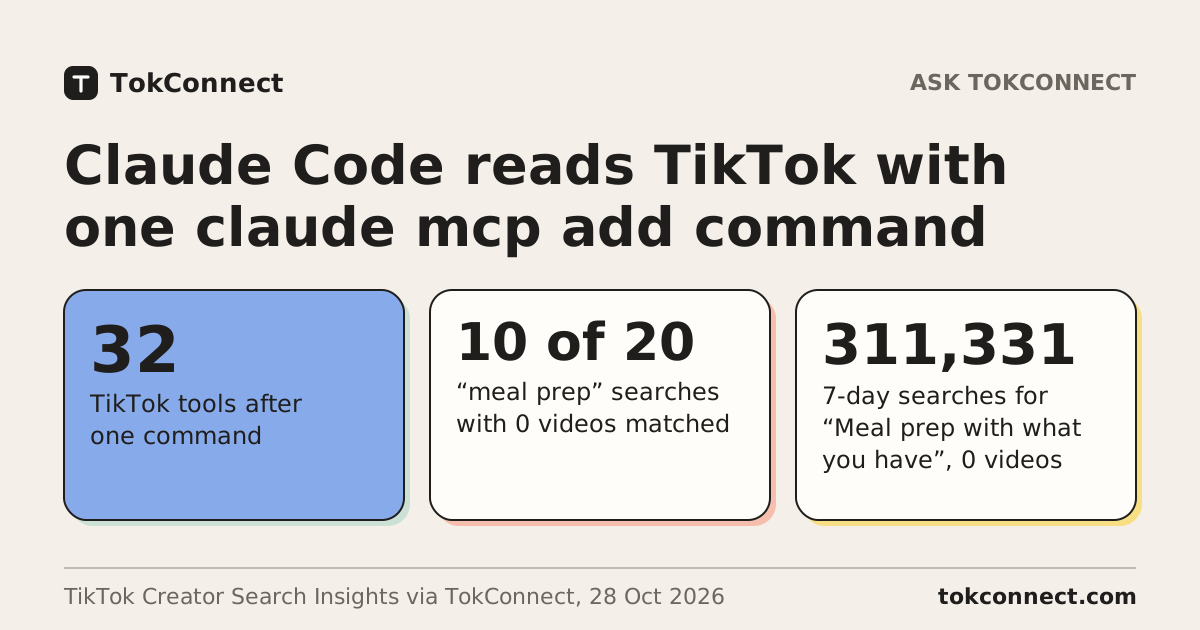

The Cursor MCP server setup for TikTok data is one entry in mcp.json that adds TokConnect, the TikTok research platform with an MCP server for ChatGPT, Claude, Cursor and Claude Code. Cursor's Agent can then see what people search, watch, say and buy on TikTok, with 32 tools: search demand, videos, comments, transcripts, creators and TikTok Shop sales.
Get your key at app.tokconnect.com/account, paste the config below, and switch the server on in Customize. Free to start, no card.
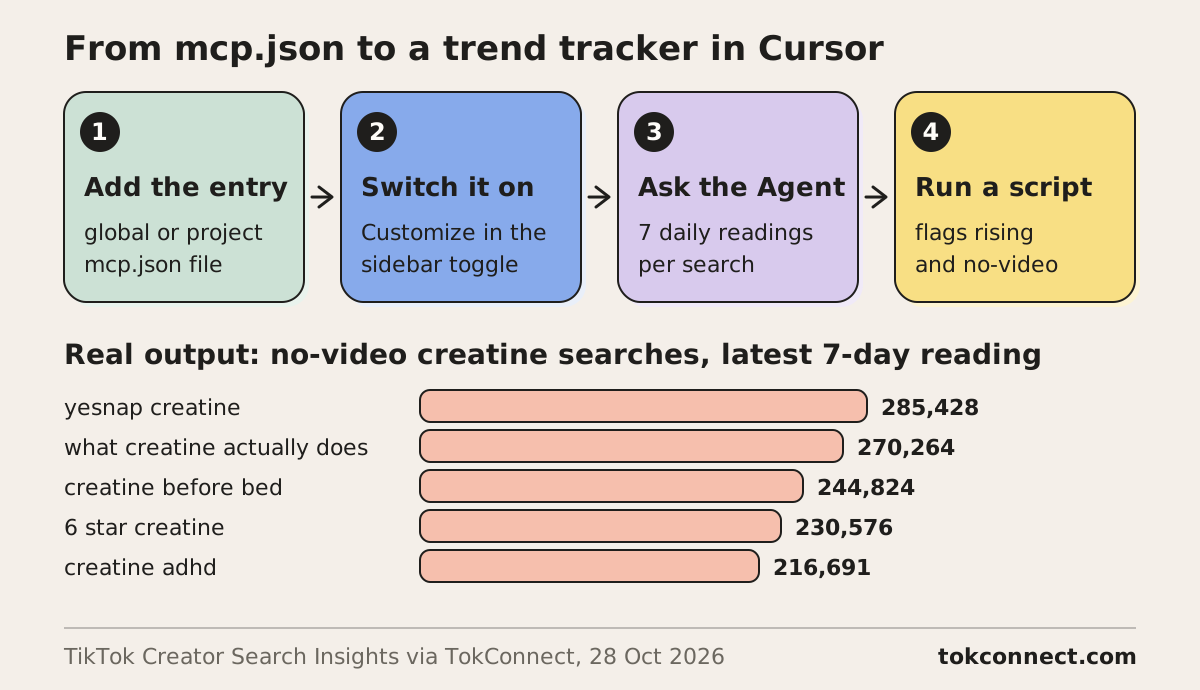
- To set up Cursor for TikTok data, add a tokconnect entry with the URL https://mcp.tokconnect.com/mcp and an Authorization header to ~/.cursor/mcp.json (global) or .cursor/mcp.json (project). TokConnect then gives Cursor's Agent 32 TikTok research tools.
- Use ${env:TOKCONNECT_TOKEN} in the header and export your key in the shell, so the file never holds the key. Switch the server on from Customize in the sidebar.
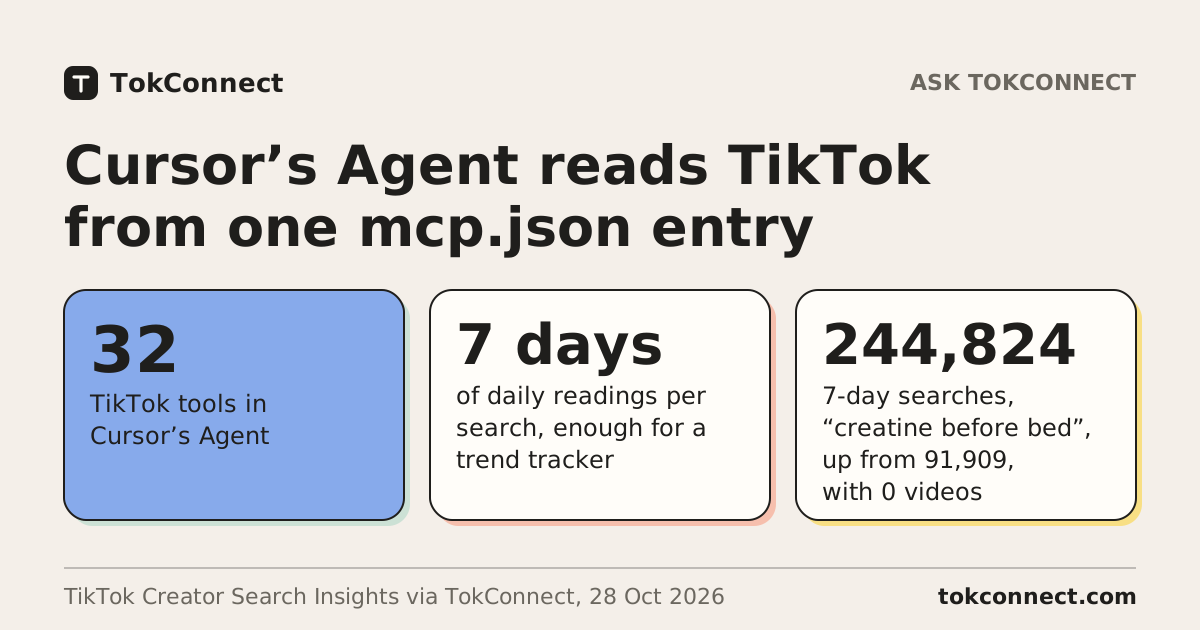
- A trend tracker built on TokConnect's 7 daily search readings found 3 creatine searches that were both rising and without a video, led by "creatine before bed" at 244,824 searches in 7 days.
- New accounts start free with 50 credits and no card, and every paid plan includes MCP access.
The config: global and project
Cursor reads two files. Put TokConnect in the global file to have it in every project, or in the project file to share it with your team.
Global: ~/.cursor/mcp.json
{
  "mcpServers": {
    "tokconnect": {
      "url": "https://mcp.tokconnect.com/mcp",
      "headers": {
        "Authorization": "Bearer ${env:TOKCONNECT_TOKEN}"
      }
    }
  }
}
Then export the variable before you launch Cursor:
export TOKCONNECT_TOKEN="YOUR_TOKCONNECT_KEY"Project: .cursor/mcp.json
Create .cursor/mcp.json in the project root with the same entry. Because this file travels with the repo, keep the ${env:TOKCONNECT_TOKEN} placeholder in it and let each person export their own key.
{
  "mcpServers": {
    "tokconnect": {
      "url": "https://mcp.tokconnect.com/mcp",
      "headers": {
        "Authorization": "Bearer ${env:TOKCONNECT_TOKEN}"
      }
    }
  }
}
Cursor's docs list these variables for the command, args, env, url and headers fields: ${env:NAME}, ${userHome}, ${workspaceFolder}, ${workspaceFolderBasename} and ${pathSeparator}. A remote entry needs only url and headers.
Or sign in without a key
Cursor also supports OAuth for remote servers, and TokConnect supports that sign-in. An entry with only "url": "https://mcp.tokconnect.com/mcp" and no headers should send you to a TokConnect sign-in page instead.
Where to switch it on in Cursor
- Save the config file and restart Cursor, so it picks up your exported key.
- Open Customize in the sidebar. Cursor's docs say you enable or disable MCP servers there, and a disabled server does not load or appear in chat.
- Find tokconnect and switch it on. It should list 32 tools.
- Open the Agent and ask a question. By default Cursor asks for approval before the Agent uses an MCP tool, and MCP tools follow the same run modes as terminal commands.
A worked example: a TikTok trend tracker in Cursor's Agent
Here is a task that fits an editor. Ask the Agent for real search counts, then have it build a small tracker around them. These are real results from TokConnect's server on 28 October 2026.
Use the tokconnect MCP server. Call demand_find_topics for "creatine" with limit 20. Then write tracker.py that reads each typed search's 7 daily readings, drops TikTok's topic groups, and prints the searches that are rising or have no videos.
The server returns 20 topics, each with a 7-day count, a video count and the 7 daily readings. Two of the records:
{ "queryText": "what does creatine do", "searchVolume": 267573, "videoCount": 1088,
  "trend7d": [104089, 309868, 118488, 268673, 115988, 256474, 267573] }
{ "queryText": "creatine what does it do for you", "searchVolume": 238871, "videoCount": 0,
  "trend7d": [154646, 224667, 295288, 88226, 400, 229268, 238871] }
One of the 20 is a TikTok topic group, "creatine products and usage" at 4,768,930, a figure that pools many related searches, so the script leaves it out. This is a tracker script that works on that response:
import json, sys

topics = json.load(open(sys.argv[1]))["response"]["topics"]
rows = []
for t in topics:
    days = t["trend7d"]
    first, last = days[0], days[-1]
    # TikTok topic groups pool many searches, so leave them out
    if last >= 5_000_000 or (last >= 1_000_000 and first < 0.05 * last):
        continue
    rising = first >= 1000 and last >= 1.5 * first
    rows.append((t["queryText"], last, min(days), max(days), t["videoCount"], rising))

rows.sort(key=lambda r: -r[1])
print(f"{'search':34}{'latest':>9}{'low':>9}{'high':>9}{'videos':>8}  flag")
for q, last, lo, hi, vids, rising in rows:
    flag = ", ".join(f for f, on in (("rising", rising), ("no videos", vids == 0)) if on)
    print(f"{q:34}{last:>9,}{lo:>9,}{hi:>9,}{vids:>8}  {flag}")
Run on the saved response, it prints this (the top 11 of 19 rows):
search                               latest      low     high  videos  flag
what studies say about creatine     518,744  518,744  518,744       0  no videos
yesnap creatine                     285,428  151,715  342,134       0  no videos
what creatine actually does         270,264  138,730  403,598       0  no videos
what does creatine do               267,573  104,089  309,868    1088  rising
creatine benifts                    265,326  139,413  265,326     752
creatine before bed                 244,824   91,909  276,127       0  rising, no videos
creapure creatine                   242,178  122,038  283,658     522
creatine what does it do for you    238,871      400  295,288       0  rising, no videos
6 star creatine                     230,576   46,195  270,772       0  rising, no videos
no creatine vs creatine             220,933  148,555  318,004     449
creatine adhd                       216,691   52,673  330,034       0  no videos
Three searches are both rising and without a single video: "creatine before bed", "creatine what does it do for you" and "6 star creatine". Those are your next three topics. Wire the script to a weekly run and the Agent keeps a trend tracker without you opening TikTok.
Data: TikTok Creator Search Insights via TokConnect, global, 7 days to 28 October 2026. Rising means the latest reading is at least 1.5 times the first of the 7. Open the data and the script.
Run it on your niche:
Use the tokconnect MCP server. Call demand_find_topics for "[your niche]" with limit 20, drop TikTok's topic groups, and write the typed searches with their 7 daily readings and video counts to a CSV in this repo. Flag the ones that are rising or have no videos.
More to build once it is connected
The tracker is one idea. Once TokConnect is on, the Agent can turn TikTok research into files in your repo. Paste any of these:
Use TokConnect. For [your niche], find the five biggest typed searches with 0 videos matched, then write content-calendar.md with one video idea for each, using the hook of the top video in the niche as the model.
Use TokConnect. Call product_top_selling for "[your product]" with window 30d and limit 10. Write price, estimated revenue, estimated units and the number of creators selling it to products.csv.
Use TokConnect. Read the comments under the top 3 TikTok videos about [your product] and write the questions that come up more than once to faq-ideas.md.
Each one starts from real TikTok data and ends in a file you can review, commit and rerun.
Troubleshooting
| What you see | Cause | Fix |
|---|---|---|
| No tokconnect in Customize | Invalid JSON, or the file is in the wrong place. | Check the path is ~/.cursor/mcp.json or .cursor/mcp.json. Open the Output panel with Cmd+Shift+U and pick MCP Logs from the dropdown to see parse errors. |
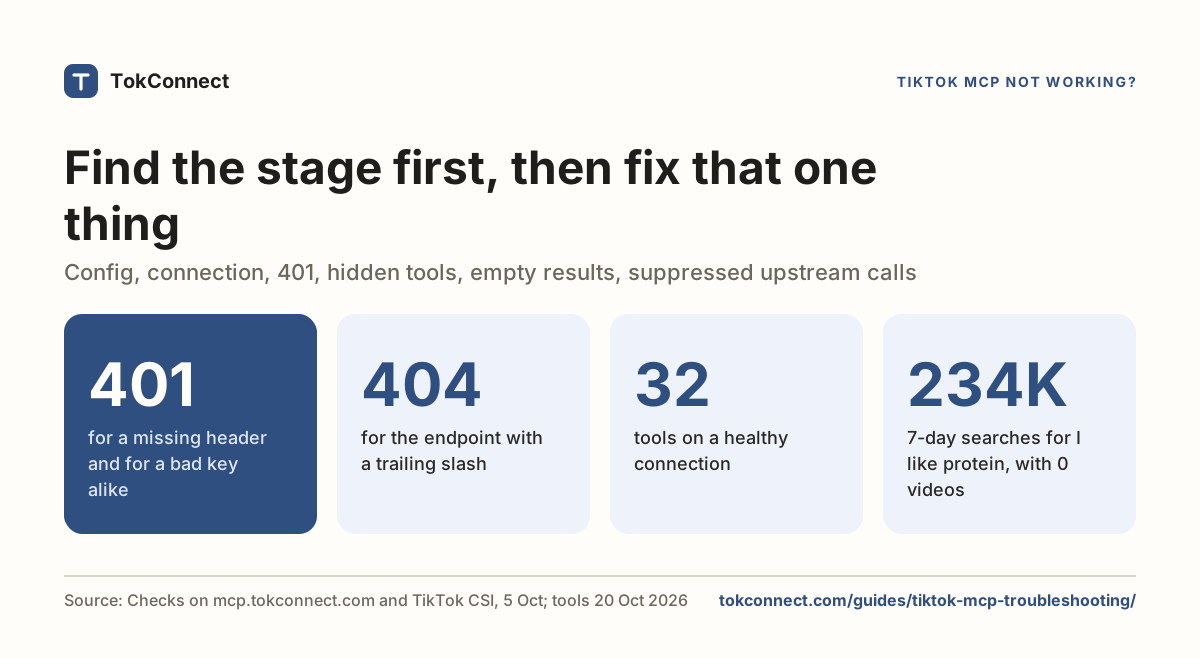
| 401 from the server | ${env:TOKCONNECT_TOKEN} resolved to nothing, so the header read Bearer and a space. | Export the variable where Cursor can see it, then restart Cursor. If you launch Cursor from the dock, it may not see a variable exported in your shell. To rule the variable out, paste the key into the header once. |
| Server on, Agent never calls it | The prompt did not point at TikTok data, or tool approval is waiting. | Say "Use the tokconnect MCP server", and approve the tool when Cursor asks. |
| Another MCP server is failing | A broken entry elsewhere in your config. | Cursor isolates server failures, so tokconnect keeps working. Fix the other entry from the MCP Logs. |
An empty result from a tool is TikTok's answer, not a broken connection. More fixes are in the TikTok MCP troubleshooting guide.
What it costs
Every TokConnect plan includes MCP access. New accounts start free with 50 credits and no card.
| Plan | Billed monthly | Billed yearly |
|---|---|---|
| Free | 50 credits once, no card | |
| Starter | $49 a month | $34.99 a month |
| Growth | $99 a month | $69.99 a month |
| Pro | $199 a month | $139.99 a month |
Details are on the pricing page. For the same server in other apps, see Claude Code MCP server configuration for TikTok data, TikTok MCP server for marketers, and the short guides for Cursor and Claude Code.
How we got these numbers
Every Cursor fact on this page comes from Cursor's MCP documentation, checked 28 October 2026: the two config file locations, the remote entry shape, variable interpolation, OAuth for remote servers, Customize, MCP Logs, tool approval and failure isolation.
On 28 October 2026 we made one Creator Search Insights topic search for "creatine" (20 topics: 19 typed searches and one TikTok topic group) through TokConnect's MCP server, then ran the tracker script above on the saved response. Cursor's Agent writes its own version of the script, so its code and wording will differ. Search counts are TikTok's global figure for the last 7 days, and the daily readings are TikTok's own series. The tool count comes from the server's own tool list. Data: evidence file.
Key statistics
7 of the 19 typed TikTok searches returned for "creatine" on 28 October 2026 had 0 matching videos.
"creatine before bed" rose from 91,909 to 244,824 across the 7 daily readings to 28 October 2026, and TikTok matched 0 videos to it.
Cursor reads MCP servers from
~/.cursor/mcp.jsonfor every project and from.cursor/mcp.jsonfor one project.
All 5 statistics
Cursor resolves
${env:NAME}in the command, args, env, url and headers fields of mcp.json.TokConnect gives Cursor's Agent 32 TikTok tools.
Frequently asked questions
Where do I switch an MCP server on in Cursor?
In Customize, in the sidebar. Cursor's docs say you enable or disable MCP servers there, and a disabled server does not load or appear in chat. Once tokconnect is on, it should list 32 tools.
How do I see why a Cursor MCP server will not load?
Open the Output panel with Cmd+Shift+U and pick MCP Logs from the dropdown. Parse errors in mcp.json and failed connections show up there. A 401 from TokConnect usually means ${env:TOKCONNECT_TOKEN} resolved to nothing.
Can I use one TikTok MCP key in both Cursor and Claude Code?
Yes. One TokConnect key works in every app. Cursor reads it from the mcp.json entry, and Claude Code takes it in one claude mcp add command. Both use the server address https://mcp.tokconnect.com/mcp.
Should I commit .cursor/mcp.json to git?
Yes, if the header uses the ${env:TOKCONNECT_TOKEN} placeholder, so each person exports their own TokConnect key. Never commit a file that holds the key itself, because anyone who clones the repo can use your account.
Can Cursor's Agent build a TikTok trend tracker?
Yes. With TokConnect, the search-demand tool returns 7 daily readings and a video count for each search, so the Agent can write a script that flags rising searches with no videos. In our creatine run, 3 of 19 searches were both.
Does Cursor ask before an MCP tool runs?
By default, yes. Cursor asks for approval before the Agent uses an MCP tool, and MCP follows the same run modes as terminal commands. Approve the TokConnect tool when it asks.